Tuna Desktop 0.3 — session sign-in and any domain for tunnels
Along with tuna-cli 0.39, Tuna Desktop 0.3 is out. The app got what the CLI already has: device session sign-in, API keys instead of tokens, and DNS checks in diagnostics. And in the new tunnel form, instead of a static subdomain there is now a "Domain" field: any of your domains works there.
Device session sign-in
The Sign in button now creates a device session, just like tuna login in the CLI. Confirm sign-in in the browser, and the app saves the session in the system keychain: Keychain on macOS, Credential Manager on Windows, Secret Service on Linux. If no keychain is available, the session is saved in the app's local database, and Desktop will warn about it.
The Desktop session is visible in your profile alongside CLI sessions. If you terminate it there, the app's tunnels stop immediately and Desktop shows the sign-in screen.
For manual sign-in, the app now uses an API key instead of a token: click sign in with API key below the sign-in button and paste the key from the API keys page. If you were already signed in with a token, there is nothing to do: it has been migrated to an API key and continues to work. You can switch to a session at any time: sign out and sign in again.
Any domain in the tunnel form
Previously, the HTTP tunnel form had a "Static subdomain" field: you entered a name like my-app, and only a subdomain reserved in the Tuna zone worked. Now instead there is a Domain field where you enter the full address:
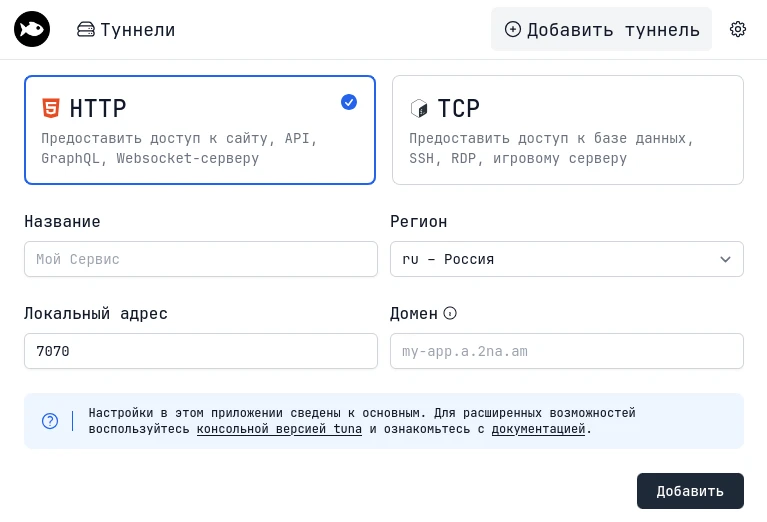
Any of your domains works:
- a subdomain reserved in the dashboard, for example
my-app.a.2na.am; - the permanent free subdomain on the Free plan;
- a custom domain, for example
dev.example.com.
Tunnels created with the old field continue to work as before.
Update notifications with a ready-made command
When a new version is released, Desktop shows how to update on your specific system. On macOS — a link to the DMG, on Windows — to the installer or portable archive, depending on how the app was installed. On Linux — the package manager command for your distribution (apt, dnf, zypper, apt-get on ALT Linux, pacman) with a copy button.
Other changes
- Diagnostics checks DNS. Network diagnostics in settings now shows DNS responses for the API and all Tuna zones instead of IP addresses, with errors highlighted in red. Useful if a corporate firewall or DNS blocks Tuna addresses.
- Clear server errors. If the server responded with an error several times in a row, the log now includes the error message, not just "giving up after 3 attempt(s)".
- TCP tunnel to another host. A local address in the
host:portformat no longer gets a127.0.0.1prefix. - Linux packages in
code.tuna.am. Packages are published to the same repository as tuna-cli. The build for older systems with webkit2gtk 4.0 is calledtuna-desktop-legacy. - Wails 2.17. The app is built on the latest Wails version with vulnerability fixes.
Download the new version from the installation page; the full changelog is in the changelog.
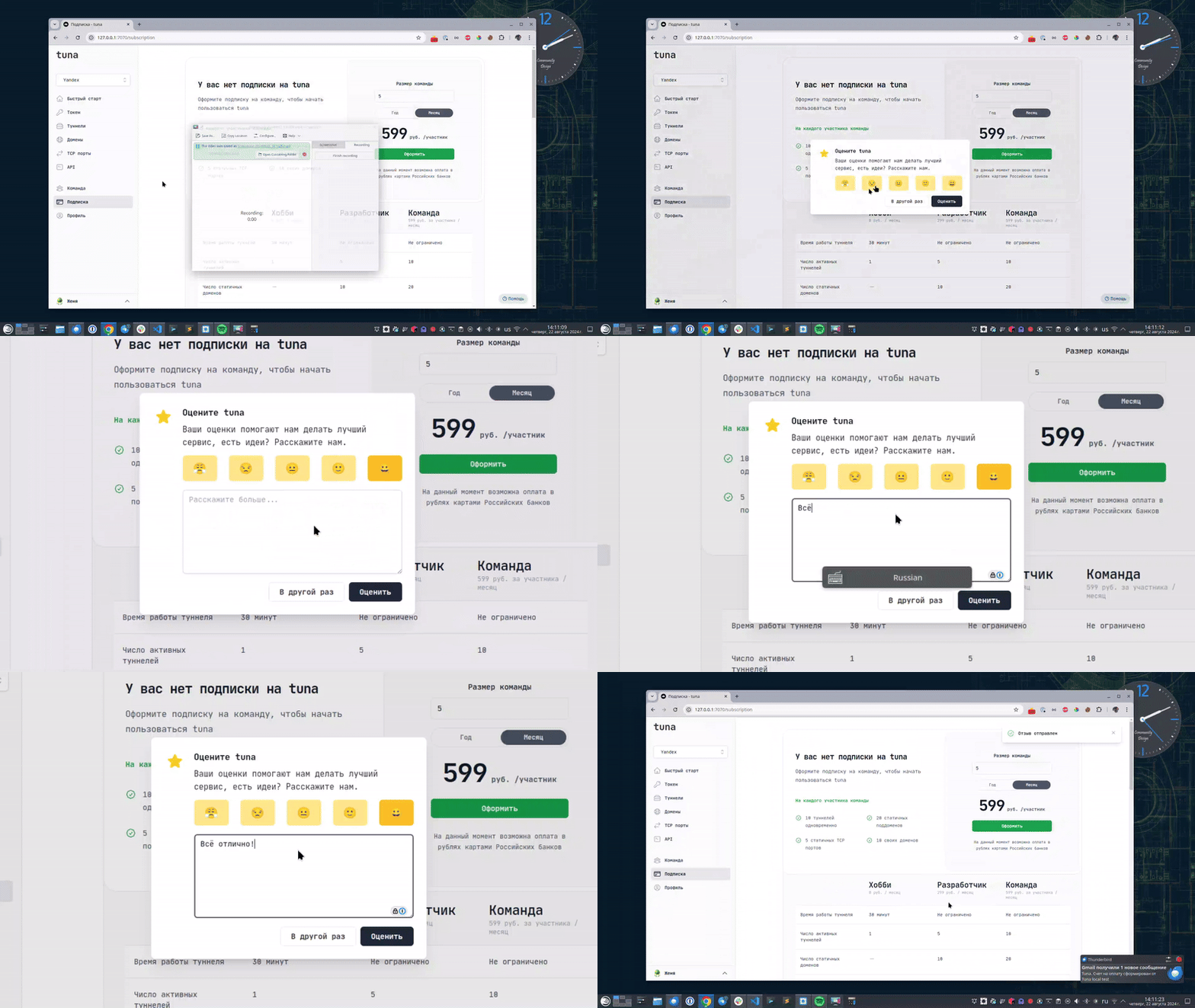
Leave feedback
If you enjoy using Tuna, or on the contrary you are not happy with something, please leave feedback.
News
We announce new features and posts on our Telegram channel. Subscribe so you don't miss anything.
Help
We value our users and carefully review every request. If you have any problems with tuna, please contact us in one of the following ways: