Docs that are easy for agents to read: llms.txt and Markdown copies of pages
More and more often, documentation is read by an agent rather than a person. A developer asks Claude Code or Cursor to "expose my localhost:3000 with tuna behind a password", and the agent heads to tuna.am for the answer. What it finds there is an HTML page: menus, scripts, styles, icons, and somewhere in the middle, the command it needs. We made sure agents don't have to dig through the markup. Every page of our documentation has a Markdown copy, and the table of contents for the whole documentation fits in a single file.
Replace the last slash in the address with .md, and you'll see the page the way an agent sees it:
https://tuna.am/en/docs/tunnels/http/ → https://tuna.am/en/docs/tunnels/http.md
- The table of contents — tuna.am/en/llms.txt: over 250 pages in one list, with links and descriptions. The whole documentation in a single file — llms-full.txt.
- Every documentation page and blog post has a Markdown copy: replace the last slash in the address with
.md. The Russian version is at the same address without the/en/prefix. - An agent that asks for Markdown with the
Accept: text/markdownheader gets it at the page's usual address. - Want an agent to work with Tuna using our docs? Give it the link to
llms.txt.
If your agent works with Tuna and gets something in the docs wrong, let us know. Read on for why agents need all this, how it works on our side and how to do the same on your own Docusaurus site.
Why agents need Markdown
In HTML, the HTTP tunnel page weighs 88 KB, while its Markdown copy is 23 KB. The difference — almost four times — is menus, scripts, classes and service attributes. Agents don't need any of it, but it still costs tokens and clutters the context.
Markdown is a native format for language models: they understand headings, lists, tables and code blocks with a language tag without any hints. Agents prefer it too: in Vercel's study, 65% of agents' web requests asked for Markdown.
What llms.txt is and who actually reads it
llms.txt was proposed by Jeremy Howard in September 2024. It's a Markdown file at the root of a site: a heading with the name, a short description in a blockquote, and sections with lists of links. By convention, the Optional section holds secondary material that an agent can skip when its context is running low. The proposal also describes a convention for Markdown copies: a page has a version with .md in its address, and the HTML points to it with <link rel="alternate" type="text/markdown">.
An excerpt from our file:
# Tuna Documentation

> Documentation for the tuna.am tunneling service

## Blog

- [📒 1C tunnel — your infobase on the internet with a single command](https://tuna.am/en/blog/1c-tunnel.md): The new tuna 1c command publishes a 1C:Enterprise infobase…
Search and training crawlers hardly ever request these files. According to Ahrefs data, as reported by PPC Land, 97% of llms.txt files across 137,000 domains got zero requests from AI systems in May 2026. In dejan.ai's logs, over 20 days, crawlers from Google, Anthropic and OpenAI requested robots.txt 1,150 times and llms.txt four times.
But that's fine: from the start, the author of the proposal expected the file to be useful when answering a question, not for training models. llms.txt isn't a way into search results — it's an entry point for an agent that's been pointed at your documentation.
How it works on our side
The Tuna docs are built with Docusaurus. The Markdown copies are produced by the @signalwire/docusaurus-plugin-llms-txt plugin. After the build, it takes the finished HTML of each page, turns it into Markdown and puts it next to the page, and along the way builds llms.txt and llms-full.txt for both locales.
Why from HTML and not from the sources. Our documentation leans heavily on MDX — more than a hundred .mdx files, with and without import. A source-based converter would have dropped the components, leaving our pages less useful to agents.
Why an alpha version of the plugin. The stable 1.2.2 broke every internal link with our trailingSlash: true setting: /docs/foo/ turned into /docs/foo/.md. Version 2.0.0-alpha.7 fixes this and adds hooks for custom rehype plugins, without which nothing else would have been possible.
After the build, a script adds a link to each page's copy in its <head>, so an agent finds it even without knowing the .md convention. And nginx serves the copies with the right type and, if an agent asks for Markdown with the Accept header, serves the copy at the page's usual address.
Pitfalls
Turning on the plugin is easy. The first Markdown out of the converter looked decent — until we started actually reading it.
Anchors in headings. Docusaurus adds an anchor link # to every heading. In Markdown, it carried over as is, so we cut it out.
Code blocks without a language. Docusaurus keeps the block's language on <pre>, while the converter looks for it on <code>. More than 700 code blocks lost their shell, yaml or ini tag, so we move the class from <pre> to <code>.
Tabs that ran together. Tab labels ended up as a separate list, and the contents of all tabs followed one after another. On blocks with commands for AMD64 and ARM64, an agent would have to guess. Now each label sits inside its own tab:
**Windows**

### Installation using winget
Excessive escaping. The Markdown generator escaped every _ and &, so the TUNA_TOKEN variable turned into TUNA\_TOKEN. Links were the worst: an agent takes a link with \& in its UTM parameters literally and breaks it. We remove escaping where, per CommonMark, the character can't become markup: _ inside a word and & not followed by a character reference.
React comments. During server-side rendering, React inserts <!-- --> between adjacent text nodes, and the converter carried them over as is: user<!-- -->:pass<!-- -->. We cut them out.
Admonitions that lost their meaning. Note, Tip and Caution boxes are blocks with an icon and a heading in HTML. In Markdown, all that remained was a lone line reading "note" above ordinary paragraphs, and an agent couldn't tell a warning from the text around it. Now an admonition becomes a blockquote with a heading:
> **Note.** All flags with hints are in the built-in help:
nginx didn't know about .md. Without a MIME type, the file came back as application/octet-stream, and the browser downloaded the page instead of showing it. We added the type.
Try it yourself
curl https://tuna.am/en/llms.txt
curl https://tuna.am/en/docs/tunnels/http.md
curl -H "Accept: text/markdown" https://tuna.am/en/docs/tunnels/http/
Or give an agent a task:
Read https://tuna.am/en/llms.txt, find out how to expose a local
server with tuna, and open localhost:3000 behind a password.
How to do the same on your own Docusaurus site
1. Add the plugin. If your config has trailingSlash: true, use the 2.x branch:
plugins: [
  [
    '@signalwire/docusaurus-plugin-llms-txt',
    {
      markdown: {
        enableFiles: true,
        // An agent can open absolute links without knowing the base URL.
        relativePaths: false,
        includeDocs: true,
        includeBlog: true,
        includePages: true,
        excludeRoutes: ['**/search', '**/tags/**', '**/page/**'],
        beforeDefaultRehypePlugins: [rehypeCleanup],
      },
      llmsTxt: {
        enableLlmsFullTxt: true,
        siteTitle: 'Project documentation',
        siteDescription: 'A short summary of what the project is',
      },
    },
  ],
],
2. Read your Markdown yourself. Anchors, code block languages, tabs, admonitions, escaping — every documentation site has its own set of junk. The easiest place to fix it is your own rehype plugin in beforeDefaultRehypePlugins, while the page is still HTML.
3. Teach your web server to serve Markdown. Add the line text/markdown md; to mime.types. In your nginx config, add the charset and copy selection by Accept:
charset utf-8;
charset_types text/markdown text/plain;

map $http_accept $markdown_requested {
    default           0;
    "~*text/markdown" 1;
}

map "$markdown_requested$uri" $markdown_twin {
    default              /.no-markdown-twin;
    "~^1(?<page>/.+)/$"  $page.md;
}

map $markdown_requested $markdown_vary {
    default "";
    1       Accept;
}

map $markdown_requested $markdown_cache_control {
    default "";
    1       "private, no-store";
}

server {
    # ...
    location ~ /$ {
        try_files $markdown_twin ${uri}index.html =404;
        add_header Vary $markdown_vary;
        add_header Cache-Control $markdown_cache_control;
    }
}
If your site sits behind a CDN, check that it doesn't cache responses with no-store, or set up a separate rule for requests with Accept: text/markdown.
4. Link to the copy in <head>. For us, a short post-build script does this: for every index.html that has a .md next to it, it inserts <link rel="alternate" type="text/markdown" href="...">.
Leave feedback
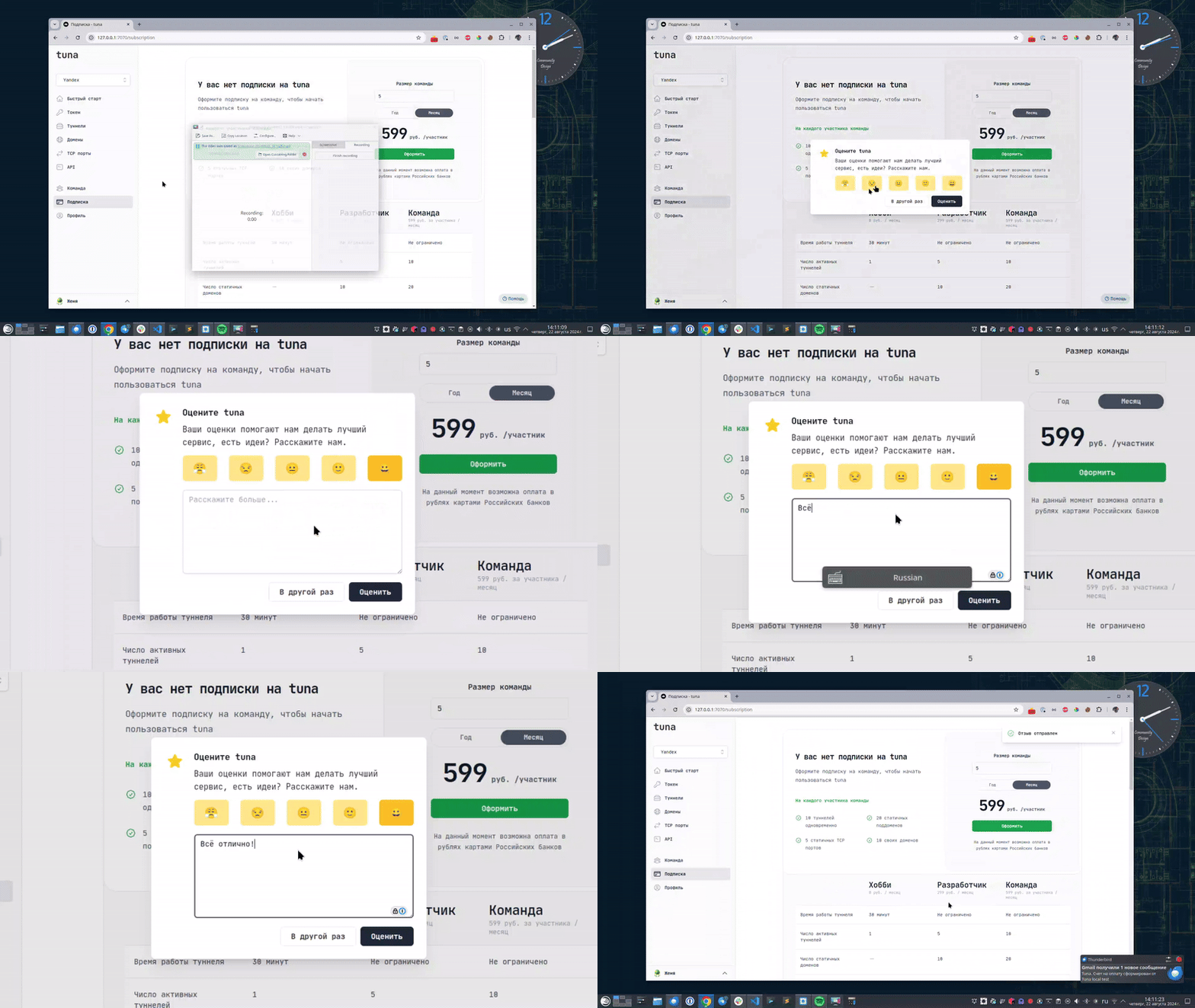
If you enjoy using Tuna, or on the contrary you are not happy with something, please leave feedback.
News
We announce new features and posts on our Telegram channel. Subscribe so you don't miss anything.
Help
We value our users and carefully review every request. If you have any problems with tuna, please contact us in one of the following ways: