Free plan without a timer and with a permanent subdomain
The Tuna free plan had two limitations that users complained about the most: a tunnel lasted only 30 minutes, and the address changed on every restart. We removed both:
- HTTP tunnels on the free plan now work without a time limit — as long as you need;
- every user gets their own permanent subdomain like
brave-otter-4821.ru.tuna.amthat stays the same across restarts.
Tunnels without a timer
Previously, a tunnel on the free plan shut down after half an hour, and you had to restart it — along with the address changing. That was enough for a quick demo, but not for anything longer.
Now there is no timer: a tunnel runs until you stop it. The free plan still allows one HTTP tunnel at a time.
A permanent subdomain for everyone
A dynamic address like 4l7mqf-212-49-103-2.ru.tuna.am works fine for a one-off debugging session, but is inconvenient when you need to save the address somewhere: in a webhook configuration, a payment system callback, a browser bookmark, or a message to a colleague. That is why every account now has one permanent subdomain — free on any plan.
How it works:
- the name is assigned automatically in the format
<adjective>-<noun>-<4 digits>, for examplebrave-otter-4821; - one name across all locations:
brave-otter-4821.ru.tuna.amandbrave-otter-4821.nl.tuna.am; - tied to your account permanently: you cannot delete it or transfer it to another user,
tuna domain clearskips it; - you cannot choose or change the name — a subdomain with any available name, such as
billing.ru.tuna.am, is still available with a subscription.
The free subdomain is available on paid plans too, and it does not count toward your subscription's domain limit: it comes on top of the subdomains included in your plan. When you switch plans — in either direction — the subdomain is preserved.
Where to find your subdomain
The subdomain is shown in the Domains section of the dashboard with a "Free" label, along with a ready-to-use launch command. The client also shows it if you start a tunnel without flags:
Your permanent free domain: brave-otter-4821.ru.tuna.am. Use it with --subdomain=brave-otter-4821
If you registered before, the subdomain will appear when you first open the Domains section or start a tunnel without flags.
How to use it
By default, a tunnel still gets a dynamic address — you need to specify the permanent subdomain explicitly:
tuna http 8080 --subdomain=brave-otter-4821
In another location:
tuna http 8080 --subdomain=brave-otter-4821 --location=nl
The subdomain is tied to your account, so the client must be logged in to your account. On your own computer, log in once with tuna login; in Docker and CI, pass an API key via the TUNA_API_KEY environment variable. Without logging in, or with another account's key, the subdomain will not work.
A permanent address is especially useful for:
- receiving webhooks from GitLab, GitHub, or a Telegram bot without reconfiguring after every restart;
- showing a client a website at the same link;
- keeping a bookmark on your phone to your dev server.
All details, including a table of address types and plans, are in the HTTP tunnel documentation.
What stays subscription-only
- subdomains with any available name and custom domains;
- multiple simultaneous tunnels and other tunnel types — TCP, SSH, Postgres, Redis, Kubernetes, and more;
- tunnel protection with a password, key, and IP filters, traffic policies, gateways, and other paid plan features.
Compare plans on the homepage.
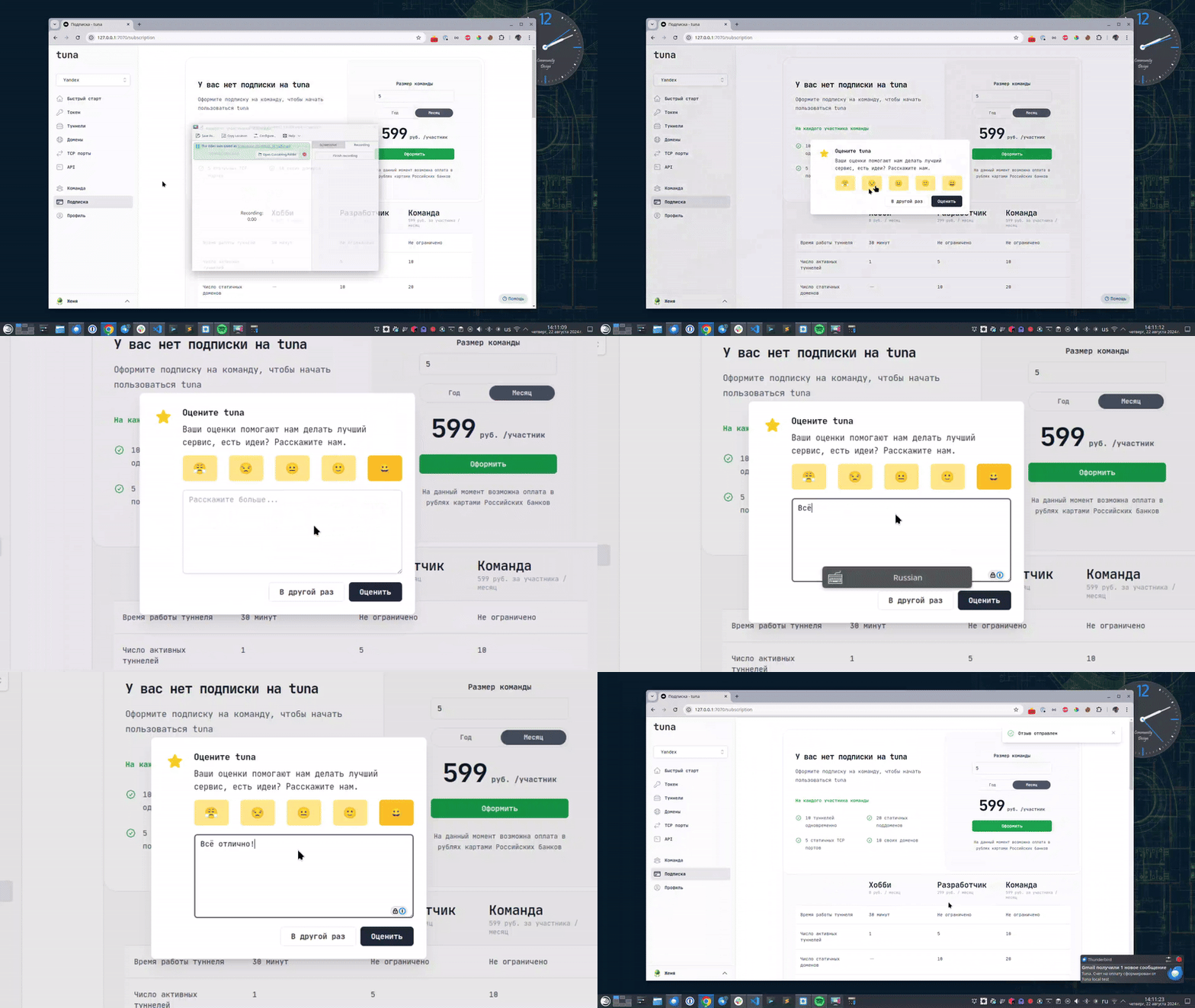
Leave feedback
If you enjoy using Tuna, or on the contrary you are not happy with something, please leave feedback.
News
We announce new features and posts on our Telegram channel. Subscribe so you don't miss anything.
Help
We value our users and carefully review every request. If you have any problems with tuna, please contact us in one of the following ways: