Secrets entirely from the console — a major tuna secrets update
Until recently, secrets in the console could do very little: download a configuration, bind a directory, and launch an application with environment variables. Everything else — creating a secret, editing a value, setting up an environment — had to be done in the dashboard.
In tuna-cli 0.35, tuna secrets became a full-featured tool: secrets, projects, environments, and service keys can now be managed entirely from the terminal, and command output is easy to parse in scripts and CI.
Working with individual secrets
New commands for reading and writing secrets one at a time:
tuna secrets list                               # list, values hidden
tuna secrets get API_TOKEN DB_URL               # values of specific secrets
tuna secrets set API_ENABLED=true --type boolean
openssl rand -hex 32 | tuna secrets set API_TOKEN
tuna secrets delete OLD_KEY
tuna secrets upload .env                        # extend configuration from a file
set accepts a value as an argument, from stdin, or interactively — so nothing sensitive ends up in shell history. You can specify the value type, a comment, and visibility in the web interface. upload extends the configuration from an .env or .json file without touching other secrets.
Compare environments without revealing values
Tables now show a fingerprint instead of the secret value — hmac:cea41705. Identical values produce identical fingerprints, but the value cannot be recovered from the fingerprint.
This lets you answer "are the database passwords in stage and prod actually different?" without revealing anything, and safely print tables in CI logs:
Actual values are shown by list --values and get.
New developer — one command
Place a tuna.yaml file in the repository root:
setup:
  - project: api-php
    config: dev
Now a new team member just needs to run tuna secrets setup — and tuna secrets run -- yarn start will launch the application with up-to-date secrets. For a monorepo, you can describe multiple bindings, each with its own directory.
Secrets as a file, but without a file on disk
Some applications only read configuration from a file. Previously, you had to export secrets via download and remember to delete the file afterwards. The --mount flag solves this differently: the client creates a named pipe and delivers secrets through it in the required format — env, json, yaml, or your custom template. Values exist only in the client's memory, no secrets file appears on disk, and the pipe is removed after the process exits.
tuna secrets run --mount ./secrets.json --mount-format json -- ./app --config ./secrets.json
With --mount-max-reads 1, the pipe disappears immediately after the application reads it at startup.
Offline mode
tuna secrets run saves the last received secrets in an encrypted file and uses it if the API is unavailable — so the application does not go down due to network issues. If the server responds that access has been revoked or the configuration no longer exists, the local copy is deleted: stale secrets after access revocation are more dangerous than stopping the application.
With --offline, the client does not contact the API at all:
Config templates
tuna secrets substitute renders a template file with secret values. Suitable for configs with custom formats — nginx.conf, application.yml, .ini — and for Kubernetes manifests:
tuna secrets substitute config.tmpl --output config.ini
tuna secrets substitute deployment.tmpl | kubectl apply -f -
A typo in a secret name produces an error pointing to the location in the template, not a silent empty string in the config.
Convenient for scripts and CI
Output of all tuna secrets commands has been redesigned with automation in mind:
- data goes to stdout, status and errors go to stderr, so output can safely be redirected to a file or pipe;
-o jsonand-o yamlare available for every subcommand, including write commands, and errors in this mode also come as JSON;get --plainprints the bare value for substitution:docker login -p "$(tuna secrets get REGISTRY_PASSWORD --plain)";tuna secrets runreturns the child process exit code, so the wrapper can be placed directly in a CI job.
Ready-made examples for GitLab CI and GitHub Actions are in the documentation.
Managing structure
Projects, environments, configurations, and service keys can now also be created from the console:
tuna secrets projects create "API PHP" --slug api-php
tuna secrets environments create Staging --slug stage --project api-php
tuna secrets configs clone stage --name stage-feature-x --project api-php
tuna secrets configs tokens create --description ci --access read --max-age 720h --project api-php --config stage
tuna secrets open opens the current configuration in the web interface — for when you do need the dashboard.
What to check when upgrading
- Deleting secrets, configurations, environments, projects, and revoking service keys in tuna-cli 0.36 now requires confirmation. In CI and scripts, add the
--yesflag, otherwise the command will exit with an error. - If you parsed
tuna secretsoutput in scripts, check them: log lines likeINFO[...]have been replaced with tables, and-o jsonis now available for machine parsing.
Full command and flag reference is on the CLI usage page. You can update the client using the update guide.
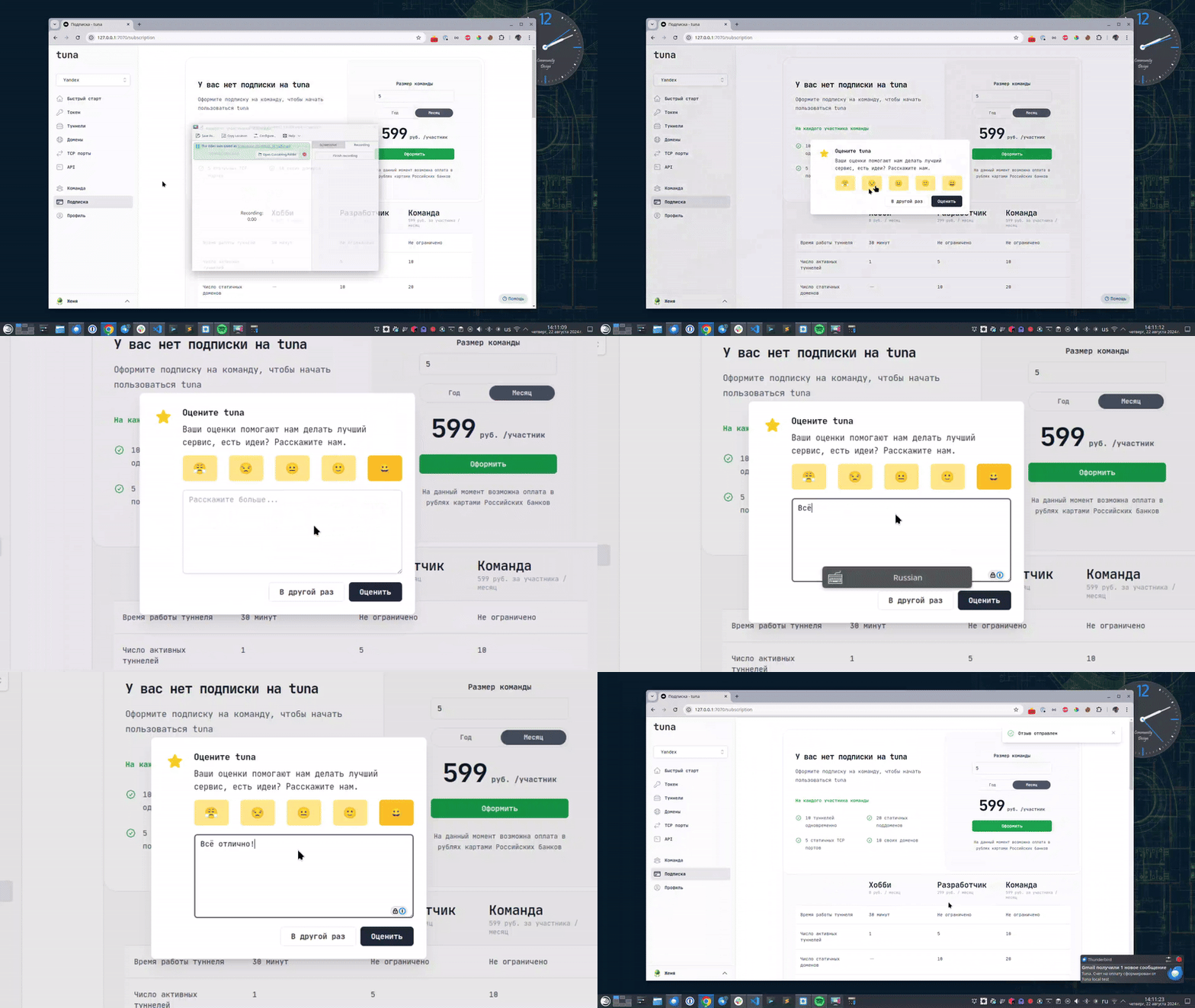
Leave feedback
If you enjoy using Tuna, or on the contrary you are not happy with something, please leave feedback.
News
We announce new features and posts on our Telegram channel. Subscribe so you don't miss anything.
Help
We value our users and carefully review every request. If you have any problems with tuna, please contact us in one of the following ways: