Terraform provider for Tuna
When you have more than a dozen tunnels, domains, and gateways, configuring them by clicking around in the dashboard becomes inconvenient: it is hard to replicate a configuration for a second environment, and it is unclear who changed what and when. That is why we released a Terraform provider yuccastream/tuna — now your Tuna infrastructure can be stored in git alongside the rest of your code, reviewed in merge requests, and applied via terraform apply.
terraform {
  required_providers {
    tuna = {
      source = "yuccastream/tuna"
    }
  }
}

resource "tuna_domain" "preview" {
  subdomain = "myapp-preview"
  location  = "ru"
}
What you can define
| Resource | What it describes |
|---|---|
tuna_domain | Reserved domain: a subdomain of a built-in zone, your own zone, or a custom domain |
tuna_domain_zone | Domain zone |
tuna_tls_certificate | TLS certificate for a domain zone |
tuna_gateway | Gateway with a traffic policy |
tuna_endpoint | TCP port |
tuna_ip_policy, tuna_ip_policy_rule | IP policy and its rules |
tuna_public_key | Public SSH key |
tuna_temporal_token | Temporary token for running tunnels |
The tuna_tunnels data source returns the list of account tunnels. Existing resources from the dashboard can be imported into state via terraform import.
The provider works with Terraform 1.11+ and OpenTofu. The TLS certificate private key is passed through a write-only attribute and does not end up in state.
Example: temporary tunnels for CI
A typical scenario is preview environments in CI. Terraform reserves a domain and issues a temporary token with restrictions, and the CI job starts a tunnel with that token. The main API key never reaches CI:
resource "tuna_temporal_token" "ci" {
  description              = "CI preview"
  duration                 = "24h"
  allow_http               = true
  allow_tcp                = false
  limit_by_active_tunnels  = 5
  limit_by_created_tunnels = 100
}

output "ci_tunnel_token" {
  value     = tuna_temporal_token.ci.token
  sensitive = true
}
terraform apply
export TUNA_API_KEY="$(terraform output -raw ci_tunnel_token)"
tuna http 8080 --subdomain=myapp-preview
Example: gateway with a policy from a file
A gateway is a domain with a traffic policy that works without a running client. The policy lives in an adjacent file and changes the same way — through review:
resource "tuna_domain" "api" {
  subdomain = "myapp-api"
  location  = "ru"
}

resource "tuna_gateway" "api" {
  domain_id = tuna_domain.api.id
  policy    = file("${path.module}/policy.yaml")
}
A few more scenarios — your own domain zone with a wildcard certificate, IP-restricted access from the office only — are in the documentation.
API keys with per-product permissions
The provider needs an API key, and giving it full account access is unnecessary. So alongside the provider, API keys received scopes: a key can be restricted to tunnels, monitoring, secrets, bastion, reports, or team — for reading or writing. For Terraform, tunnels:write is enough.
We also blocked everything from API keys that could harm the account if the key is leaked:
- issuing new API keys, team invitations, and changing member roles;
- account security: password, MFA, WebAuthn, tunnel token, sign-in provider bindings;
- billing and subscription: payment method, plan changes, invoice recipients, team deletion;
- extending and terminating web sessions, passwords, and mesh.
All of this can only be done from the dashboard. A key issued without scopes gets read_api access — read only.
Getting started
- Issue an API key with the
tunnels:writescope in the dashboard. - Pass it to the provider via
export TUNA_API_KEY=.... - Define your first resource and run
terraform init && terraform apply.
Full reference for all resources and attributes is in the Terraform Registry; an overview and scenarios are in our documentation. This is the first version of the provider: if you are missing a resource, let us know — we will add it.
Leave feedback
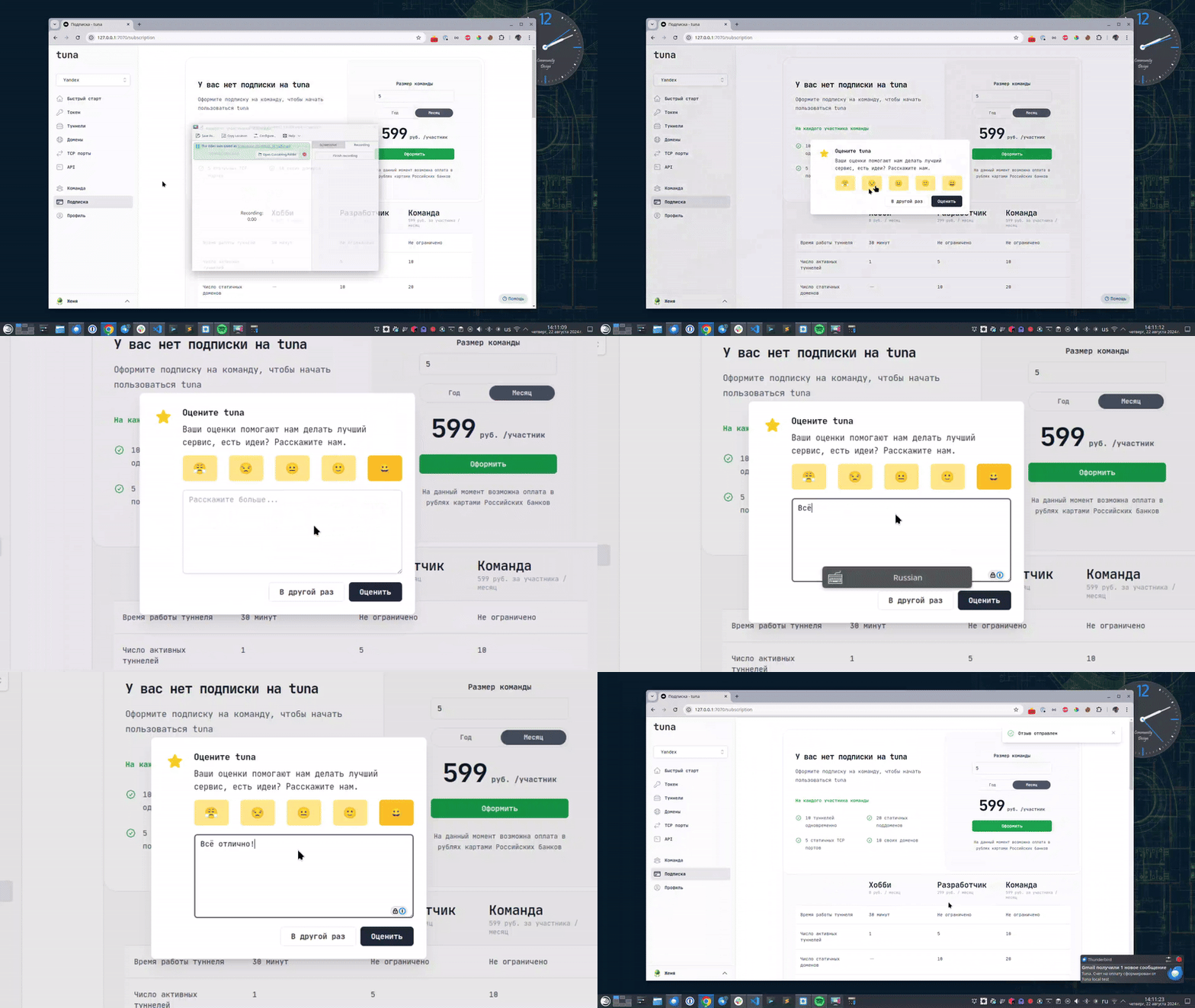
If you enjoy using Tuna, or on the contrary you are not happy with something, please leave feedback.
News
We announce new features and posts on our Telegram channel. Subscribe so you don't miss anything.
Help
We value our users and carefully review every request. If you have any problems with tuna, please contact us in one of the following ways: