Telegram webhooks not arriving at tunnels in the RU region
Recently many users have been reporting the same issue: webhooks from api.telegram.org stopped arriving at tunnels in the RU region. This post explains how to quickly work around the problem by switching the tunnel to a different region.
The problem
The symptoms are:
- a bot registered via
setWebhookstopped receiving updates; - requests from
api.telegram.orgdon't reach the tunnel in the RU region — they're not visible in the client logs or in the Request Inspector; - the tunnel itself works fine: requests from a browser and other services go through normally.
There are no restrictions on our side or from our hosting provider in Russia — the tunnel is operating normally and we can see the established connection. The issue is somewhere in the backbone between Telegram's infrastructure and our RU nodes; most likely it's a restriction on the ISP/regulatory side. We can't influence this, but the tunnel's connection region is a client-side parameter, and changing it takes seconds.
Solution — change the tunnel region
The quickest way is to start the tunnel in a different region, for example nl (Netherlands).
The full list of available regions and all ways to override them are in the documentation.
Tuna Desktop
When creating a tunnel, select the region in the Region dropdown:
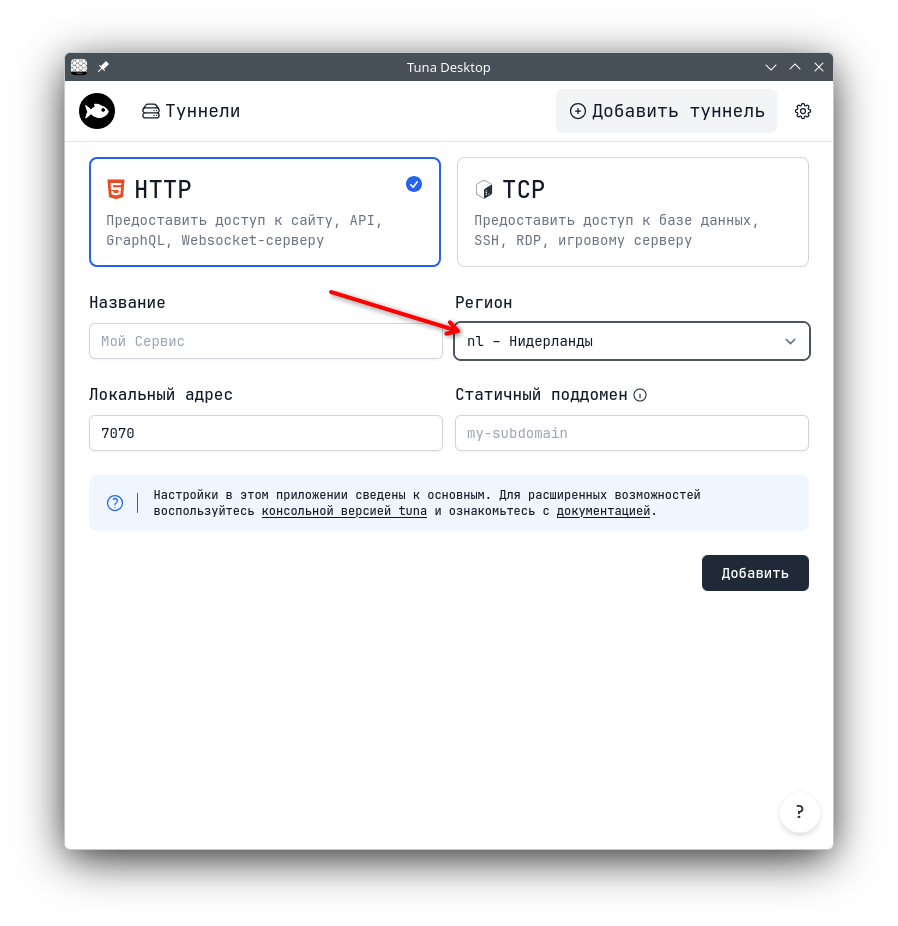
After saving, the tunnel will start in the selected region — Telegram webhooks will start arriving.
Command line
Pass the region with the --location argument (or short -l):
tuna http 8080 --location=nl
tuna http 8080 -l nl
To avoid specifying the flag every time, you can set a default region in one of three ways.
The tuna config save-location command — saves the value to the config file:
tuna config save-location nl
A parameter in the config file directly:
location: nl
Environment variable TUNA_LOCATION:
TUNA_LOCATION=nl
What's next
After changing the region, the tunnel URL will change — don't forget to update the webhook address in your Telegram bot settings (setWebhook method with the new URL).
If webhooks still don't arrive after this — reach out to us in the Telegram community or at info@tuna.am.
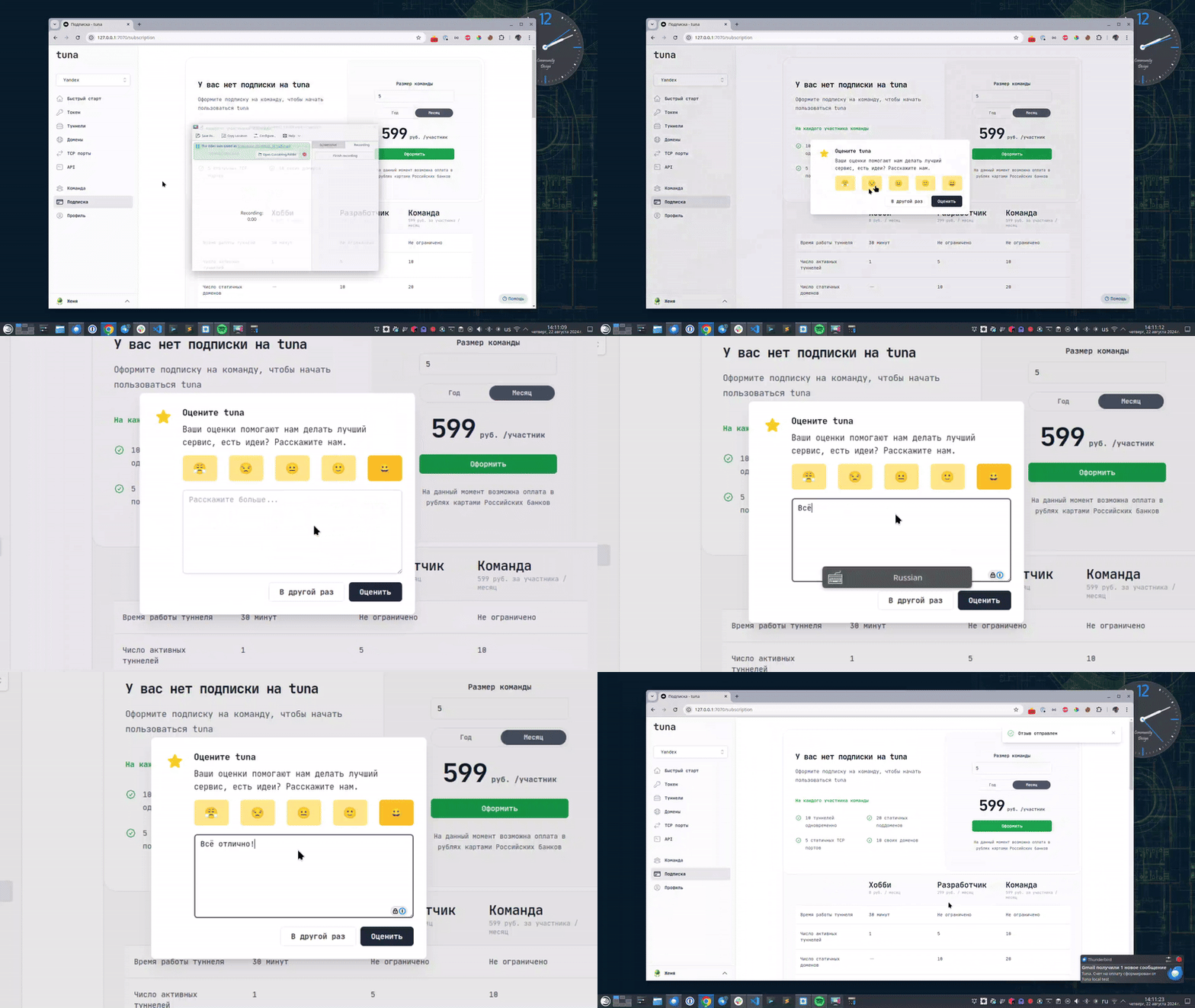
Leave feedback
If you enjoy using Tuna, or on the contrary you are not happy with something, please leave feedback.
News
We announce new features and posts on our Telegram channel. Subscribe so you don't miss anything.
Help
We value our users and carefully review every request. If you have any problems with tuna, please contact us in one of the following ways: