Settings
This section is available to the Founder, Owners and Administrators.
The Application Settings tab contains parameters that control how the proxy handles requests to the upstream — headers, paths, TLS, CORS, and the sign-in page appearance.
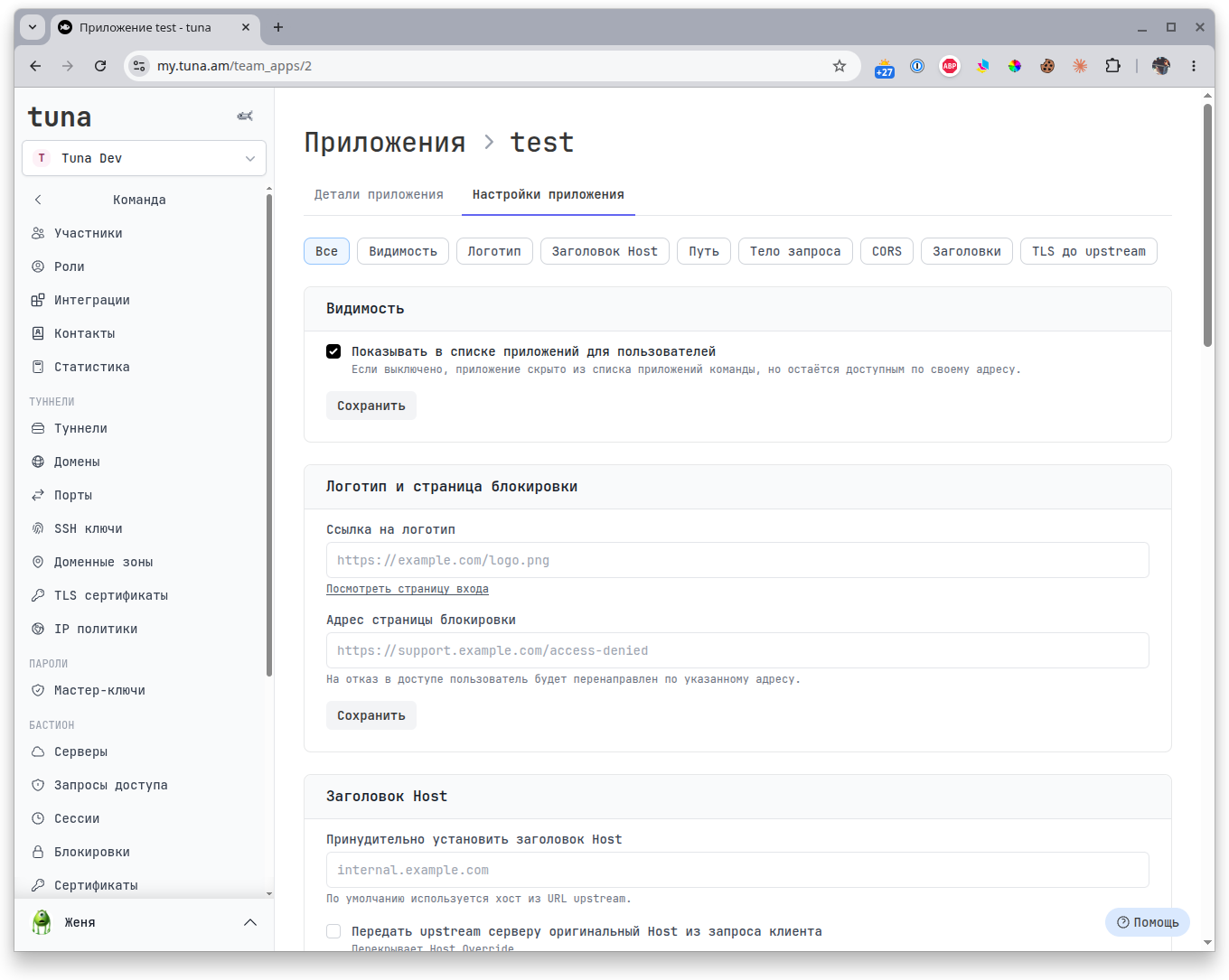
Visibility
Controls whether team members see this application in the app catalog.

When disabled, the application disappears from the catalog but continues to work at its address. Useful for internal services accessed only via API or automation.
Logo and Block Page
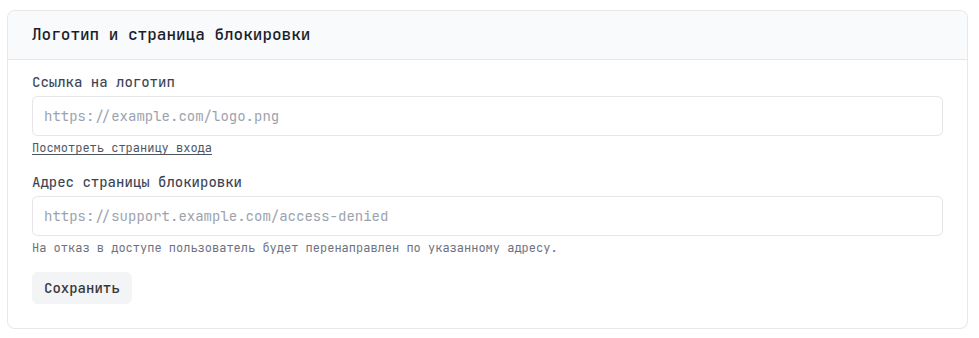
- Logo URL — URL of an image to display on the sign-in page instead of the default one. Helps users immediately recognize which service they are accessing.
- Block page URL — instead of the standard "access denied" page, the user will be redirected to this address. For example, a corporate support page.
Host Header
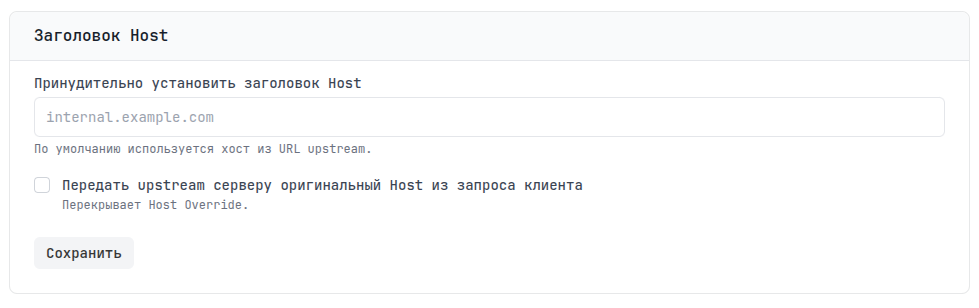
- Override Host header — by default, the upstream receives the Host from its own URL. If your backend expects a specific Host (e.g. nginx with virtual hosts), specify it here.
- Pass original Host from client request — the upstream will see the same Host the user entered in the browser. Overrides Host Override.
Path
URL path manipulation before proxying.
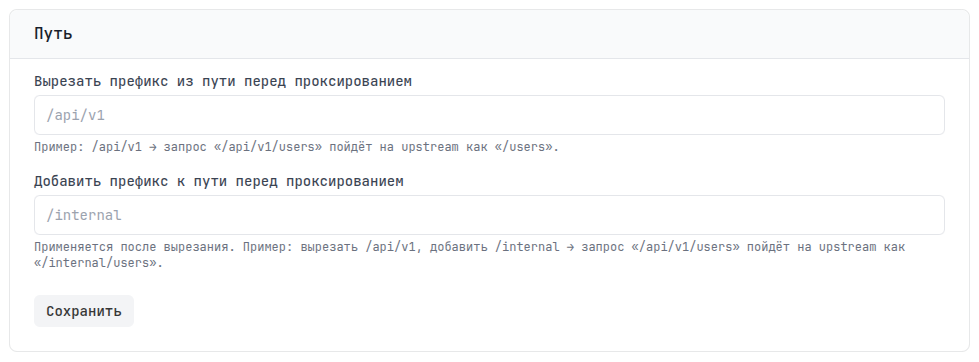
- Strip prefix — removes the specified prefix from the path. Example: with the value
/api/v1, a request to/api/v1/userswill reach the upstream as/users. - Add prefix — prepends a prefix to the path before forwarding to the upstream. Applied after stripping.
Combined: strip /api/v1 + add /internal → a request to /api/v1/users will reach the upstream as /internal/users.
Request Body Size Limit
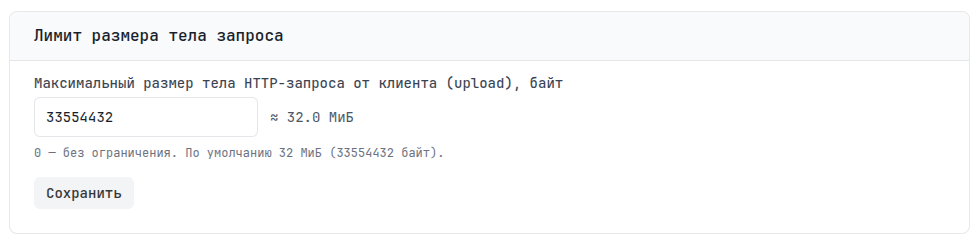
Maximum HTTP request body size from the client (upload) in bytes. The default is 32 MiB (33554432 bytes). Increase the value if your service accepts large files. 0 means no limit.
CORS
If your frontend lives on a different domain and calls the application via fetch/XMLHttpRequest, enable CORS. Preflight requests (OPTIONS) will pass without authorization.
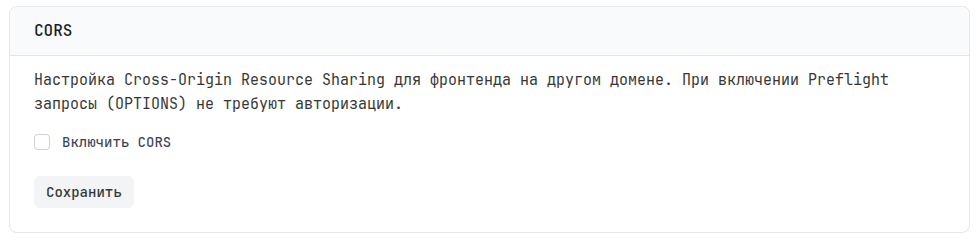
After enabling, the following parameters appear:
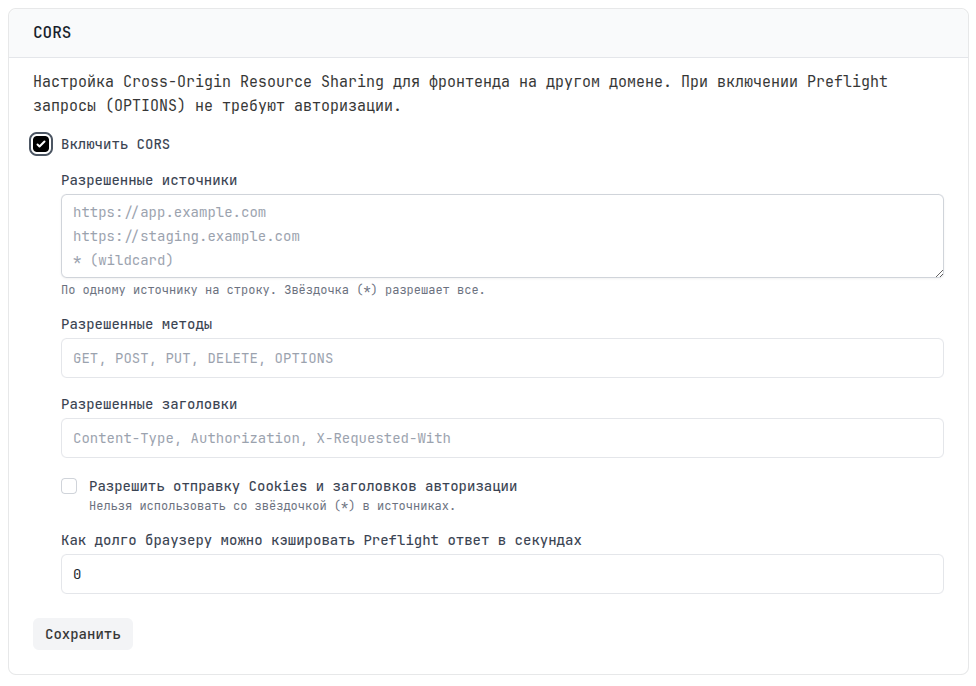
| Parameter | Description |
|---|---|
| Allowed Origins | Domains from which requests are allowed. One per line, * for all |
| Allowed Methods | HTTP methods: GET, POST, PUT, DELETE, etc. |
| Allowed Headers | Headers the client is allowed to send |
| Allow Cookies | Permits sending cookies and authorization headers. Cannot be combined with * in origins |
| Preflight Cache | How many seconds the browser may cache the OPTIONS response |
Request and Response Headers
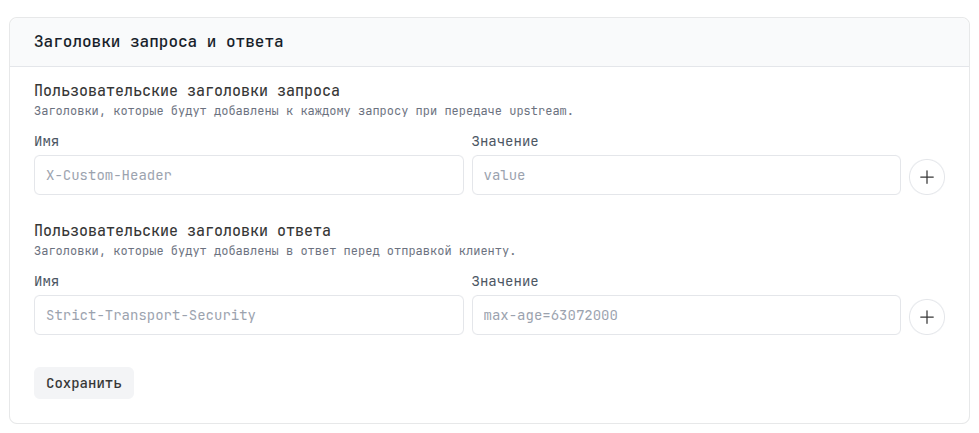
Add custom headers to requests (when forwarding to the upstream) and responses (before sending to the client). Common examples: X-Custom-Header for source identification, Strict-Transport-Security for HSTS.
TLS to Upstream
TLS connection settings between the proxy and your backend.
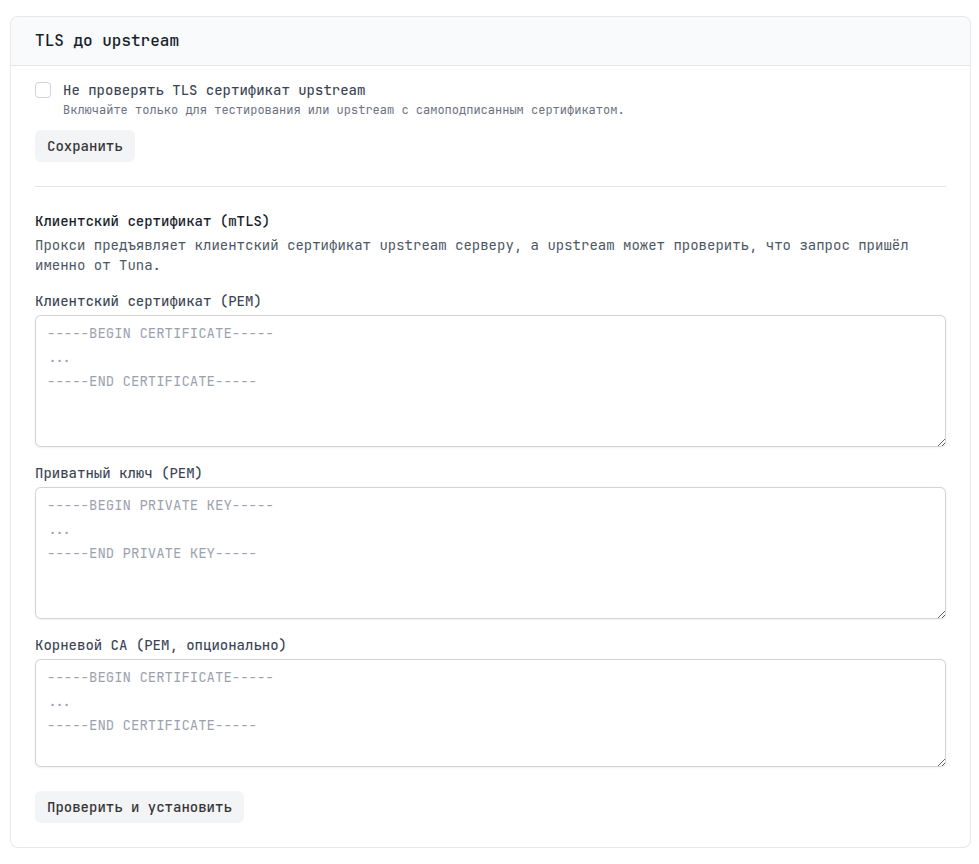
- Skip upstream TLS certificate verification — enable only for test environments or backends with a self-signed certificate.
Client Certificate (mTLS)
If your upstream requires mutual authentication (mTLS), the proxy can present a client certificate. This lets the upstream verify that the request came through Tuna and not directly.
- Client Certificate (PEM) — the certificate the proxy presents to the upstream.
- Private Key (PEM) — the key for the certificate.
- Root CA (PEM, optional) — the root certificate if the upstream uses its own CA.