Boards
Online whiteboards for your team: brainstorm ideas, draw architecture and have calls — all in one place.
Overview
Boards is an infinite canvas where you can draw diagrams, collect sticky notes, leave comments, have voice calls and work together as a whole team.
- Design and document architecture and infrastructure
- Run brainstorms, retros and task planning
- Have voice calls right inside the board window
- Leave comments and discuss decisions
- Present results to your team
- Export the outcome to PNG, JPG, PDF or SVG
Service structure
The Boards service contains individual boards, each of which is an independent infinite canvas.
Boards are available to every member of your Tuna team — all changes are synced in real time.
Creating your first board
- Go to the Boards section in your personal account.
- Click the + Create new button.
- Set a board name — it will help you tell it apart from the others.
- Open the board and invite your colleagues — they only need to open the same section.
Board tools
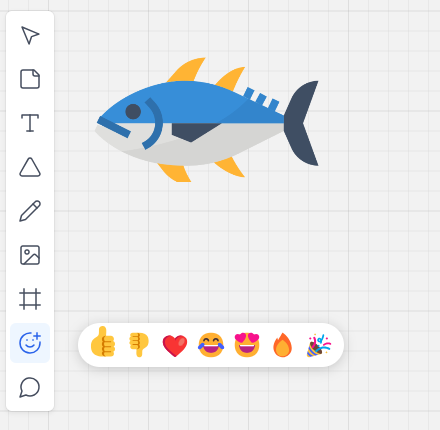
Shapes and diagrams
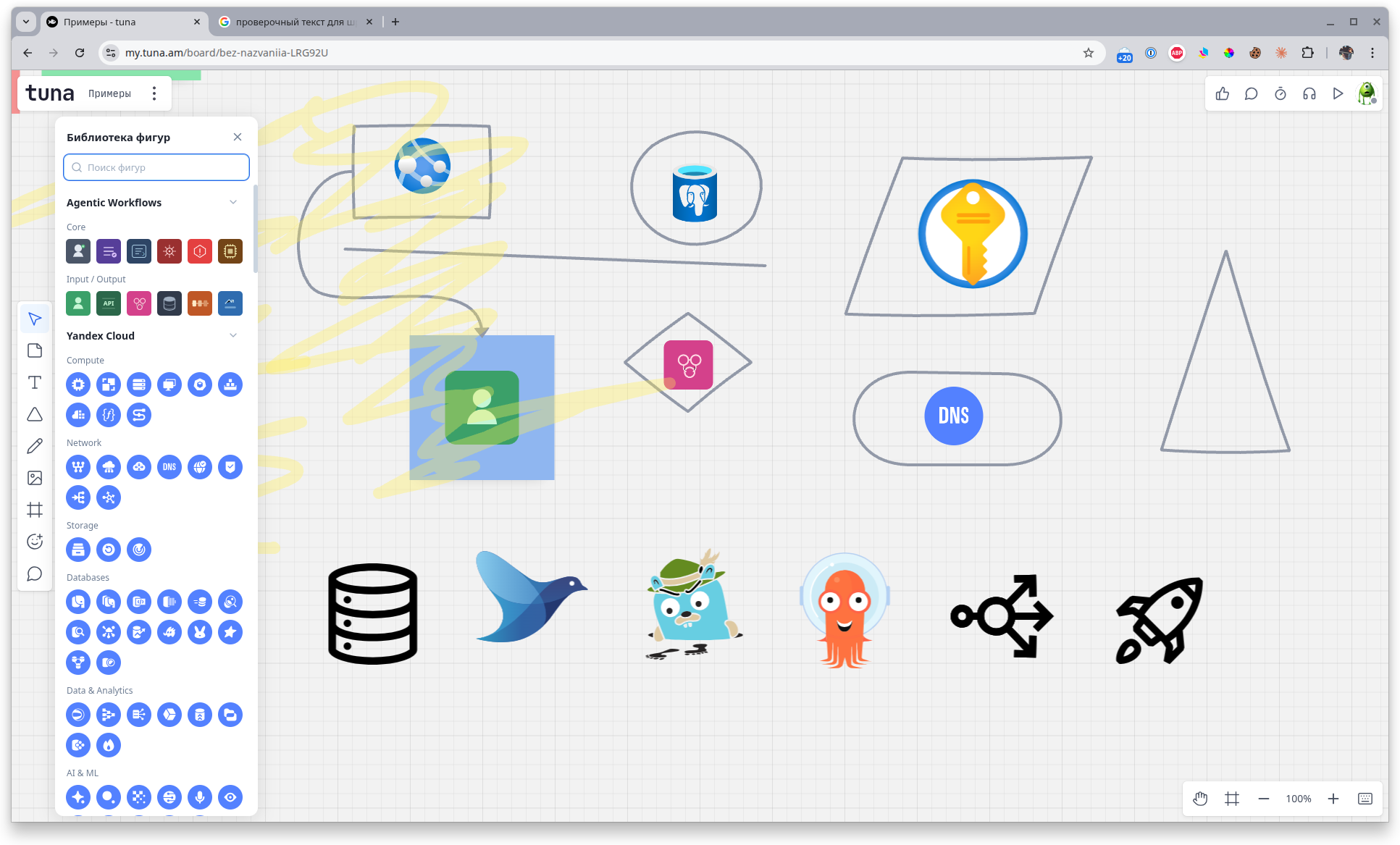
Use shapes, lines and arrows to draw architecture, flows and any kind of diagram. The library offers both basic geometric shapes and ready-made icon sets (for example, Agentic Workflows, Yandex Cloud and others) — handy for describing infrastructure.
Sticky notes
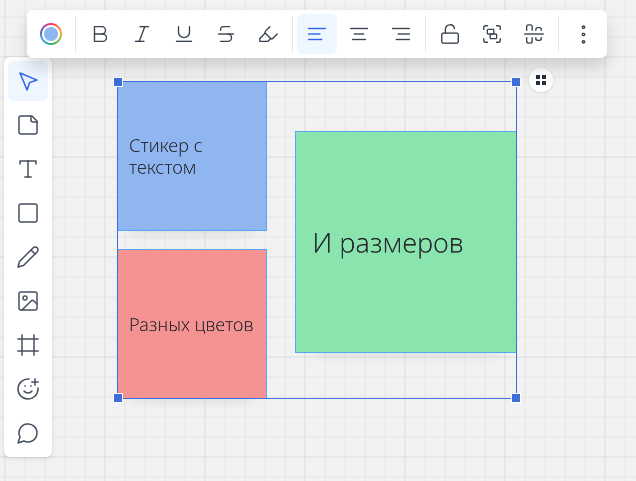
A classic tool for brainstorms and retros. Sticky notes can be moved, grouped, resized and recolored, and you can add text inside them.
Text and fonts
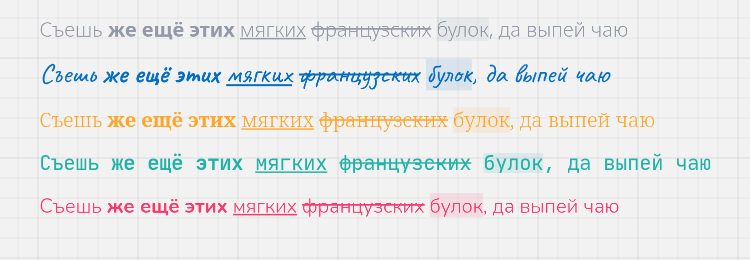
Add text blocks to the canvas, choose the font, style (bold, italic, underline, strikethrough), text color and highlight color.
Images and media
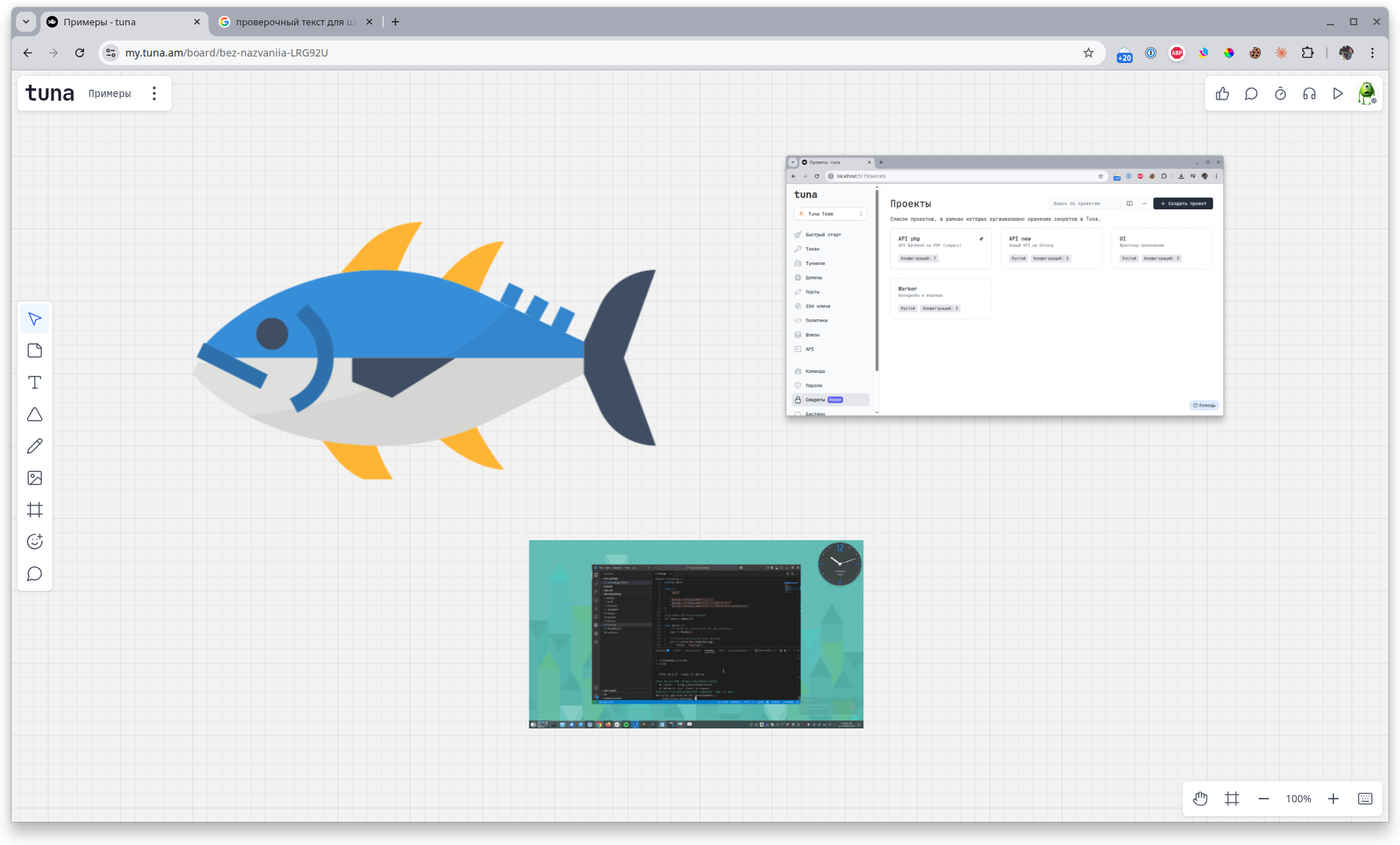
You can add pictures and videos to a board — for example, screenshots, photos or short recordings. It's handy for referring to a specific screen or showing how a bug reproduces.
Emoji
Any object on the board can be enriched with an emoji — a quick way to mark status, mood or priority.
Collaboration
The whole team on one board
Several people can work on the same board at the same time. Cursors of other participants are visible in real time — just like sitting next to each other. All changes appear instantly.
Comments
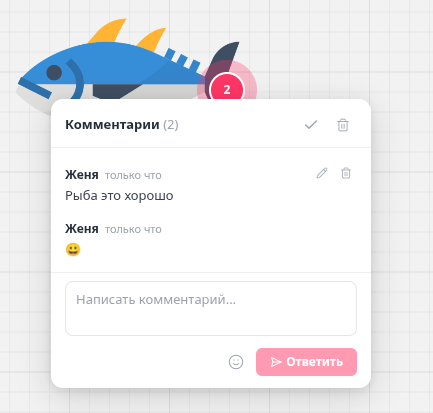
Leave comments right on board elements — a question won't get lost, and the discussion stays attached to a specific object. Comments support threaded replies and can be resolved once the question is answered.
Activity and threads
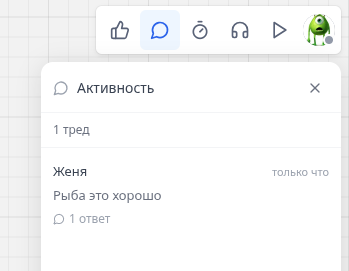
The Activity panel collects all discussions from the board — a convenient way to see what colleagues have written and quickly jump to the relevant thread.
Reactions
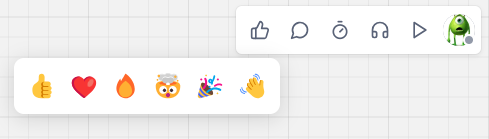
Quick wordless feedback: add reactions — like, heart, fire and others — to board elements or messages from teammates.
Voice chat
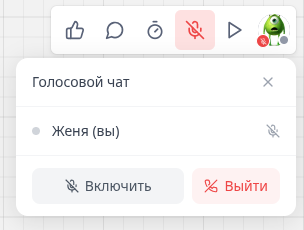
One click — and you're already in a shared voice room with your team. No need to spin up a separate Zoom, Google Meet or Telegram call: the discussion happens right inside the board window.
Timer
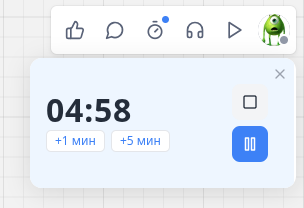
Start a shared timer for a brainstorm or retro — every participant sees the countdown at the same time. You can pause it or quickly add +1 / +5 minutes.
Presentation mode
Switch to presentation mode to walk the team through the relevant parts of the board without extra scrolling and zooming. The board turns into a slideshow with pre-selected areas.
Exporting a board
Save the result of your session in one of the formats:
- PNG — for publications and chats
- JPG — for lightweight images
- PDF — for reports and printing
- SVG — for further editing in vector editors
Share the file with those who weren't at the session, or attach it to a task.
Pricing
Boards are included in the Tuna subscription and don't require a separate payment. The functionality is available on the Developer and Legend plans — see the pricing page for details.