Meets
Video calls for your team: call, chat and solve problems quickly — all on our platform.
Overview
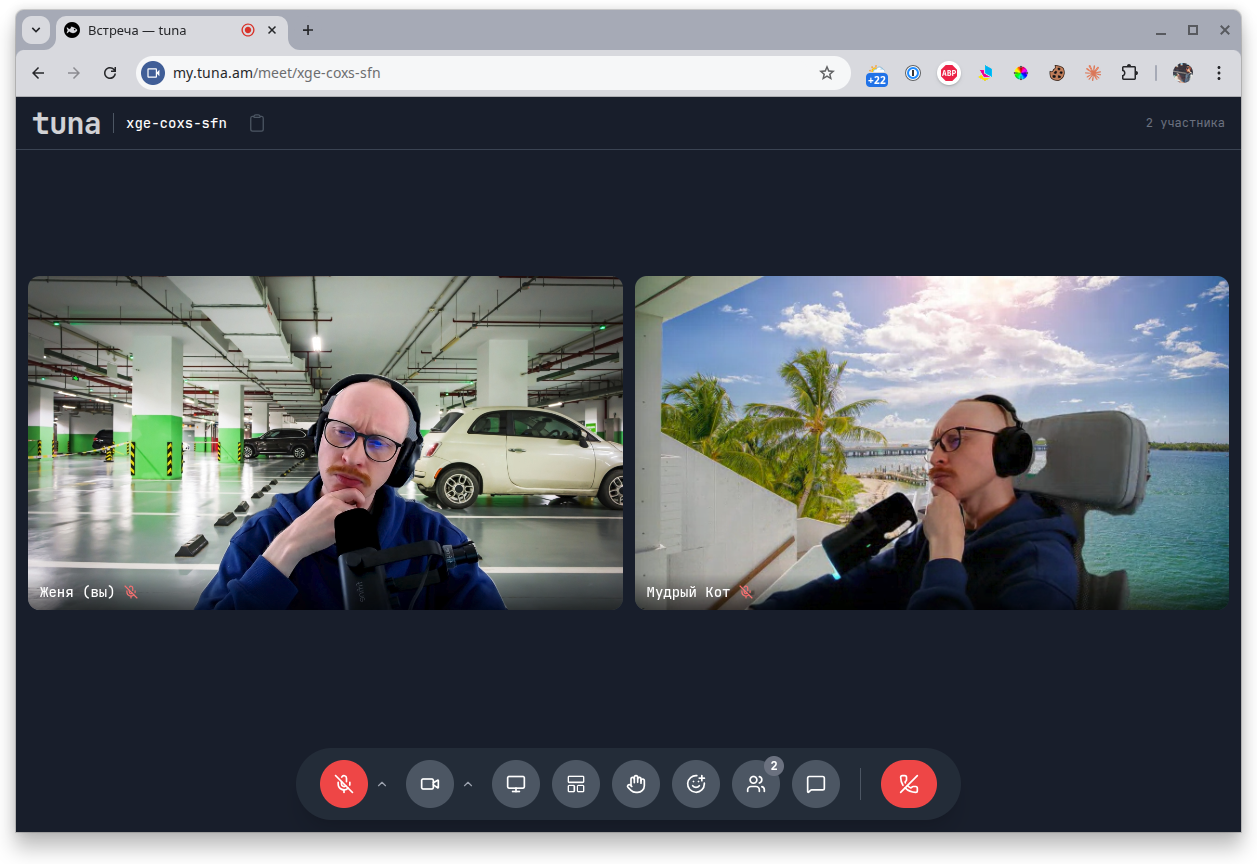
Meets are video calls right inside Tuna. A simple, familiar interface similar to Google Meet.
- Have calls in your team's permanent channels
- Create one-off meetings and share the link
- Configure microphone, camera and background before joining
- Share your screen
- Chat during the call
- Raise your hand and send reactions
- Join from your phone
Service structure
The Meets service consists of two types of rooms:
- Private channels — permanent rooms of your team (for example, General, Lounge, Incident). Available only to members of the organization.
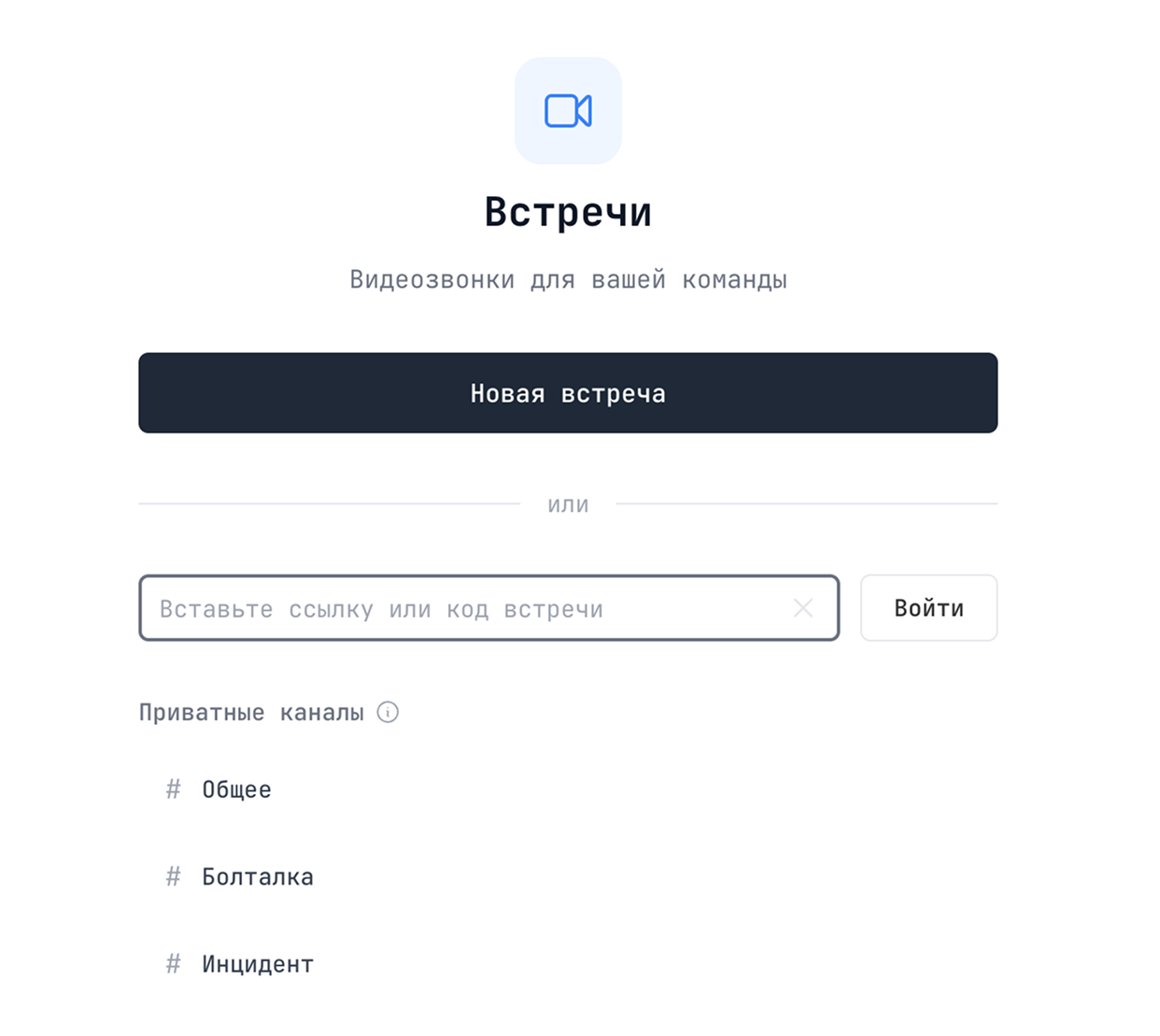
- One-off meetings — created with the New meeting button and shared via link or code.
Creating your first meeting
- Go to the Meets section in your personal account.
- Click New meeting to create a one-off room, or pick one of your team's private channels.
- Copy the link or code and send it to your colleagues — for private channels they only need to open the same section.
To join someone else's meeting, paste the link or code into the Paste meeting link or code field and click Join.
Meeting features
Pre-call settings window
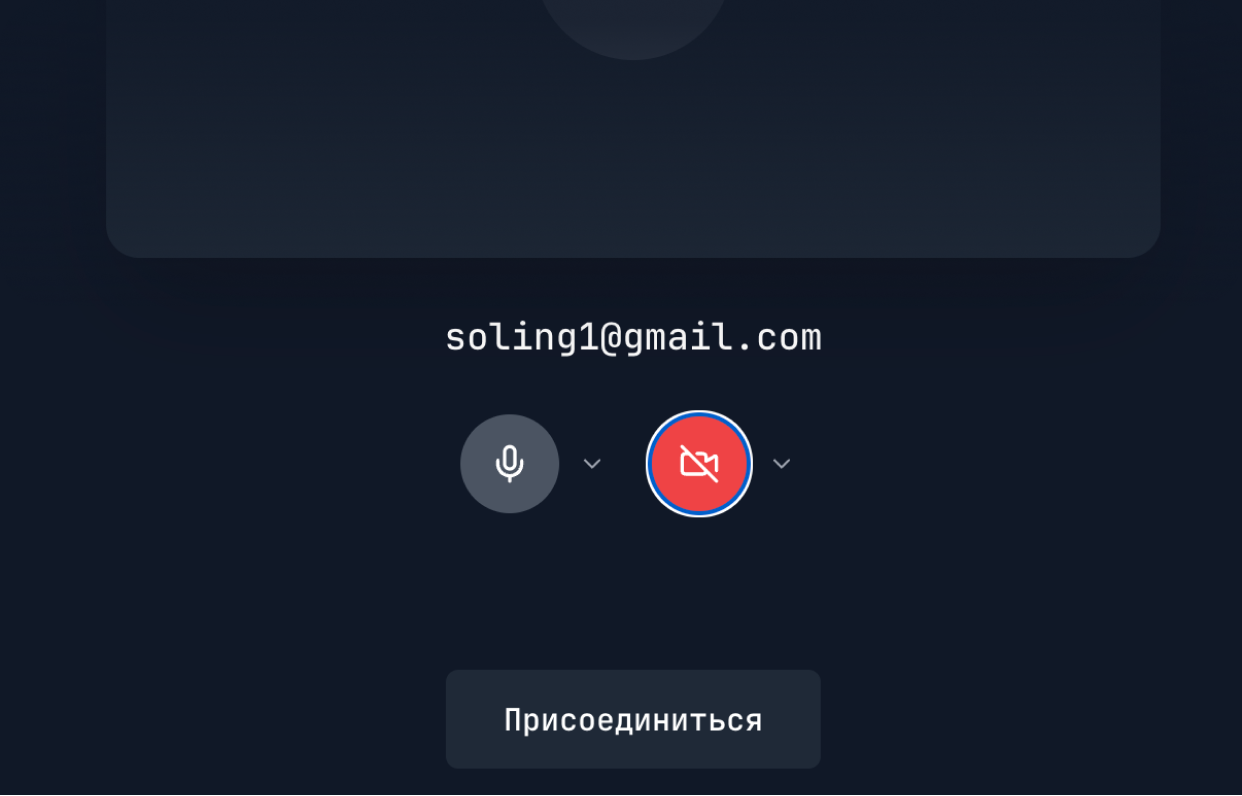
Before joining, check your microphone and camera, pick the right device from those connected, or temporarily turn them off. That way you enter the room ready to go — without the awkward "can you hear me?".
Backgrounds and effects
Replace your background with one of the presets (office, Miami beach, parking lot) or turn on blur — handy if there's a mess around you or you're calling from somewhere unusual.
Participants panel
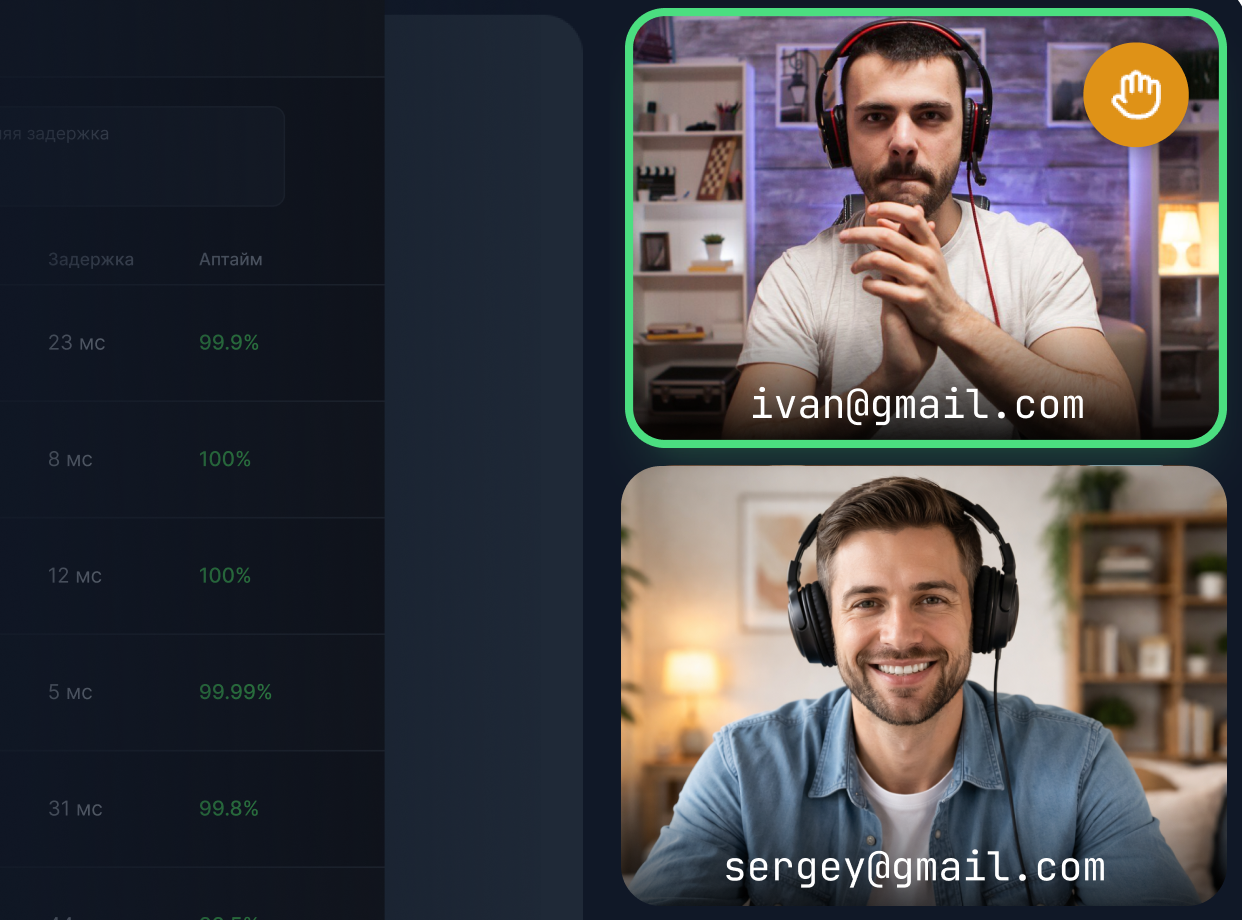
The list of active participants is shown next to the video. Anyone can raise a hand to take the floor — the host will immediately see who wants to speak.
Reactions
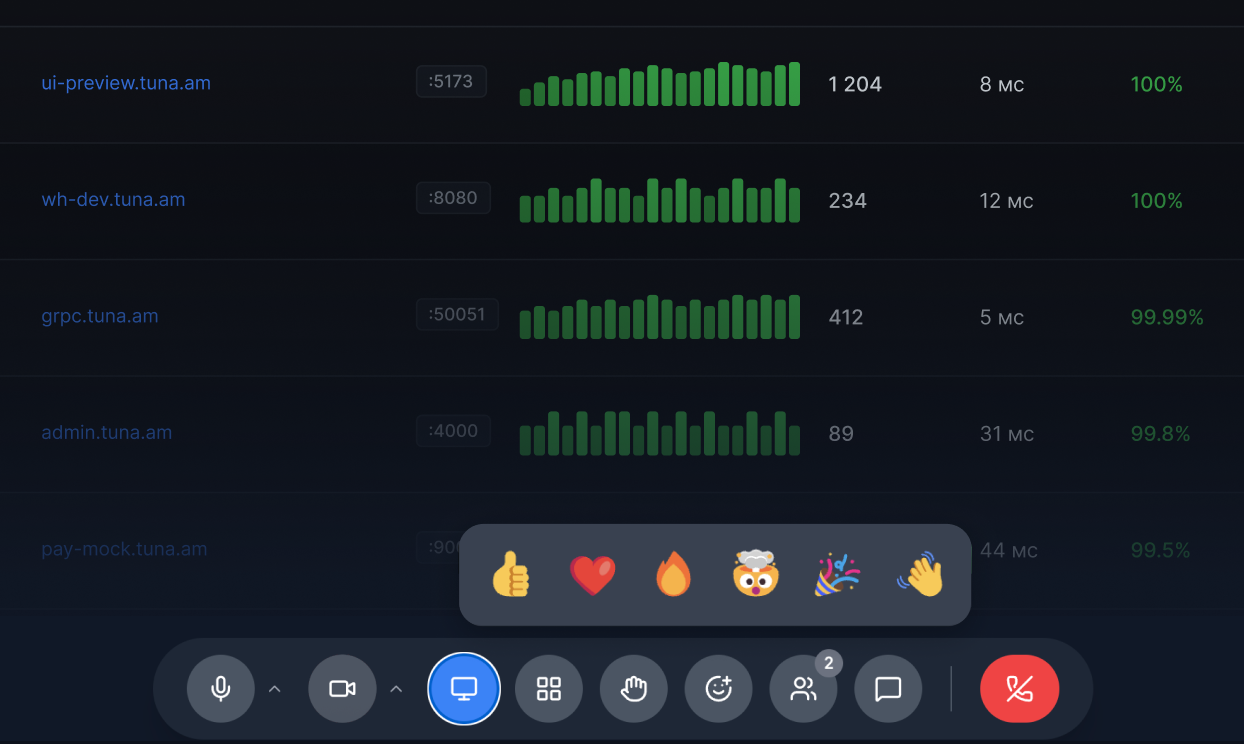
Quick feedback without interrupting: send a like, heart, fire and other reactions — they appear for everyone in the meeting.
Screen sharing
Show your screen to colleagues without long setup — one click and the presentation is already running. Suitable for demos, debugging and reviewing mockups.
Chat
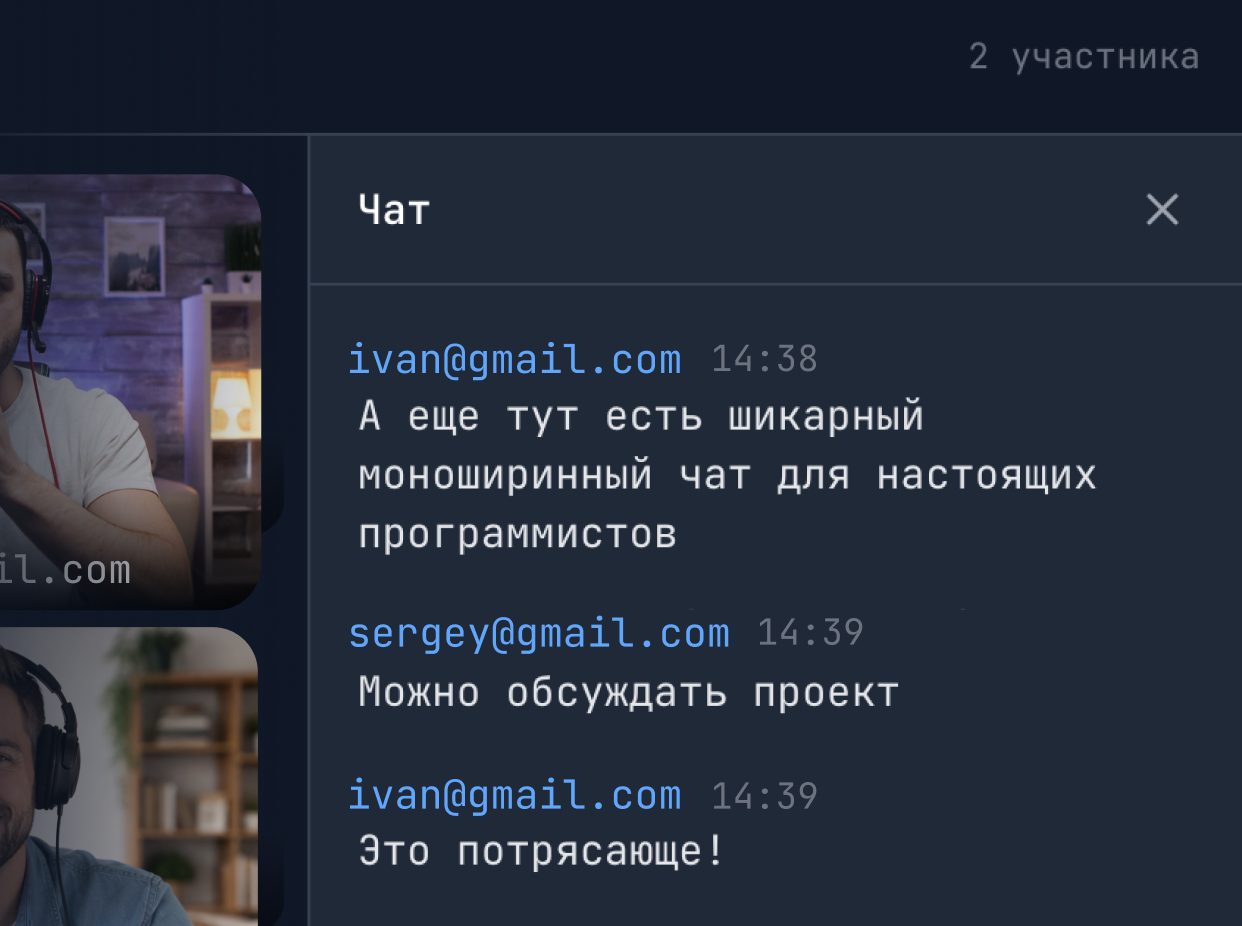
You can message in the chat during a call — for example, drop a link without interrupting the speaker. The chat is kept for the duration of the meeting.
Meets from your phone
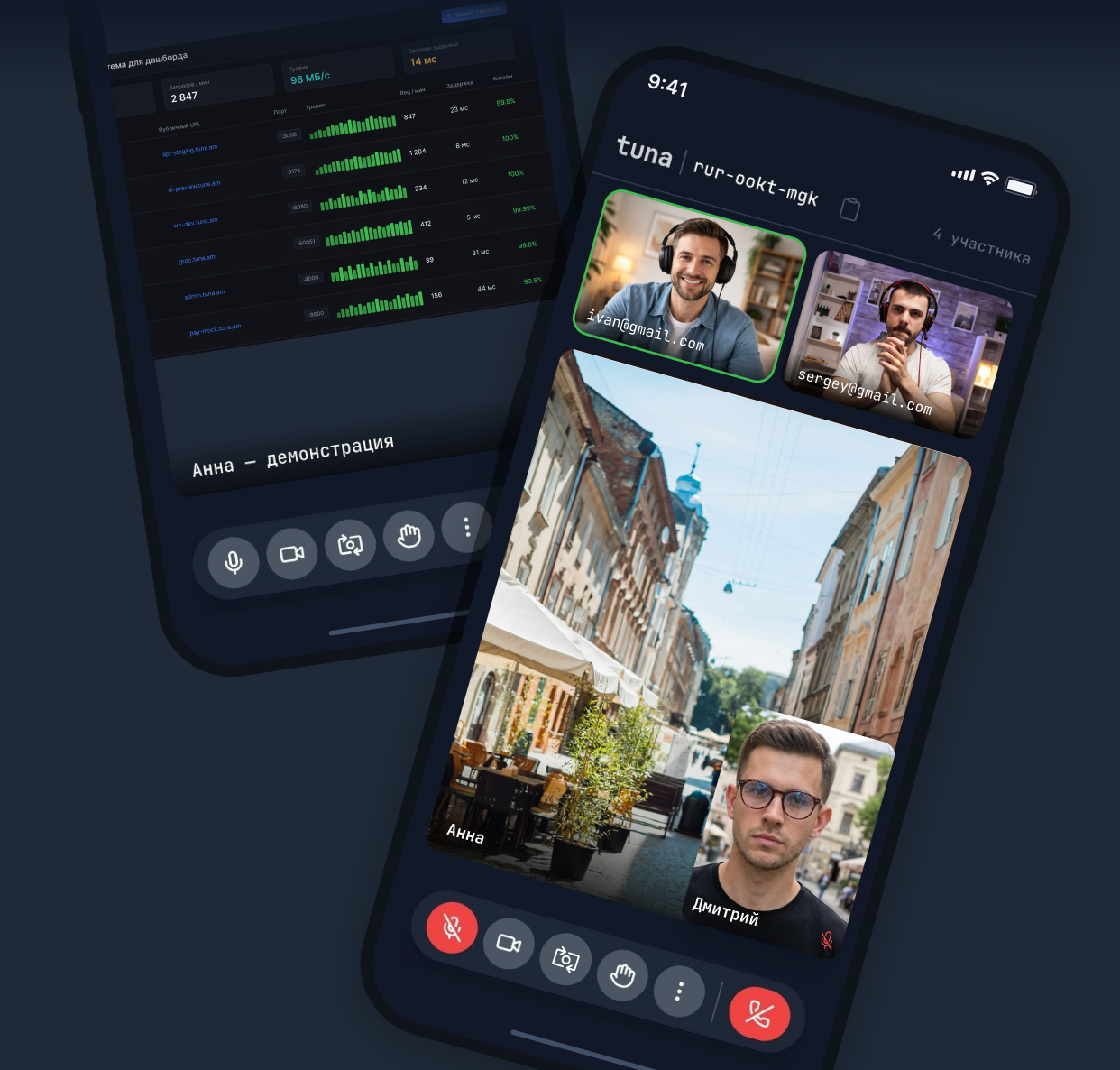
Join meetings from a mobile device — video, audio, chat and screen sharing work the same way as in the desktop version.
Pricing
Meets are included in the Tuna subscription and don't require a separate payment. The functionality is available on the Developer and Legend plans — see the pricing page for details.