Access Recovery
danger
If you lose your Master Key, it will be impossible to recover access to your passwords.
If a user has lost their Master Key:
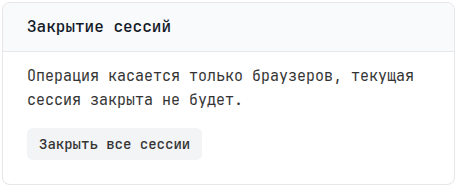
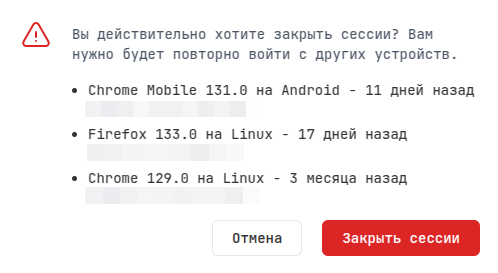
- If you had multiple sessions open in different browsers or devices and you remember the PIN from at least one session, you can open the Password Manager on the authorized device and view the Master Key saved in the My Passwords folder. You can view the list of active sessions in your user profile. Click Close all sessions to see all active sessions. Do not click Close sessions, just look at what other authorized devices exist.
- In a team, you can delete the vault with all passwords yourself (this is available to Founders and Owners), and the user will be able to create it again.
- For a personal account, you need to contact support at support@tuna.am from the registered email address. Administrators will delete your vault with all passwords so you can create it again.