Organization
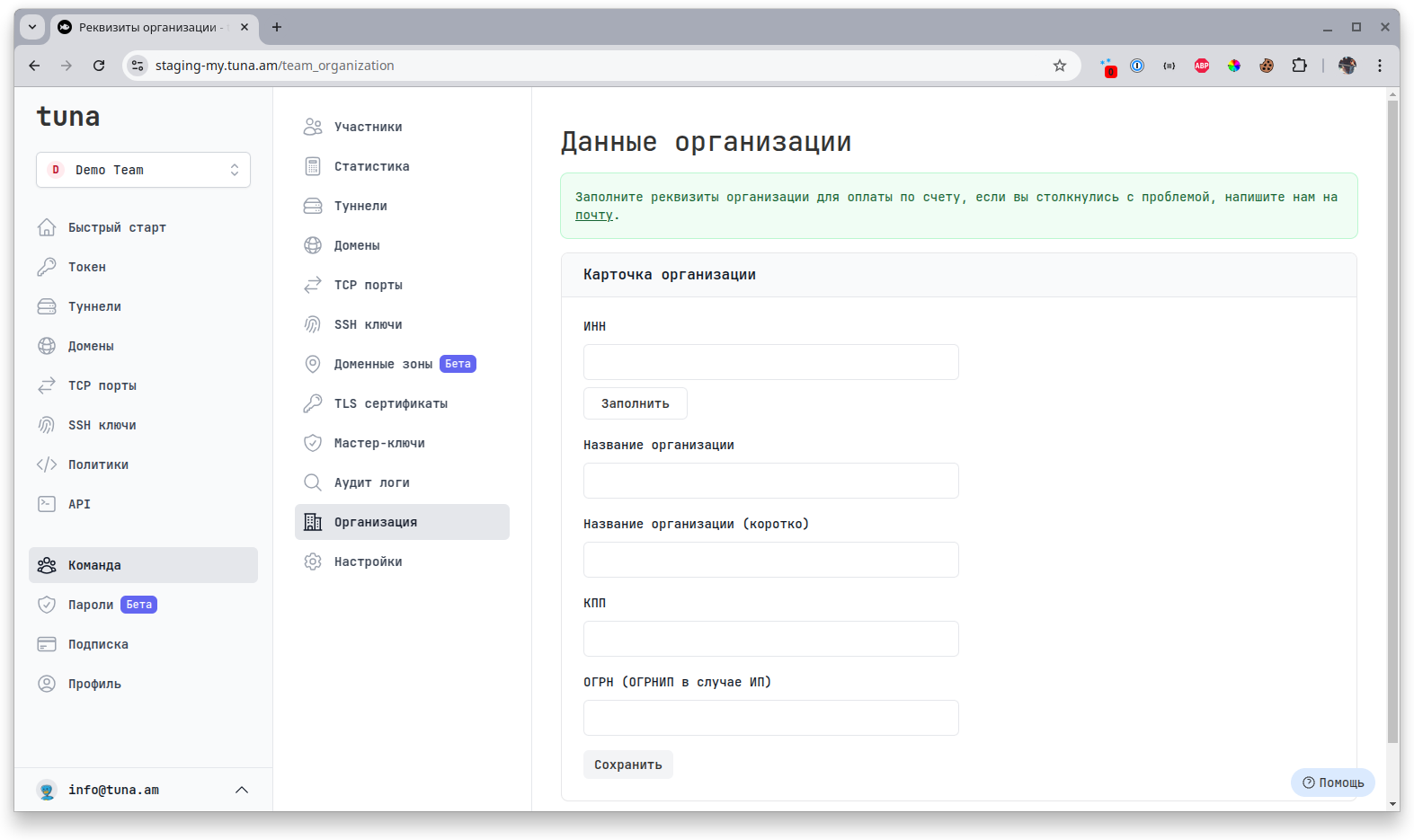
In this section you can add organization details for subsequent payment of services by bank transfer.
tip
This section is available to the Founder and Owners.
note
Currently available only for organizations in Russia.
Instructions for switching to payment by invoice
- Add the accountant's email to team contacts in the Settings section
- Specify the organization details in the Organization section
- On the subscription management page, specify the payment method - Bank transfer
- Click buy subscription (an invoice will be generated and sent to all contacts from step 1)
- After the funds are received, the subscription will be automatically activated