TCP tunnel
Overview
TCP tunnel allows you to provide access to any service using TCP protocol, the most popular examples:
Creating a TCP tunnel is only available with a subscription.
Examples
You can see all current flags, hints and examples by calling the help:
tuna tcp --help
Almost all flags have corresponding environment variables.
Basic example
tuna tcp 5432
With IP address
tuna tcp 10.0.0.1:5432
Specifying a token
You can specify a particular token using the --token flag or the TUNA_TOKEN environment variable. Overriding follows the configuration ordering policy.
tuna tcp 8080 --token=tt_***
Specifying a connection region
You can specify a particular region using the --location/-l flag or the TUNA_LOCATION environment variable. Overriding follows the configuration ordering policy.
tuna tcp 8080 --location=nl
Generating a QR code with the link
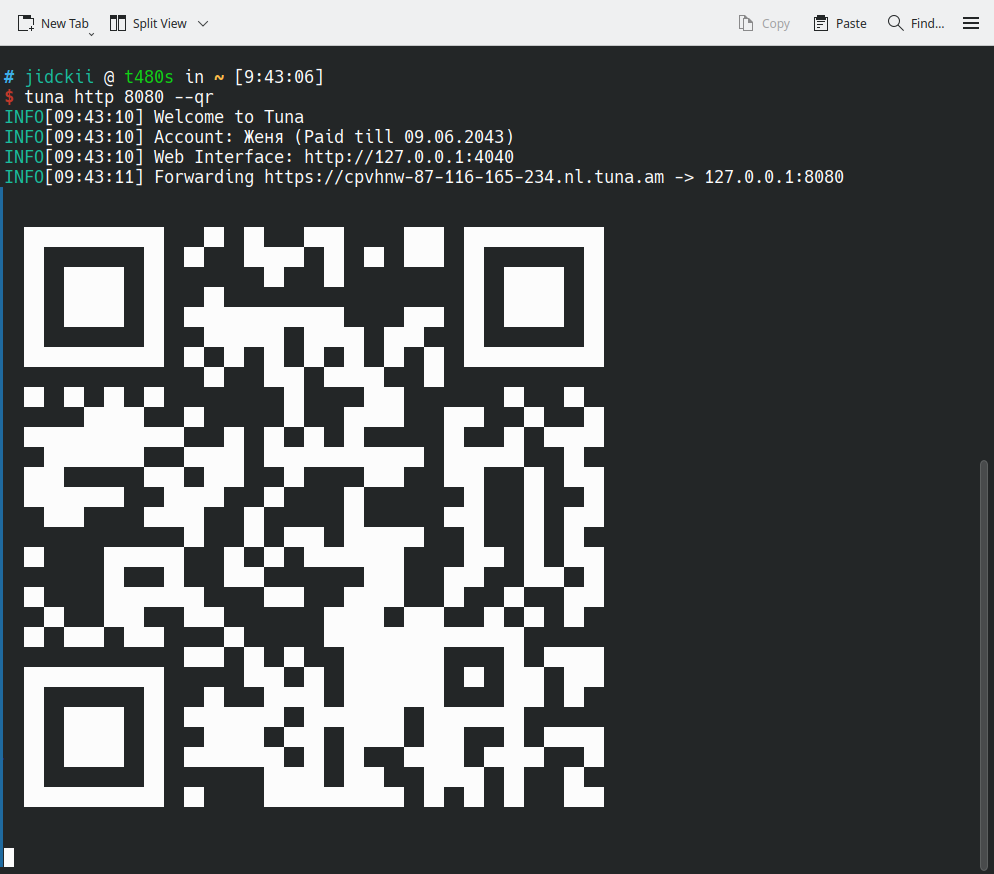
When the --qr flag is added, a QR code will be generated for the link and printed to the console. This can be convenient when you are testing a site on a mobile device.
Static port
The value of the --port/-p flag can be an alias or an assigned port.
You can reserve ports in the dashboard, and after restarting the tunnel the address will remain the same.
For more details about ports, see the dedicated guide.
tuna tcp 5432 --port=postgres
tuna tcp 5432 --port=35000
IP subnet access restriction
You can define a whitelist of subnets in CIDR format:
tuna tcp 3389 --cidr-allow="10.0.0.1/32"
Or deny access from specific subnets:
tuna tcp 3389 --cidr-deny="10.0.0.1/32"
You can combine them, for example specify a wide network and subtract private IPs:
tuna tcp 3389 --cidr-allow="10.0.0.1/24" --cidr-deny="10.0.0.33/32"
You can also pass lists through commas:
tuna tcp 3389 --cidr-allow="10.0.0.1/24,192.168.0.1/24" --cidr-deny="10.0.0.33/32,192.168.0.33/32"
Proxy Protocol
Allows passing the original client IP and port if your application supports it. The argument expects version 1 or 2, which corresponds to the Proxy Protocol version: 1 - text, 2 - binary. Haproxy or Nginx support both and detect them automatically.
tuna tcp 8443 --proxy-protocol=1
tuna tcp 8443 --proxy-protocol=2