
 Tunnels
 Webhooks
 Gateways
 Monitors
 Passwords
 Secrets
 Bastion
 Reports
 Boards
 Meet
Meet Teams
TeamsMeetings now
live inside Tuna
Call, talk, get things done — in the same platform where you already have tunnels, boards and the rest.
 Try meetings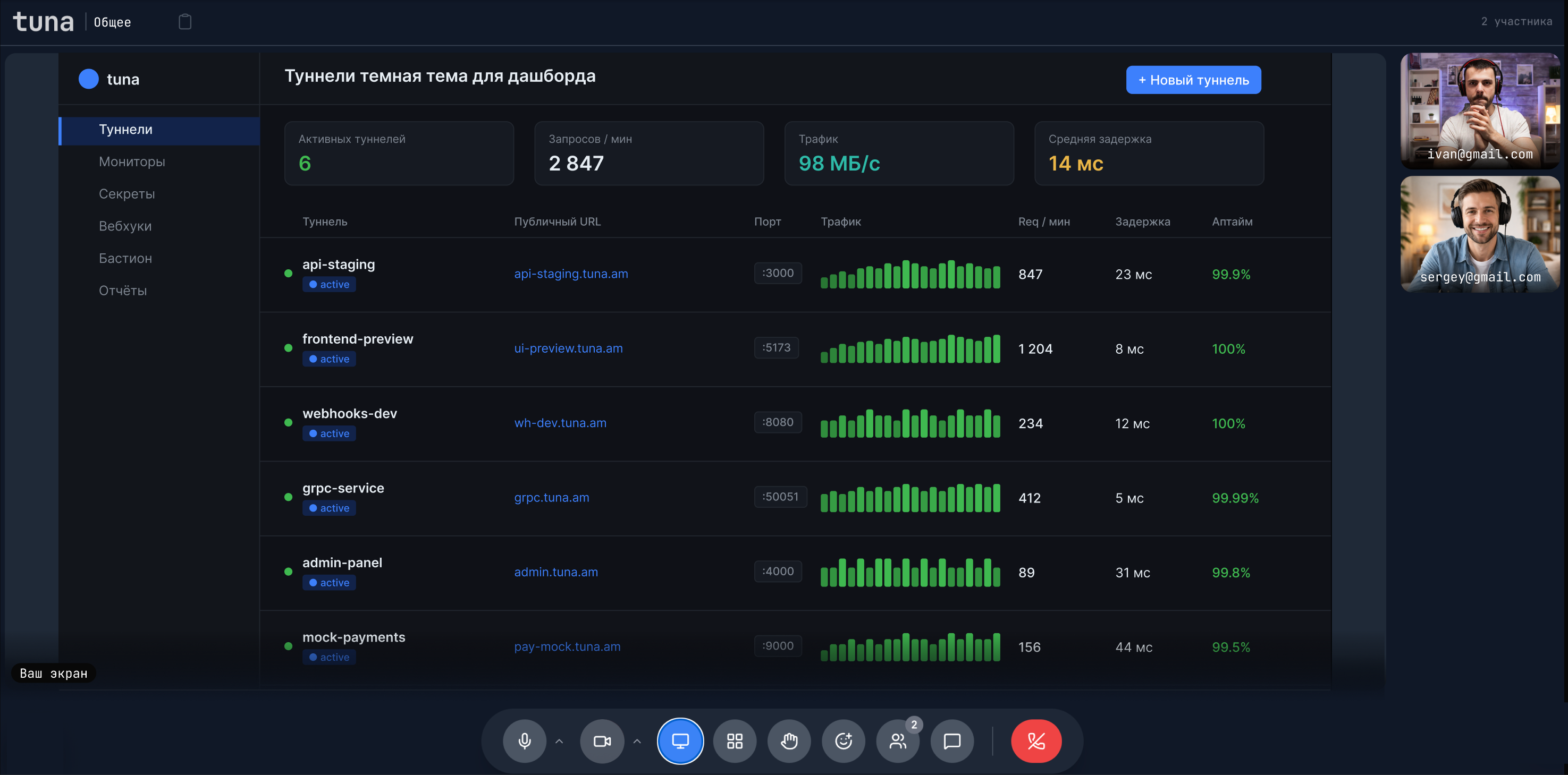
Everything you need
for video calls

Team channels
and link rooms
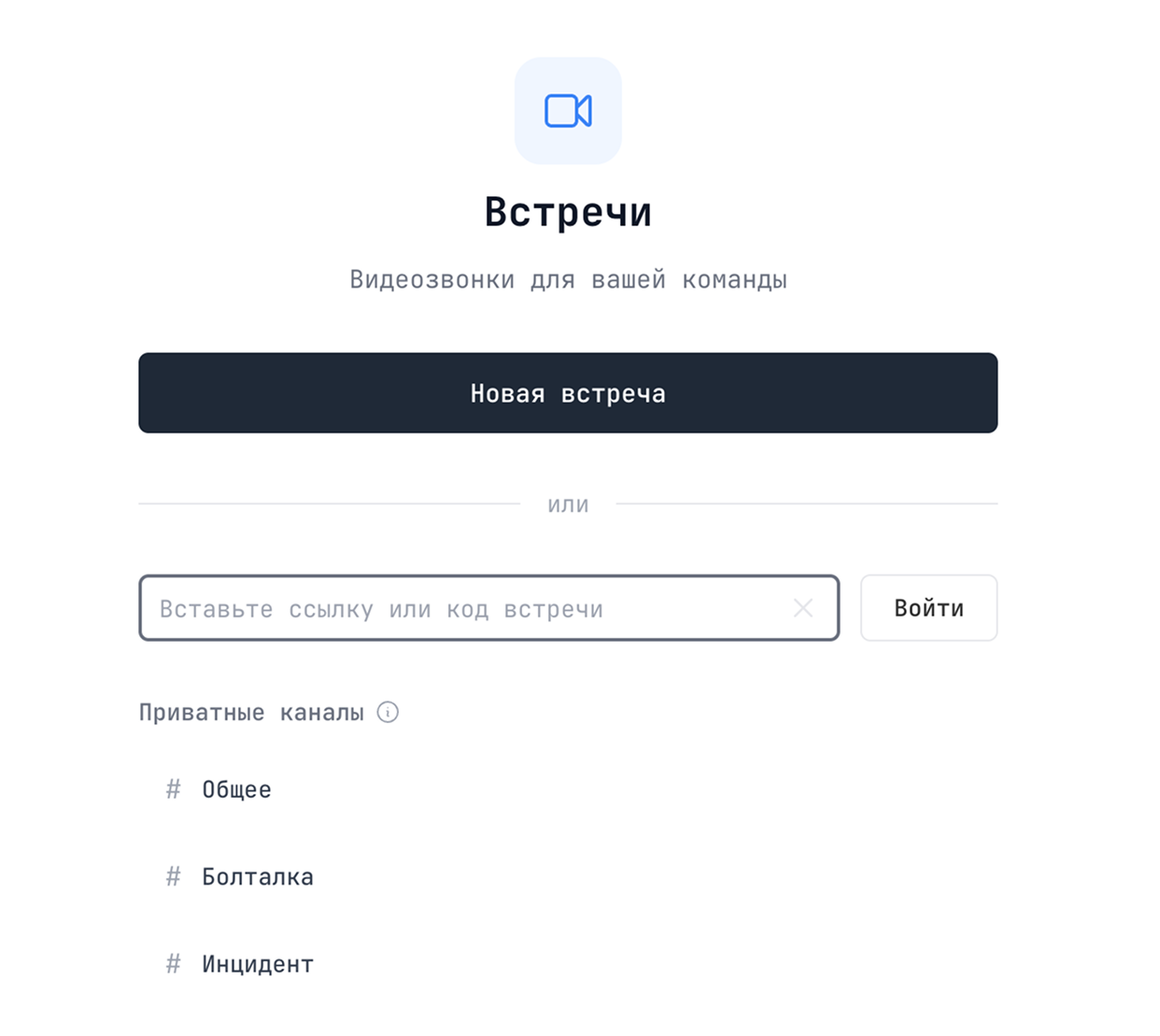
Your team gets three permanent channels for daily meetings — jump in with one click, no scheduling. For one-off calls, spin up a room and share the link — Zoom and Google Meet are no longer required.

Pre-call settings
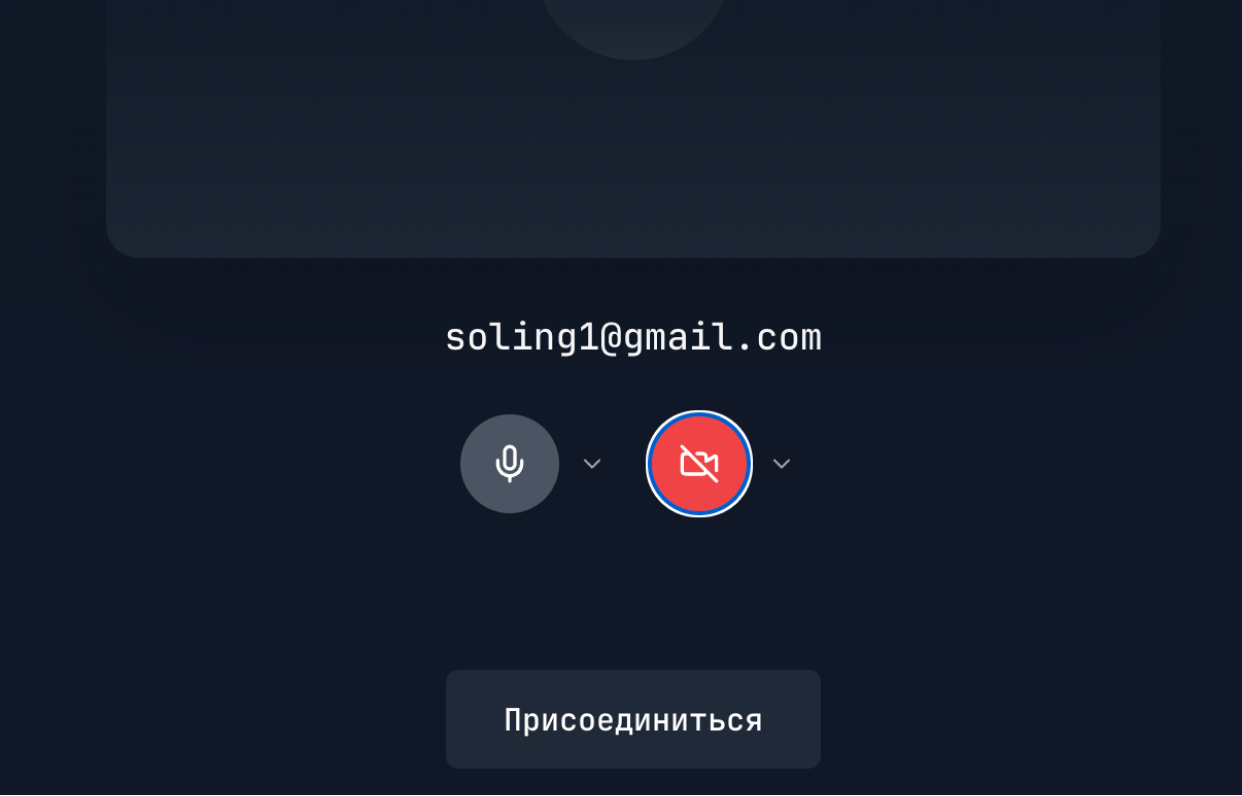
Pick your microphone and camera before you join the room. You can also walk in without them if you’re not ready to be seen or heard yet.

Backgrounds
and blur
Swap your background for a preset or just blur whatever is behind you. Handy when you call from a cafe, a home kitchen or any other not-quite-tidy place.


Participants panel
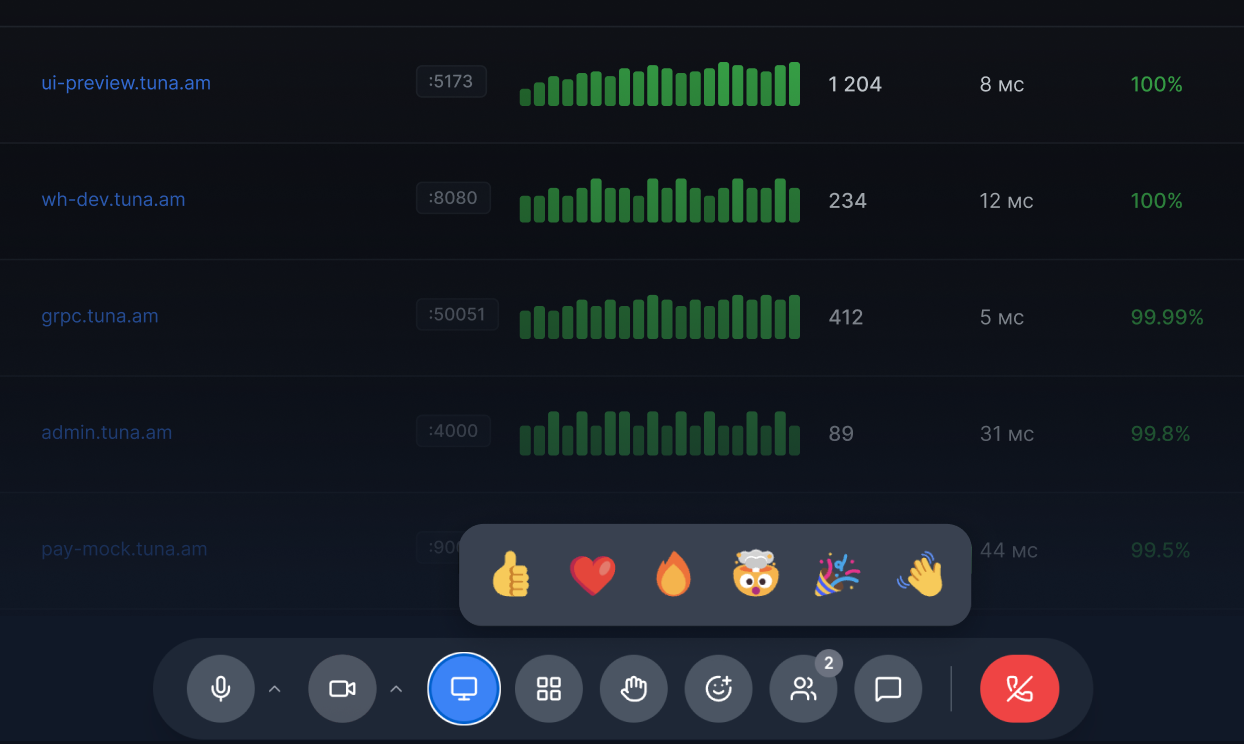
Everyone in the room is listed in the right column — like in Zoom or Google Meet. Raise your hand to take the floor without talking over anyone.

Screen sharing
Share your screen with the team in a single click — a full screen, a single window or a browser tab. No setup, no extensions, runs straight from the browser.
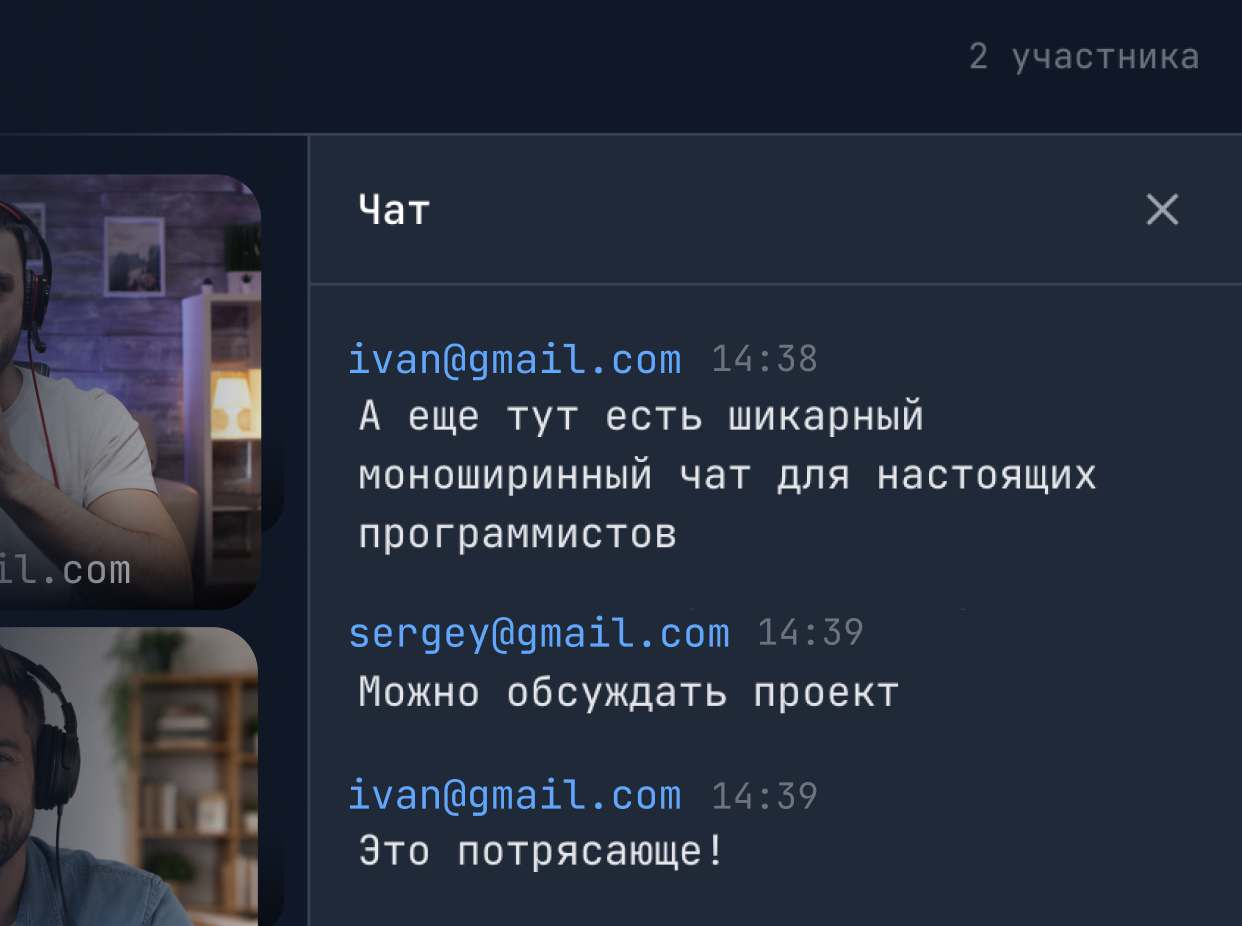

In-call chat
Each room has a chat that lives for the duration of the call. Drop a link, a snippet of code or an answer that’s easier to type than to say out loud.

Calls from a phone
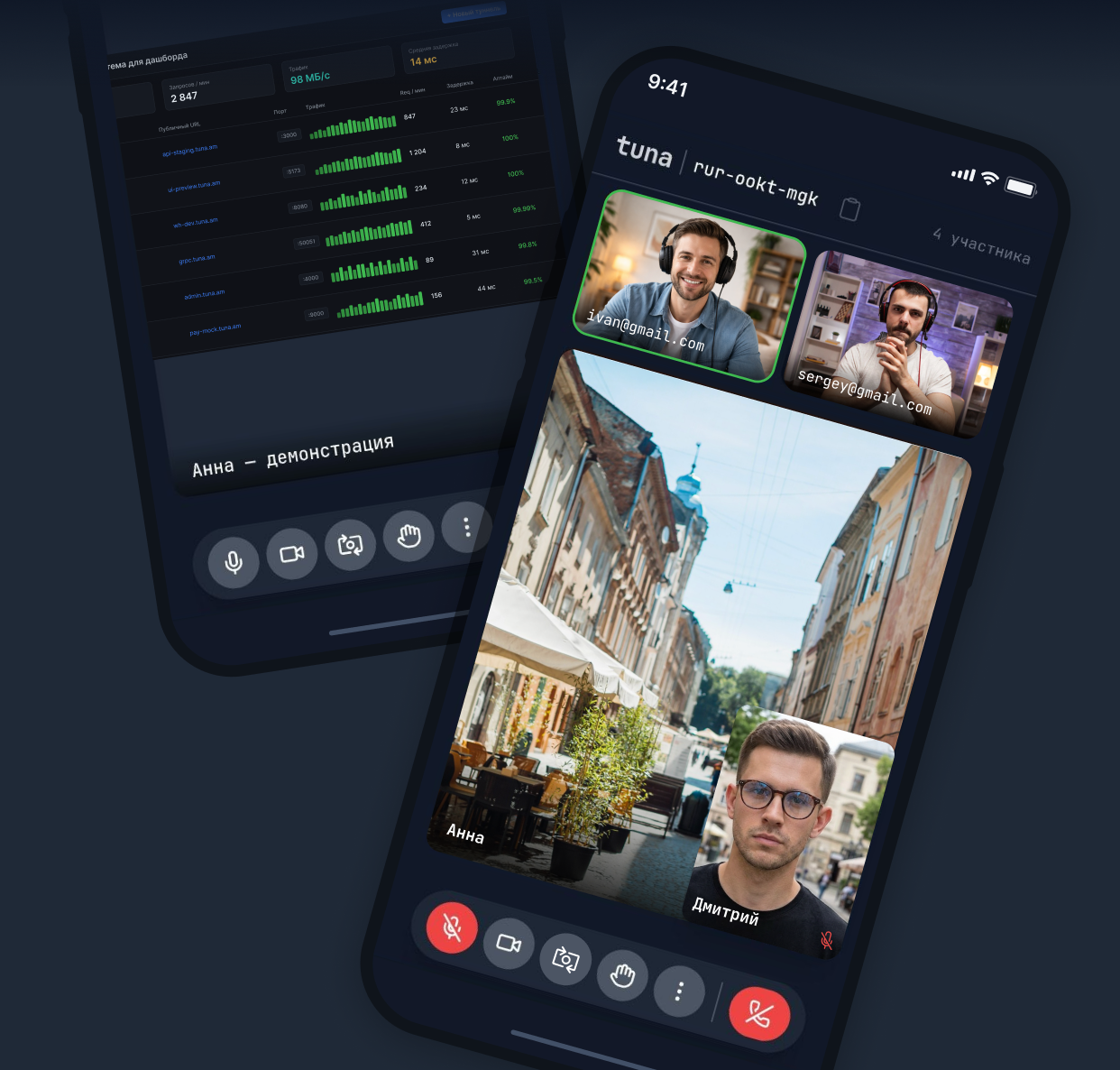
Join meetings from your phone when you’re away from the laptop. Camera, microphone and screen sharing all work the same as on desktop.
Already part
of your subscription
BEFORE
AFTER
Try meetingsStill not sure Tuna is the right fit?
Let ChatGPT, Claude or Perplexity decide for you. Click a button and see what your favourite AI has to say about our platform.


