 Tunnels
 Webhooks
 Gateways
 Monitors
 Passwords
 Secrets
 Bastion
 Reports
 Boards
 Meet
Meet Teams
Teams
Teamwork makes everything faster!
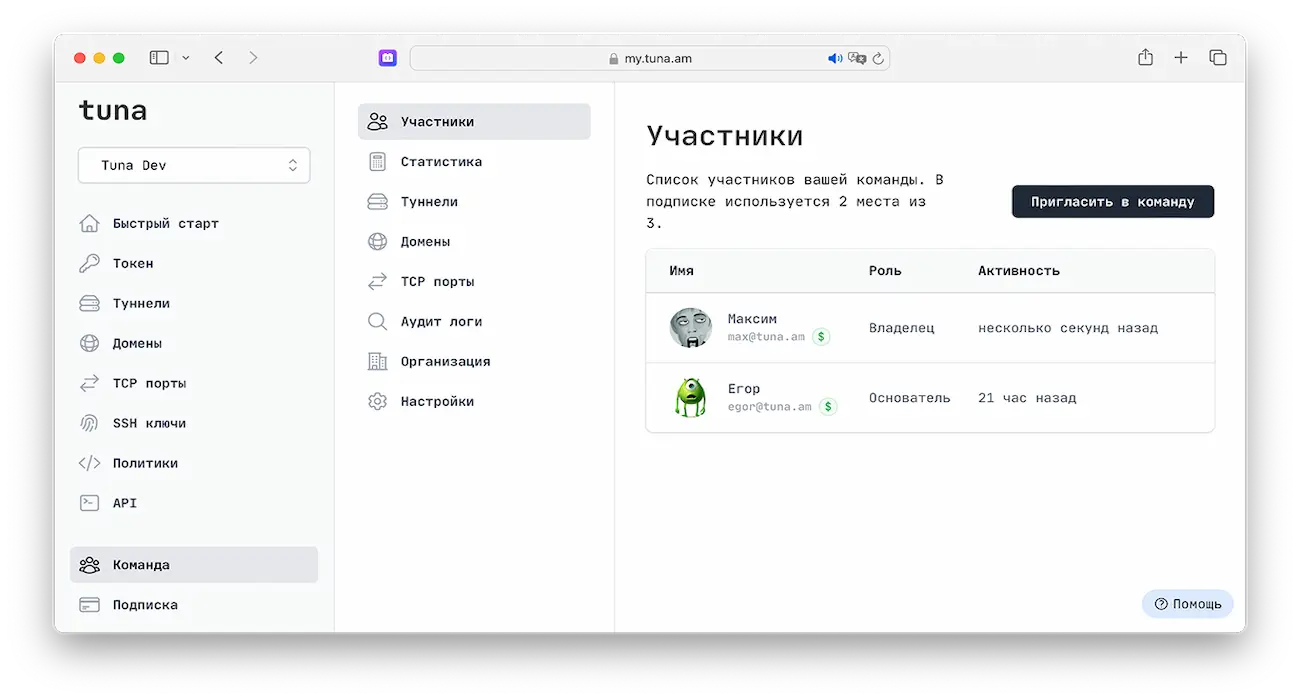
Stop worrying about limits and payments! Invite colleagues to your team so they can get to work right away.
Speed up development and administration by simplifying collaboration between team members without compromising security.
Available in Team
Benefits
 Increased Limits
- More simultaneous tunnels, static TCP ports and domains.
 One for All
- Quick payment for the whole team and ability to expand subscription.
 Invoice Payment
- Invoicing for subscription to keep things familiar.
 Traffic Policies
- Flexible HTTP request processing rules.
 Audit Log
- Recording of main user actions.
 RBAC
RBAC- Role-based model for user access control.
 Domain Zones
- Domain reservation in zone with Wildcard certificate.
 Secure Passwords
- Shared password folders for colleagues.
 Server Access
- Secure server access with quick blocking.
Why are teams useful?
You can significantly speed up development and administration by simplifying collaboration between team members without compromising security, for example:
- publishing local development environments,
- transferring files directly to each other,
- remote access to workstations and servers in private networks,
- secure password sharing,
- publishing demo environments for clients.
Teams Reviews
How does it work?
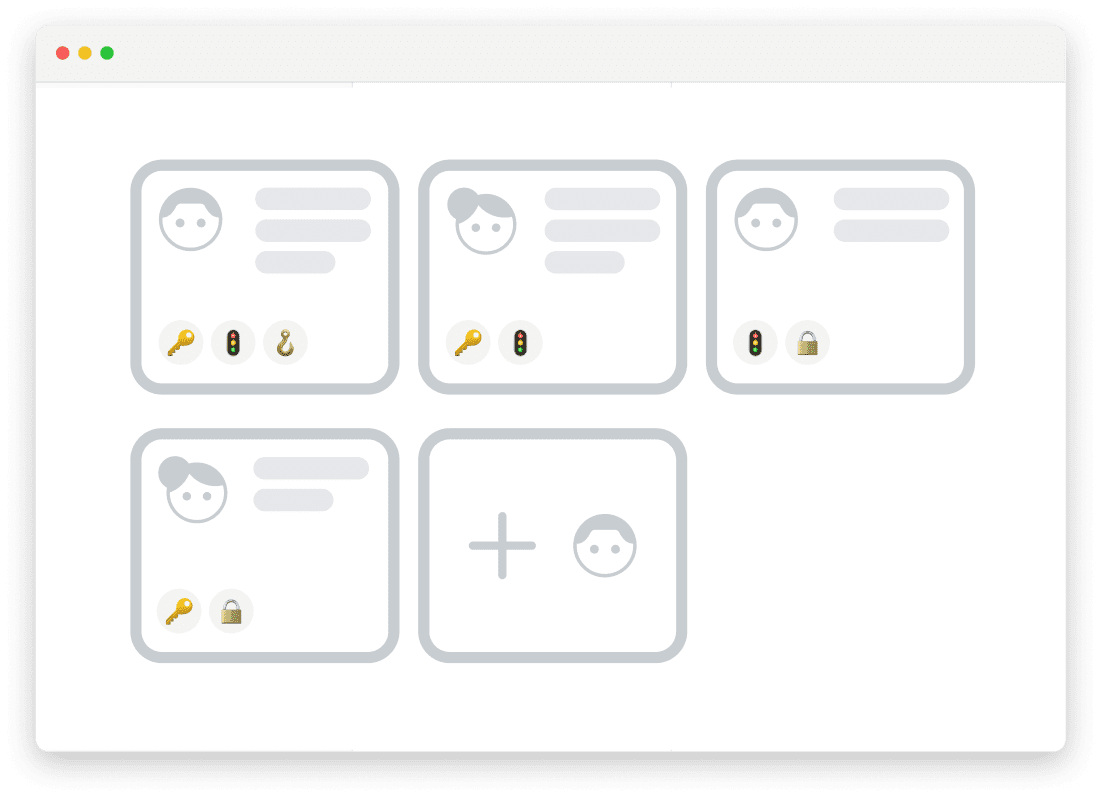
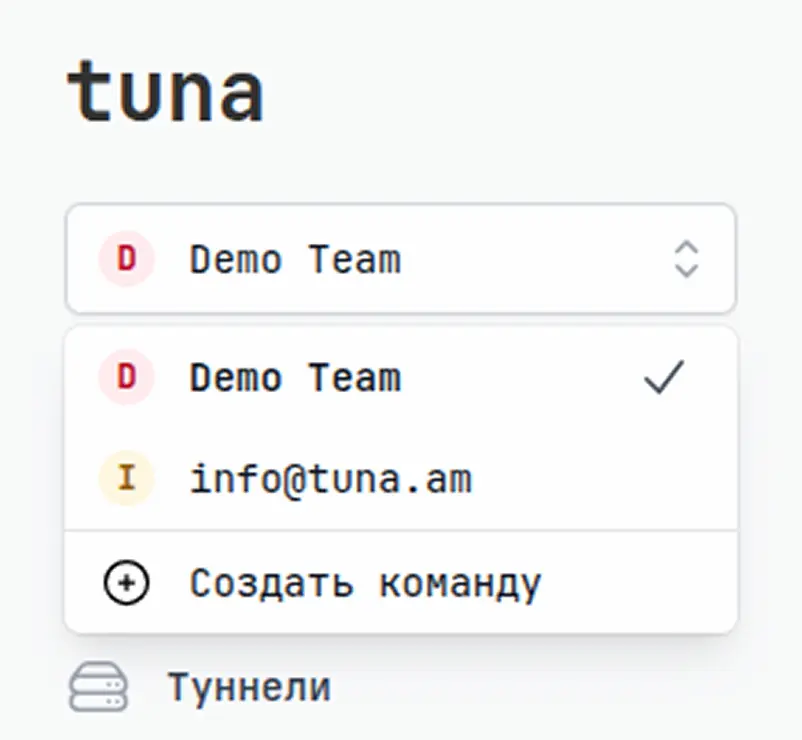
Every Tuna platform user can be a member of multiple teams, either as a creator or a participant.
Switching between personal and team accounts is done using the selector in the upper left corner of the screen, where there's also a button to create a new team.
 TUNA — platform for developers
TUNA
platform for developers
TUNA — platform for developers
TUNA
platform for developers
TUNA — platform for developers
TUNA
platform for developersPricing
Get 2 months free with annual subscription
 Beginner
- 1 HTTP tunnel
- 1 subdomain in tuna.free zone New
- Dynamic subdomains
- No time limit New
- 1 project
- 5 environments per project
- 5 configs per environment
- 1 webhook
- 1 project
- 7 days storage
- 1 monitor
- 1 board
- 10 participants
- 1 hour
Free
Install-
Pro
- 5 tunnels simultaneously
- 10 subdomains in tuna.am zone
- 1 static port
- 1 own domain
- No time limit
- All tunnel types
- 10 projects
- 10 environments per project
- 10 configs per environment
- 3 monitors (watch)
- 10 webhooks
- 1 project
- 30 days storage
- 10 monitors
- 10 boards
- 10 participants
- 6 hours
5 USD /month
50 USD /year
Buy  Legend
- 10 tunnels simultaneously
- 10 subdomains in tuna.am zone
- 10 own domain
- 5 static ports
- Own domain zones
- Traffic policies
- IP access policies
- 20 projects
- 20 environments per project
- 20 configs per environment
- 5 monitors (watch)
- 20 webhooks
- 20 projects
- Unlimited storage
- 20 monitors
- Integrations
- 20 boards
- 20 participants
- 12 hours
- 200 nodes per team i
10 USD /month
100 USD /year
Buy

What's included in the plan
- Traffic policies i
- IP access policies
- Own domain zones (wildcard)
- IP address hiding in dynamic subdomains
- 10 tunnels simultaneously
- 10 own domains
- 5 static ports
- No time limit
- HTTP tunnels
- TCP tunnels (RAW, SSHd, Postgres, Redis)
- SSHd tunnels (built-in SSH server)
- Trigger tunnels (Webhook or Email)
- Kubernetes tunnels (cluster access via kubectl)
- 1C tunnels (publishing 1C:Enterprise infobases)
- 10 subdomains in tuna.am zone
- Multiple regions
- Dynamic subdomains
- End-to-end encryption
- Let's Encrypt SSL/TLS certificates
- HTTP / Postgres / Redis requests inspector
- Basic authentication
- Access restrictions by IP/Api-Key/User-Agent
- Rate limiting
- CORS automation
- Websocket and Server-Sent Events (SSE) support
- Built-in file server
- WebDAV server
- Service creation management (background operation)
 +1 Additional license
$2 /month
+1 Additional license
$2 /month
- +1 active tunnel
- +1 subdomain in tuna.am zone
- +1 own domain
- +1 static port
What's included in the plan
- TCP tunnels (RAW, SSHd, Postgres, Redis)
- SSHd tunnels (built-in SSH server)
- Trigger tunnels (Webhook or Email)
- Kubernetes tunnels (cluster access via kubectl)
- 1C tunnels (publishing 1C:Enterprise infobases)
- No time limit
- 5 tunnels simultaneously
- 10 subdomains in tuna.am zone
- 1 static port
- 1 own domain
- HTTP tunnels
- HTTP / Postgres / Redis requests inspector
- Multiple regions
- Dynamic subdomains
- End-to-end encryption
- Let's Encrypt SSL/TLS certificates
- Basic authentication
- Access restrictions by IP/Api-Key/User-Agent
- Rate limiting
- CORS automation
- Websocket and Server-Sent Events (SSE) support
- Built-in file server
- WebDAV server
- Service creation management (background operation)
+1 Additional license
$1 /month
- +1 active tunnel
- +1 subdomain in tuna.am zone
- +1 own domain
- +1 static port
What's included in the plan
- Multiple regions
- 1 HTTP tunnel
- Dynamic subdomains
- 1 subdomain in tuna.free zone
- No time limit
- End-to-end encryption
- Let's Encrypt SSL/TLS certificates
- HTTP requests inspector
- Basic authentication
- Access restrictions by IP/Api-Key/User-Agent
- Rate limiting
- CORS automation
- Websocket and Server-Sent Events (SSE) support
- Built-in file server
- WebDAV server
- Service creation management (background operation)
What's included in the plan
- 1 project
- 5 environments per project
- 5 configs per environment
- Secrets generator
- Change history
- Secrets synchronization across environments
- Compare secret values across environments
- Hidden secrets
- IP address access
- Service keys for specific configuration access
What's included in the plan
- 10 projects
- 10 environments per project
- 10 configs per environment
- 3 monitors (watch)
- Automatic application restart on secret change (watch)
- Secrets generator
- Change history
- Secrets synchronization across environments
- Compare secret values across environments
- Hidden secrets
- IP address access
- Service keys for specific configuration access
What's included in the plan
- 20 projects
- 20 environments per project
- 20 configs per environment
- 5 monitors (watch)
- Automatic application restart on secret change (watch)
- Secrets generator
- Change history
- Secrets synchronization across environments
- Compare secret values across environments
- Hidden secrets
- IP address access
- Service keys for specific configuration access
What's included in the plan
- 1 board
- Drawing: shapes, lines, arrows
- Stickers and brainstorms
- Comments and chat on the board
- Timer for brainstorms and retros
- Presentation mode
- Export to JPG, PNG, PDF, SVG
What's included in the plan
- 10 boards
- Drawing: shapes, lines, arrows
- Stickers and brainstorms
- Comments and chat on the board
- Timer for brainstorms and retros
- Presentation mode
- Export to JPG, PNG, PDF, SVG
What's included in the plan
- Voice chat right in the board
- Real-time collaboration
- 20 boards
- Drawing: shapes, lines, arrows
- Stickers and brainstorms
- Comments and chat on the board
- Timer for brainstorms and retros
- Presentation mode
- Export to JPG, PNG, PDF, SVG
What's included in the plan
- Up to 10 participants in a meeting
- Meeting length up to 1 hour
- Team channels and link rooms
- Pre-call settings window
- Virtual backgrounds and blur
- Screen sharing
- In-call chat
- Calls from a phone
What's included in the plan
- Up to 10 participants in a meeting
- Meeting length up to 6 hours
- Team channels and link rooms
- Pre-call settings window
- Virtual backgrounds and blur
- Screen sharing
- In-call chat
- Calls from a phone
What's included in the plan
- Up to 20 participants in a meeting
- Meeting length up to 12 hours
- Team channels and link rooms
- Pre-call settings window
- Virtual backgrounds and blur
- Screen sharing
- In-call chat
- Calls from a phone
What's included in the plan
- 1 webhook
- View HTTP requests
- View Email
What's included in the plan
- 10 webhooks
- View HTTP requests
- View Email
What's included in the plan
- 20 webhooks
- View HTTP requests
- View Email
What's included in the plan
- Password storage using zero-knowledge model
- Secrets type separation
- TOTP support
- External sharing capability
What's included in the plan
- Password storage using zero-knowledge model
- Secrets type separation
- TOTP support
- External sharing capability
What's included in the plan
- Shared catalogs
- Password storage using zero-knowledge model
- Secrets type separation
- TOTP support
- External sharing capability
What's included in the plan
- 200 nodes per team i
- Zero-Trust SSH access to servers
- Mandatory (RBAC) access model
- Authentication using temporary RSA keys and PKI certificates
- Audit and observability (coming soon)
- SSO integration (coming soon)
What's included in the plan
- Traffic policies i
- Number of gateways is limited by the limit on static domains and subdomains in the tuna.am zone
What's included in the plan
- Role-based access control (RBAC)
- Event audit
- Invoice payment (RU)
What's included in the plan
- 1 project
- 7 days report storage
- Screen recording
- Browser console
- Network requests
- DOM snapshot
- Report comments
- Email notifications
What's included in the plan
- 30 days report storage
- 1 project
- Screen recording
- Browser console
- Network requests
- DOM snapshot
- Report comments
- Email notifications
What's included in the plan
- 20 projects
- Unlimited report storage
- Telegram notifications
- Slack notifications
- Discord notifications
- VK Teams notifications
- Google Chat notifications
- Webhook notifications
- Screen recording
- Browser console
- Network requests
- DOM snapshot
- Report comments
- Email notifications
What's included in the plan
- 1 monitor
- Job monitors
- Heartbeat monitors
- HTTP monitors
- TCP monitors
- DNS monitors
- ICMP (Ping) monitors
- Email notifications
What's included in the plan
- 10 monitors
- Job monitors
- Heartbeat monitors
- HTTP monitors
- TCP monitors
- DNS monitors
- ICMP (Ping) monitors
- Email notifications
What's included in the plan
- 20 monitors
- Telegram notifications
- Slack notifications
- Discord notifications
- VK Teams notifications
- Google Chat notifications
- Webhook notifications
- Job monitors
- Heartbeat monitors
- HTTP monitors
- TCP monitors
- DNS monitors
- ICMP (Ping) monitors
- Email notifications
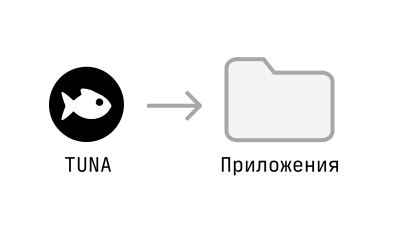
 How to start?
Start with installing and initial setup of the client - it will take no more than a minute
 Frequently Asked Questions about Teams
Currently, Teams are only available in the "Team" plan 😄
No, there are no limitations.
Ways to work with Teams with examples are described in detail in the corresponding section of our documentation.
Still have questions? Email us at info@tuna.am .
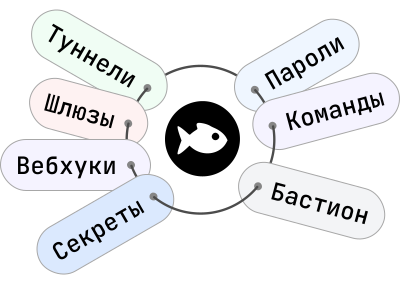
Unified platform for:
- accelerating development
- simplifying team collaboration
- improving security
- cost optimization
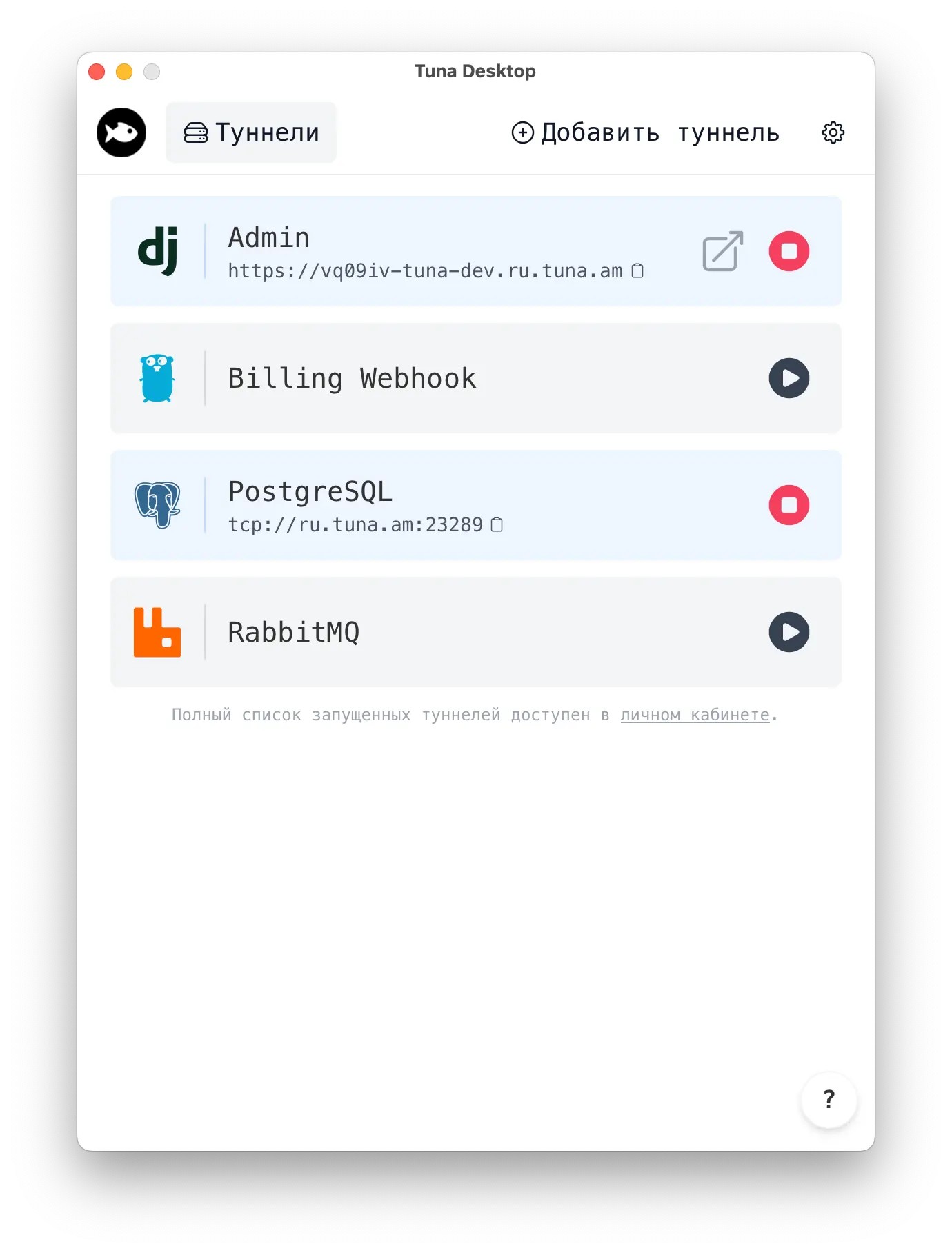
Tuna Desktop
A new way to manage tunnels without the console. Install on Windows, MacOS or Linux and get started in seconds.
Install