Features Overview
Secret Types
You can create several different types of secrets.
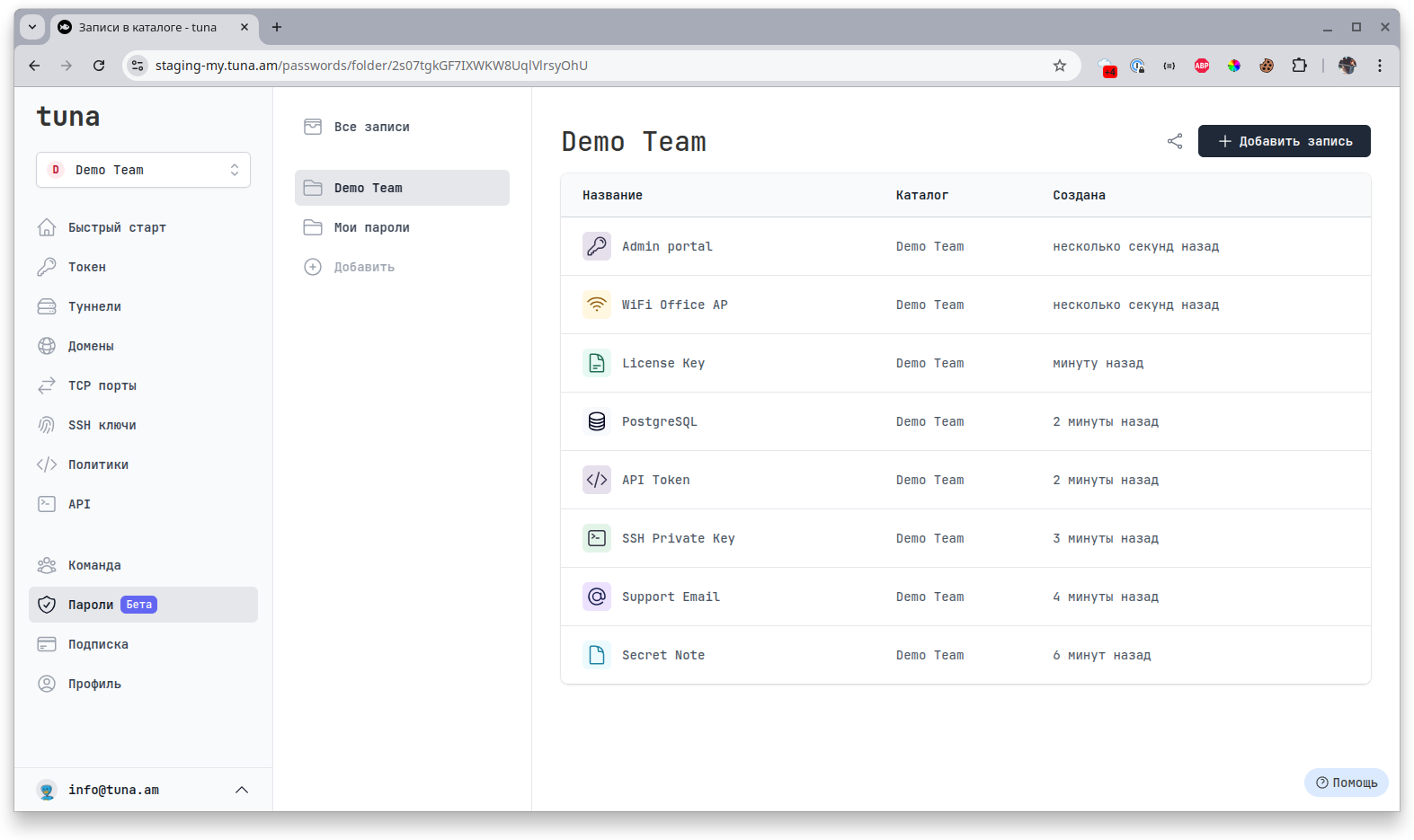
- Password
- Note
- SSH Key
- API Key
- Database
- License
- WiFi Router
Folders and Team Sharing
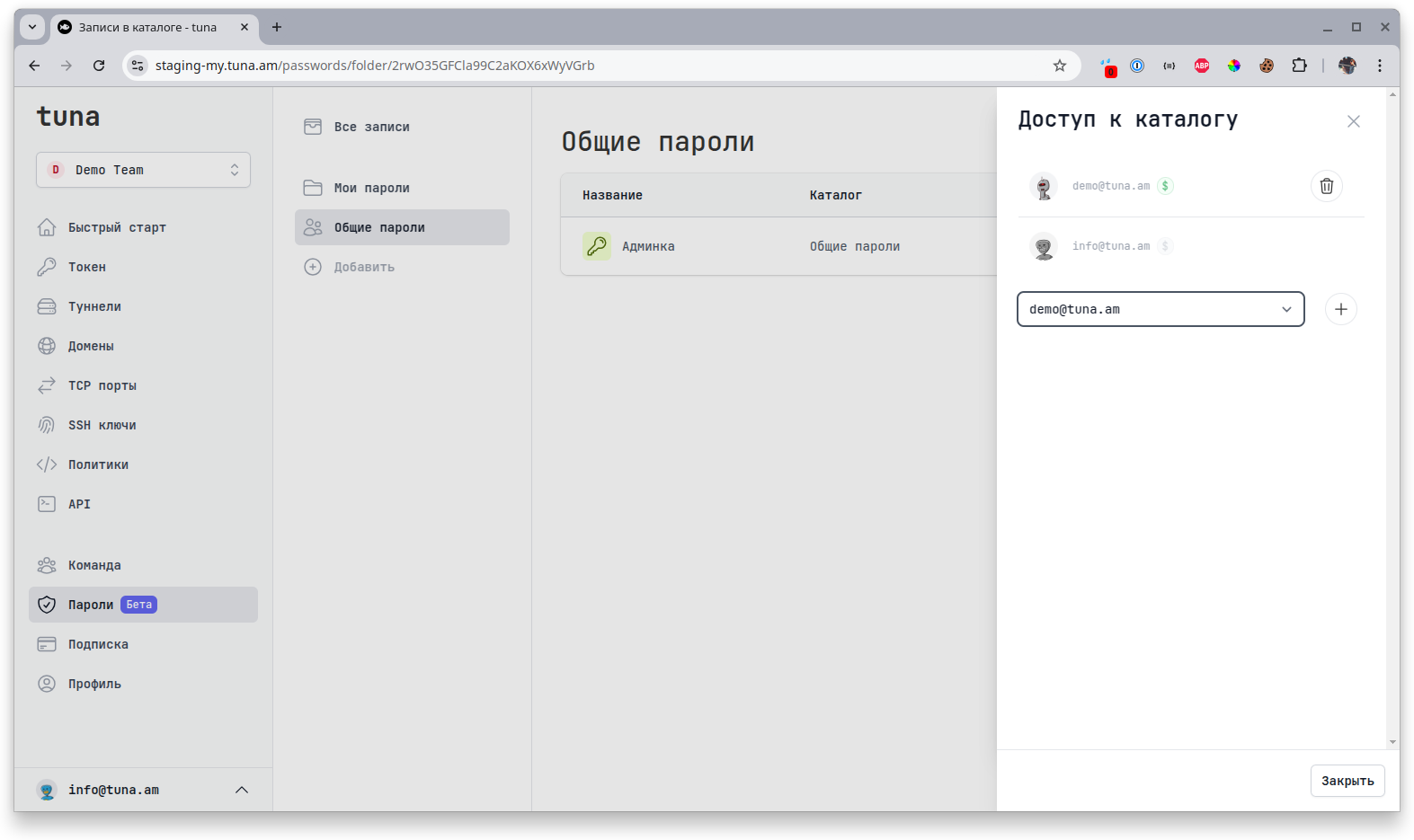
You can create folders and group passwords by purpose or access level. For example, you can create a separate folder with Production and Testing infrastructure access containing SSH and API keys and database credentials. Or separate folders for DevOps, Backend, Frontend departments and add the corresponding people to the folders.
Within a team, you can share these folders with other members. They will be able to view, edit, and add new passwords in this folder.
Share Externally
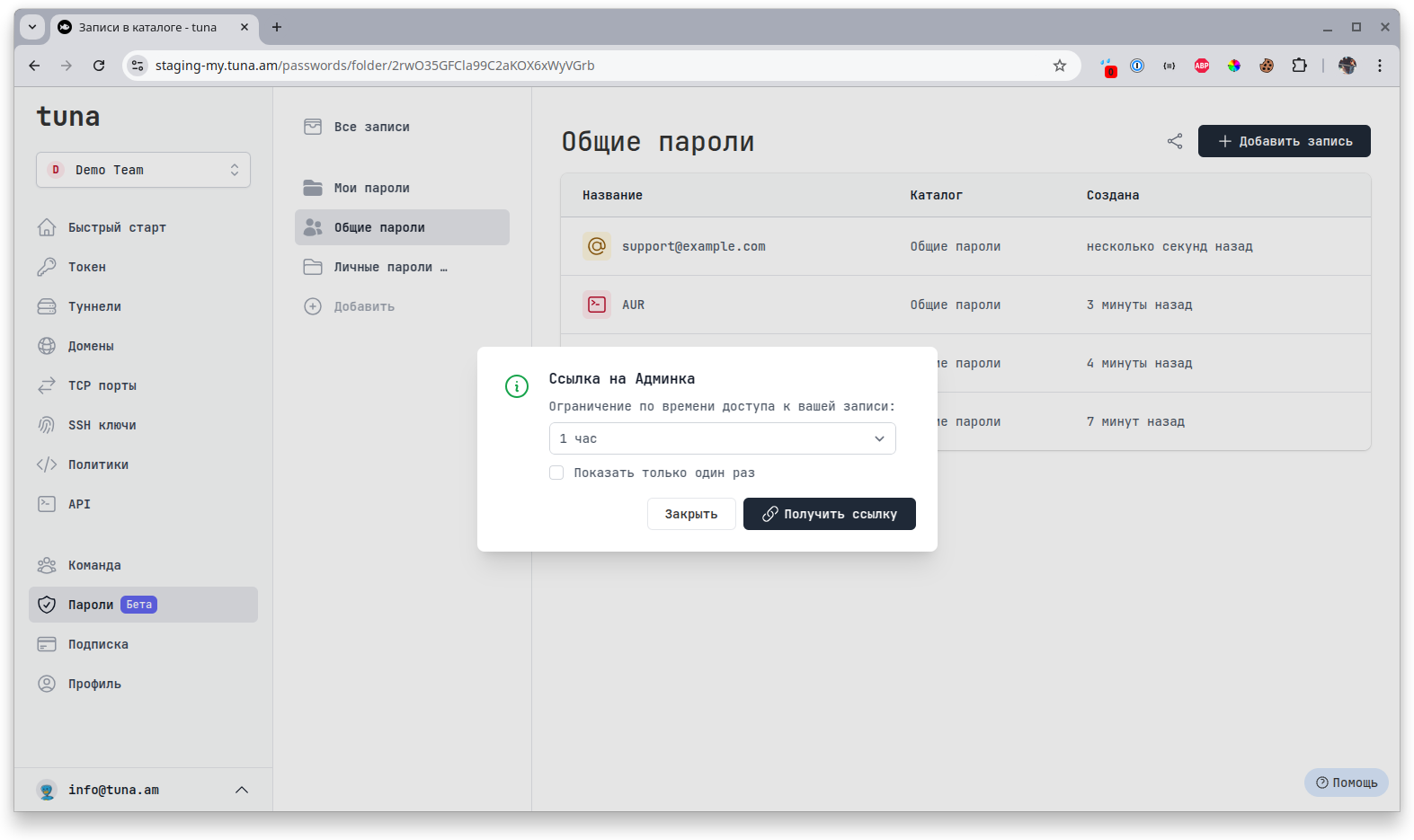
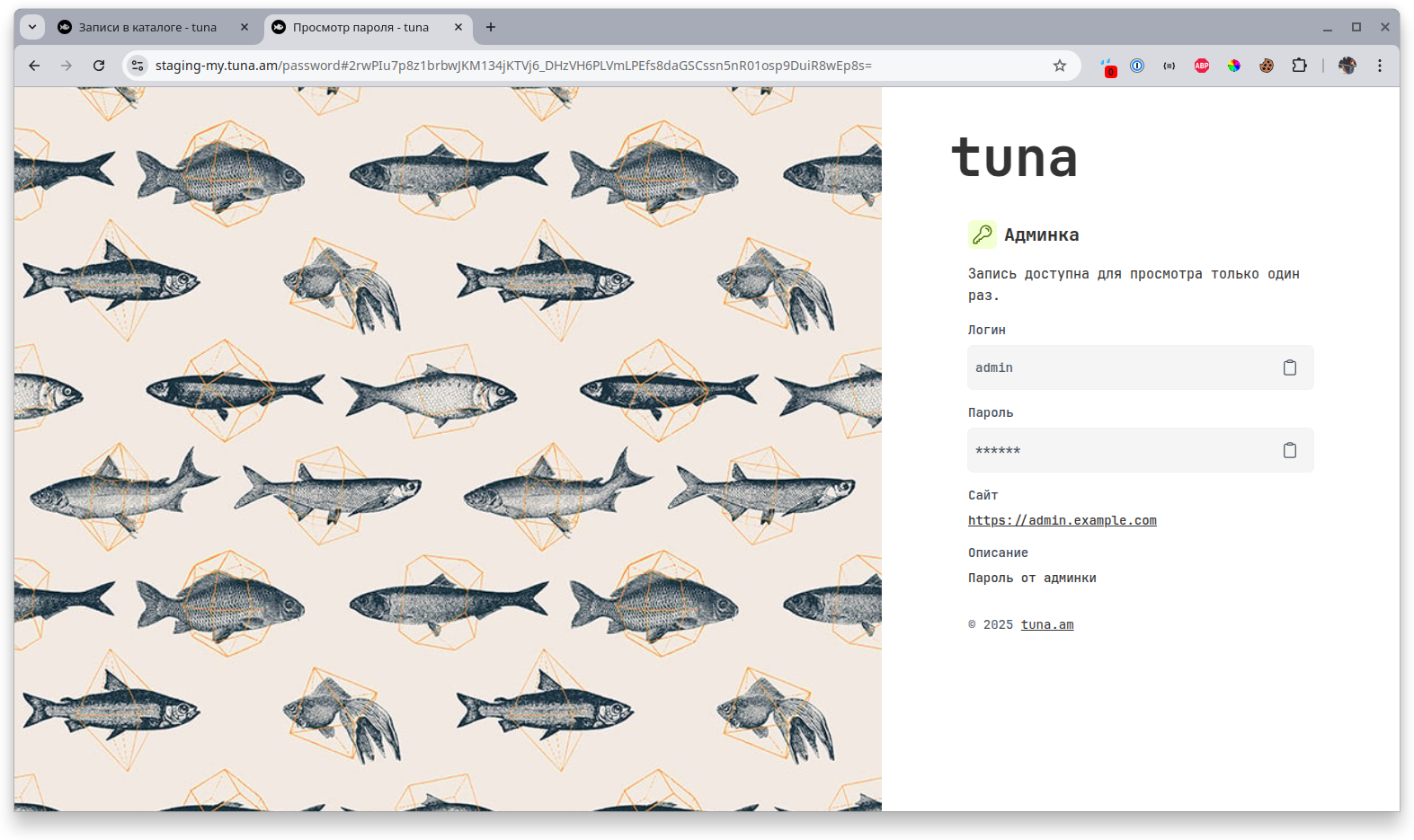
To share a password with anyone outside the team, select the desired password and click the share icon at the bottom right. Then you will see a menu with settings for how long the link will work, and you can also limit it to a one-time password view.
Never publish a password with the Master Key