Password Manager
This section describes the features and functions of the Password Manager.
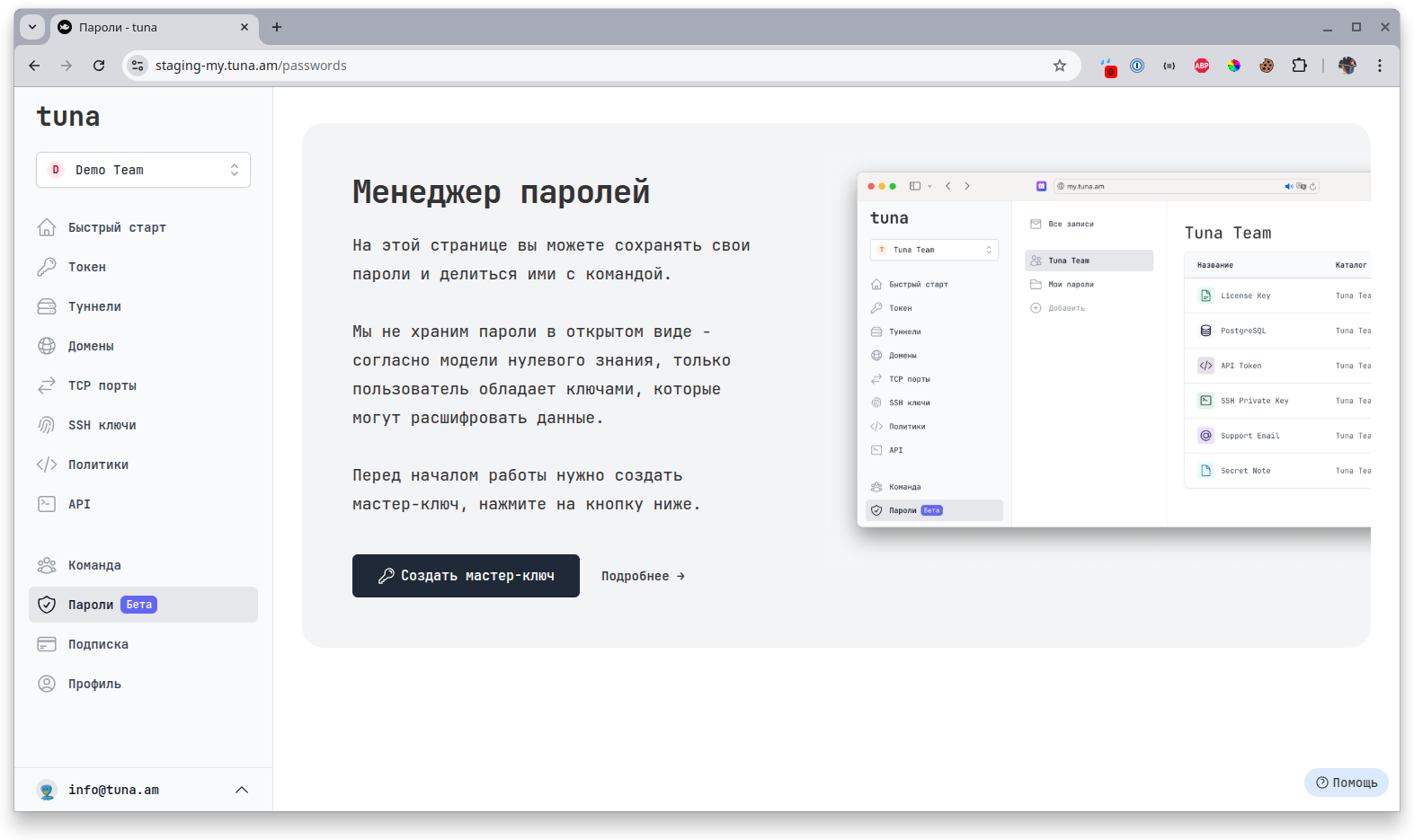
Overview
Tuna Password Manager is designed for secure storage and convenient sharing of passwords and other types of secrets for developers, administrators, their teams, and more. We do not store passwords in plain text. According to the zero-knowledge model, only the user possesses the keys that can decrypt the data.
Currently, the Password Manager is a free feature available to all users and teams without restrictions.
You can store passwords, SSH keys, licenses, notes, database credentials, and other types of secrets. Create shared folders with secrets within your team and share them with anyone outside the Tuna platform. All features are described in detail in a separate section.
Motivation
Why did we build the Password Manager into Tuna?
We noticed that many development and administration teams lack a culture of secure password and secret storage. At the same time, everyone needs to store infrastructure passwords, SSH keys, office Wi-Fi credentials, and so on. But there are not always accessible tools for a secure and convenient way to share them with teams, clients, auditors, or just friends. Then people start sharing passwords in plain text in chats, emails, and notes.
Our goal is to improve the culture of secret storage among our users and protect clients from leaks and unauthorized access to their infrastructure. That's why the Password Manager is a basic and free feature for everyone.
Architecture
When creating a vault, the browser generates Private and Public RSA keys, as well as a Master Key (Passphrase in OpenSSL terminology) that encrypts the Private Key. Only the user has the Master Key. We recommend storing it in a safe place (preferably written on paper) and never sharing it with anyone under any circumstances. If you lose your Master Key, it will be impossible to recover access to your passwords. The Private and Public keys are stored on the Tuna side in encrypted form. The passwords themselves are encrypted with the Private Key.
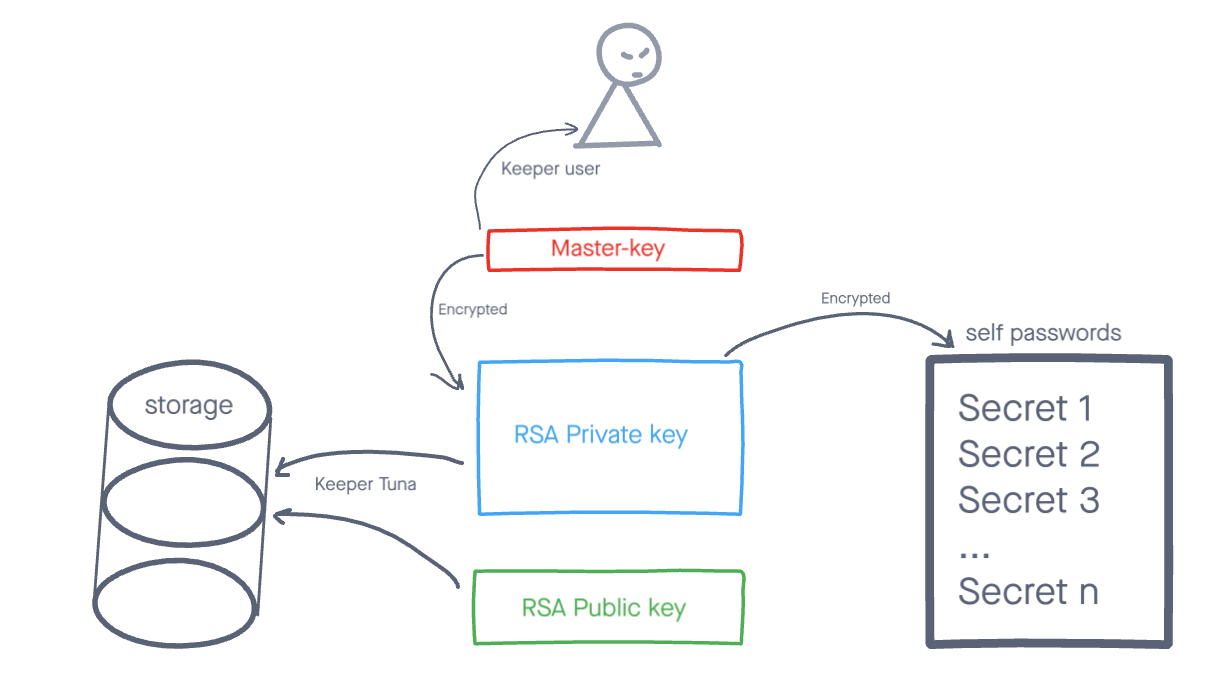
The algorithm for reading an encrypted record is as follows:
- The user logs into their account at my.tuna.am
- Goes to the Password Manager tab
- The user receives a PIN code request and their encrypted private key
- The user enters the PIN code, after which the master key is decrypted and verified, then the private key is decrypted and verified
- The user receives a list of folders and a list of records
- The user opens a record, at which point the record is decrypted using the private key
When editing or creating a new record, the data is first encrypted using the private key in the browser, then sent to the server - this guarantees that we cannot decrypt records stored on Tuna servers and will not be able to restore access to them if the master key is lost.
ONLY the owner has access to their password vault. If a user loses their Master Key, it is impossible to recover access to passwords! You see the Master Key only once when creating the Master Key and vault. We recommend storing the Master Key in a safe place (preferably written on paper) and never sharing it with anyone under any circumstances.
Navigation
📄️ Creating a Vault
Initializing the password vault and Master Key
📄️ Features Overview
Overview of features and functions
📄️ Access Recovery
Recovering access when the Master Key is lost