🆕 Secrets - New Feature
We are pleased to introduce a new component of the Tuna platform - Secrets. Designed for centralized and secure management of confidential settings and environment variables. It's a powerful alternative to .env files, variables in GitLab/GitHub CI, and other local storage solutions.
Go to the Secrets section in the documentation
🔐 What are Tuna Secrets?
The secrets service is designed to store settings for your applications that you run - locally, in CI/CD, or in your test and production environments. It is an excellent alternative to .env files and environment variables in CI/CD systems.
Secrets are:
- A single source of configuration for local development, CI/CD, staging, and production environments.
- Convenient management interface - via web, CLI, and API.
- Support for RBAC, comments, reminders, and change auditing.
- Flexible work with projects, environments, and configurations.
- All secrets are encrypted, keys are not stored in the database. A database leak will not lead to data disclosure.
👥 Who is it for?
- Developers — to simplify environment setup and reduce "magic" values in code.
- DevOps engineers — for centralization and automation of configurations.
- Teams — for secure and controlled shared access to confidential data.
🎯 Key Features
We have implemented a structure that allows for effective secret management. In this video, you'll see a brief overview of the capabilities:
- VK Video
- YouTube
Hierarchy: projects → environments → configurations.
We follow a common structure, so secret storage is divided by projects, within projects there are environments, and within environments there are main or child configurations. Inside configurations, there are many functions for working directly with secrets and access to them, auditing, and more. When working in a Team, the roles section allows you to granularly distribute participant access to the needed environments in projects.
What else is in secrets?
- Configuration duplication - create unique configurations for each user.
- Variable types — you can specify bool, int, and other types.
- Generator and comments — convenient addition and annotation of secrets.
- Reminders — email notifications about the need to update a secret.
- Environment comparison — find differences between configurations.
- Secret hiding — exclude unique prod variables from comparison.
- Service keys — API keys for read/write access to a specific configuration.
- IP restriction — access control by CIDR.
- Change history — full audit of all actions.
⚙️ CLI Integration
Naturally, the tuna console client is fully integrated:
tuna secrets download— Getting secrets with the ability to save to a file (json,yaml,env) or output to stdout.tuna secrets setup— Setting up a directory for scope configuration.tuna secrets run— Automatic application configuration with passing environment variables directly to the process. And with the--watchflag, the application will restart automatically when a secret is changed in the personal account.
- VK Video
- YouTube
🛡️ Access Management and Security
- RBAC in team — Provide access to environments precisely by users.
- Service keys — Issue unique keys for specific configurations with read or read and write restrictions. Perfect for use in CI/CD.
- Allowed IP addresses and subnets — Restrict access to secrets by specifying allowed IP addresses and subnets in CIDR format.
- Change history — Full audit of all actions and changes within configurations allows tracking who changed secrets and when.
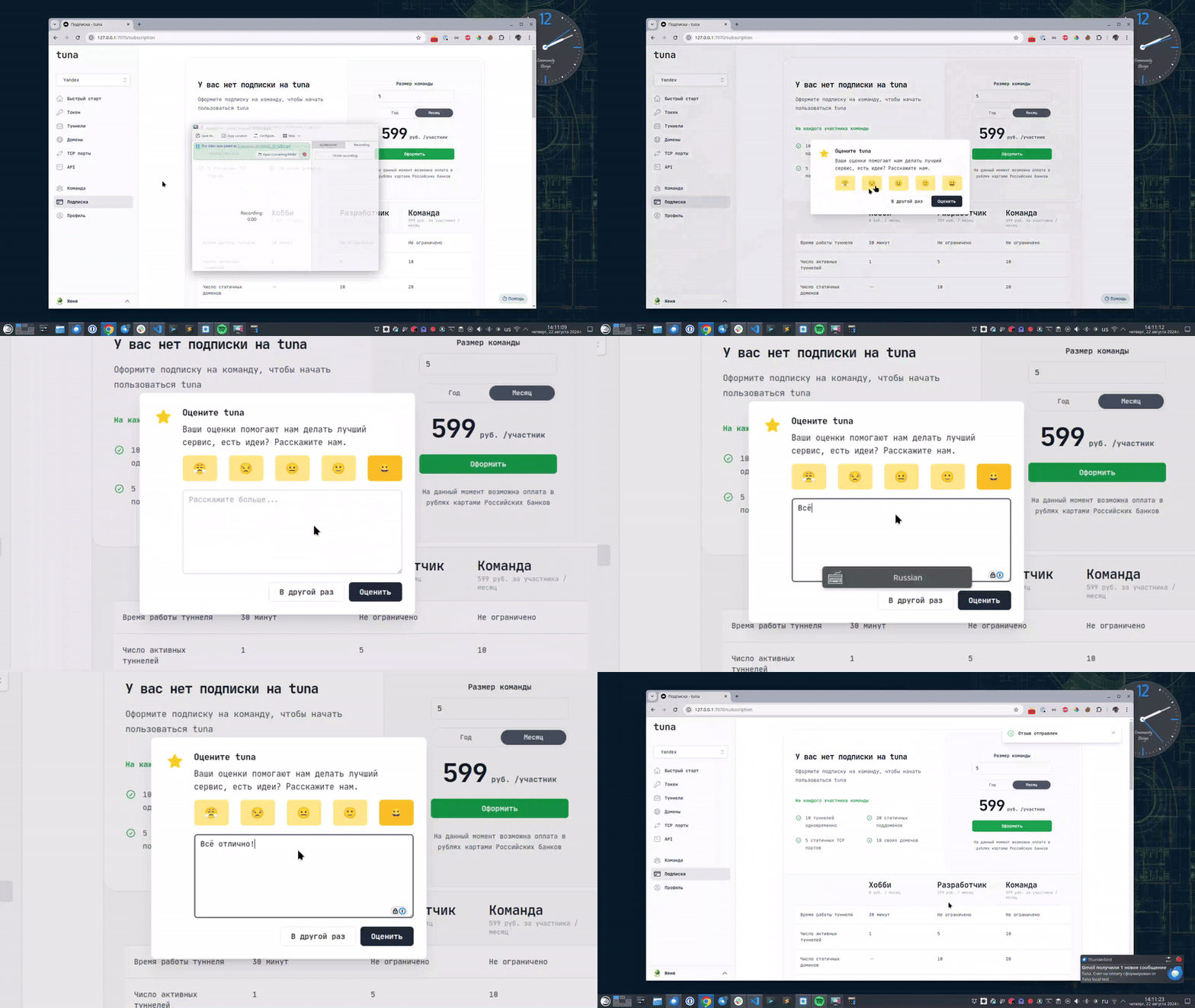
Оставьте отзыв
Если вам нравится пользоваться Tuna, или наоборот вы недовольны чем либо, то пожалуйста оставьте отзыв.
Помощь
Мы ценим наших пользователей и детально изучаем все обращения, если у вас возникли проблемы с tuna – обязательно свяжитесь с нами одним из способов: