IP filters in TCP, SSH, Postgres and Redis tunnels
In the console client tuna version v0.25.0 we added the ability to restrict IPs and subnets from which connections can be made. This increases the level of security and is especially important in applications without built-in authorization.
New flags
The tuna tcp, tuna ssh, tuna postgres and tuna redis commands have new flags and env analogs:
- Flags
- Envs
--cidr-allow # Reject connections that do not match specified CIDRs
--cidr-deny # Reject connections matching specified CIDRs
TUNA_CIDR_ALLOW # Reject connections that do not match specified CIDRs
TUNA_CIDR_DENY # Reject connections matching specified CIDRs
Usage examples
- TCP
- SSH
- Postgres
- Redis
You can define a whitelist of subnets in CIDR format:
tuna tcp 3389 --cidr-allow="10.0.0.1/32"
Or block access from specific subnets:
tuna tcp 3389 --cidr-deny="10.0.0.1/32"
You can combine, for example specify a wide network and subtract private IPs:
tuna tcp 3389 --cidr-allow="10.0.0.1/24" --cidr-deny="10.0.0.33/32"
You can also pass lists separated by commas:
tuna tcp 3389 --cidr-allow="10.0.0.1/24,192.168.0.1/24" --cidr-deny="10.0.0.33/32,192.168.0.33/32"
You can define a whitelist of subnets in CIDR format:
tuna ssh --cidr-allow="10.0.0.1/32"
Or block access from specific subnets:
tuna ssh --cidr-deny="10.0.0.1/32"
You can combine, for example specify a wide network and subtract private IPs:
tuna ssh --cidr-allow="10.0.0.1/24" --cidr-deny="10.0.0.33/32"
You can also pass lists separated by commas:
tuna ssh --cidr-allow="10.0.0.1/24,192.168.0.1/24" --cidr-deny="10.0.0.33/32,192.168.0.33/32"
You can define a whitelist of subnets in CIDR format:
tuna postgres 5432 --cidr-allow="10.0.0.1/32"
Or block access from specific subnets:
tuna postgres 5432 --cidr-deny="10.0.0.1/32"
You can combine, for example specify a wide network and subtract private IPs:
tuna postgres 5432 --cidr-allow="10.0.0.1/24" --cidr-deny="10.0.0.33/32"
You can also pass lists separated by commas:
tuna postgres 5432 --cidr-allow="10.0.0.1/24,192.168.0.1/24" --cidr-deny="10.0.0.33/32,192.168.0.33/32"
You can define a whitelist of subnets in CIDR format:
tuna redis 6379 --cidr-allow="10.0.0.1/32"
Or block access from specific subnets:
tuna redis 6379 --cidr-deny="10.0.0.1/32"
You can combine, for example specify a wide network and subtract private IPs:
tuna redis 6379 --cidr-allow="10.0.0.1/24" --cidr-deny="10.0.0.33/32"
You can also pass lists separated by commas:
tuna redis 6379 --cidr-allow="10.0.0.1/24,192.168.0.1/24" --cidr-deny="10.0.0.33/32,192.168.0.33/32"
IP policies in Team
In teams, if IP policies are specified, they will work in conjunction with these flags.
Update
To update, follow the instructions.
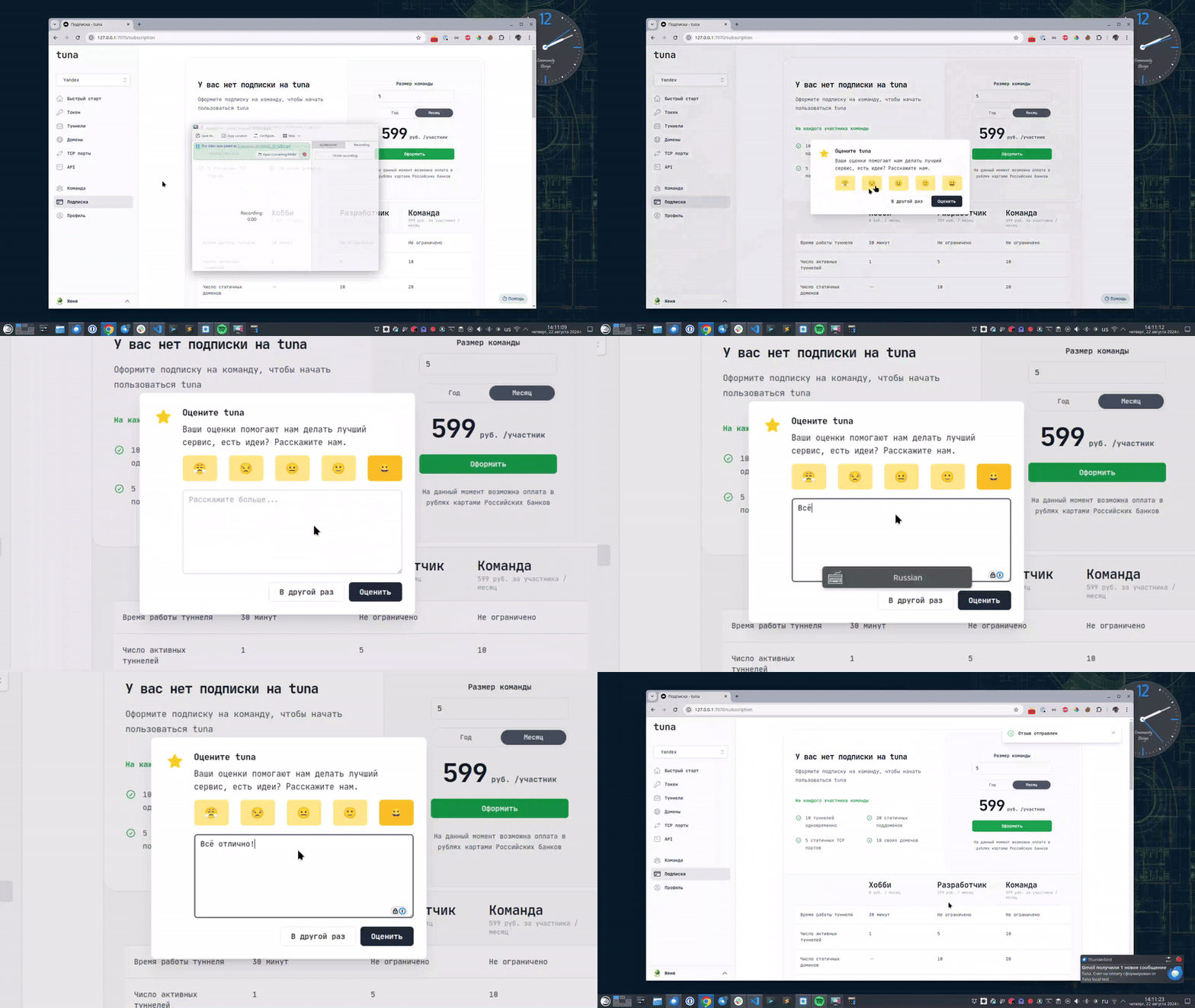
Leave feedback
If you enjoy using Tuna, or on the contrary you are not happy with something, please leave feedback.
News
We announce new features and posts on our Telegram channel. Subscribe so you don't miss anything.
Help
We value our users and carefully review every request. If you have any problems with tuna, please contact us in one of the following ways: