🆕 Boards, Meets and other platform updates
This is a big release! We've added two new major services - Boards and Meets, new features in Monitors and Reports, improved the request inspector, and made improvements to sshd tunnels.
Boards
The headliner of the release!
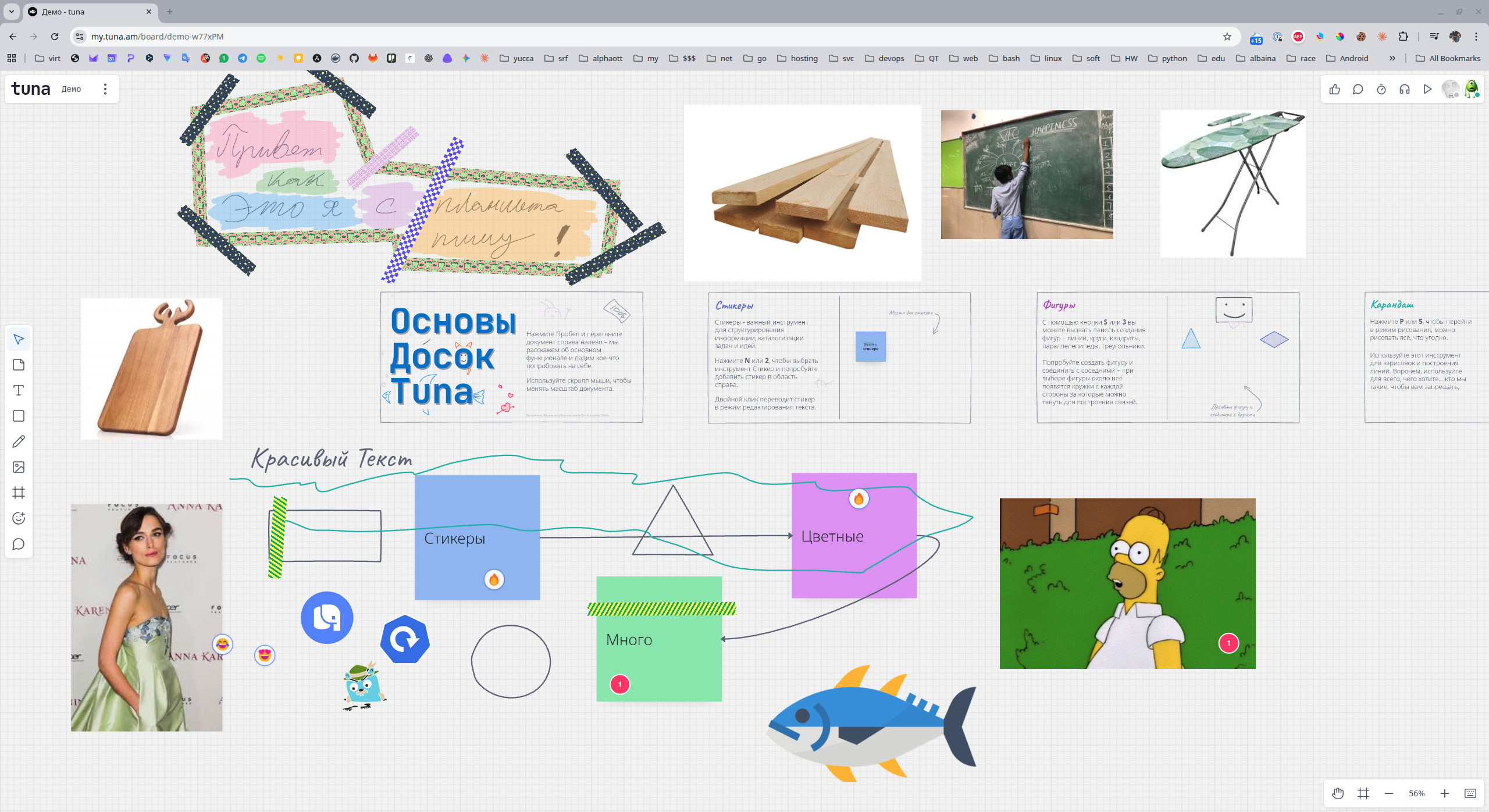
Like many of our tools, Tuna Boards grew out of an internal tool. Its first versions were extremely primitive and simple, but for us that was always enough.
Here's what the project looked like historically ...
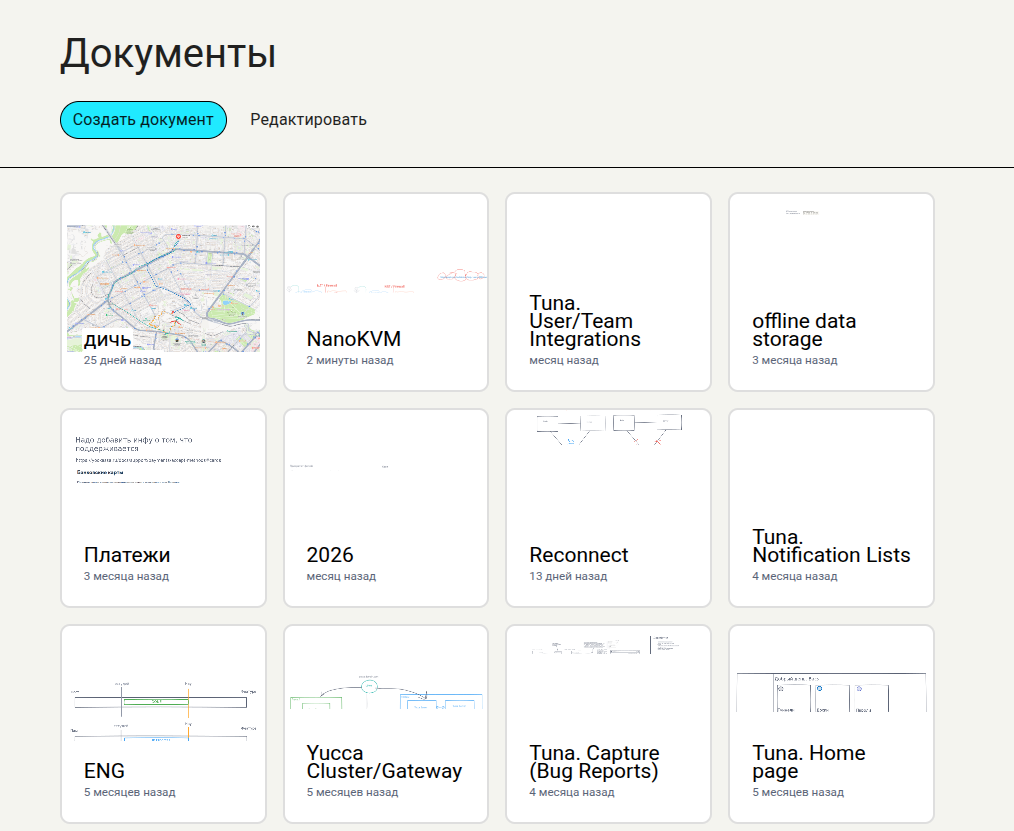
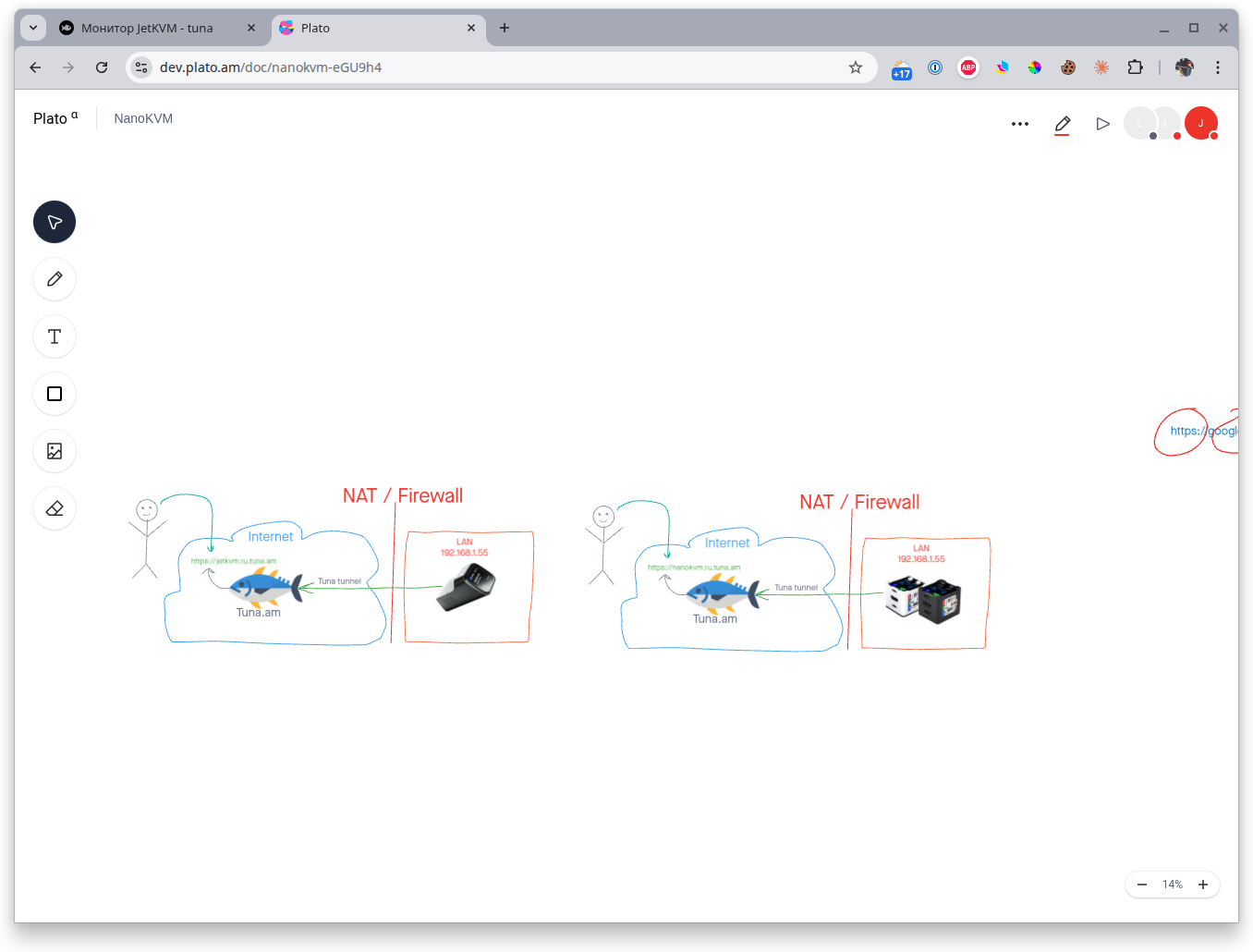
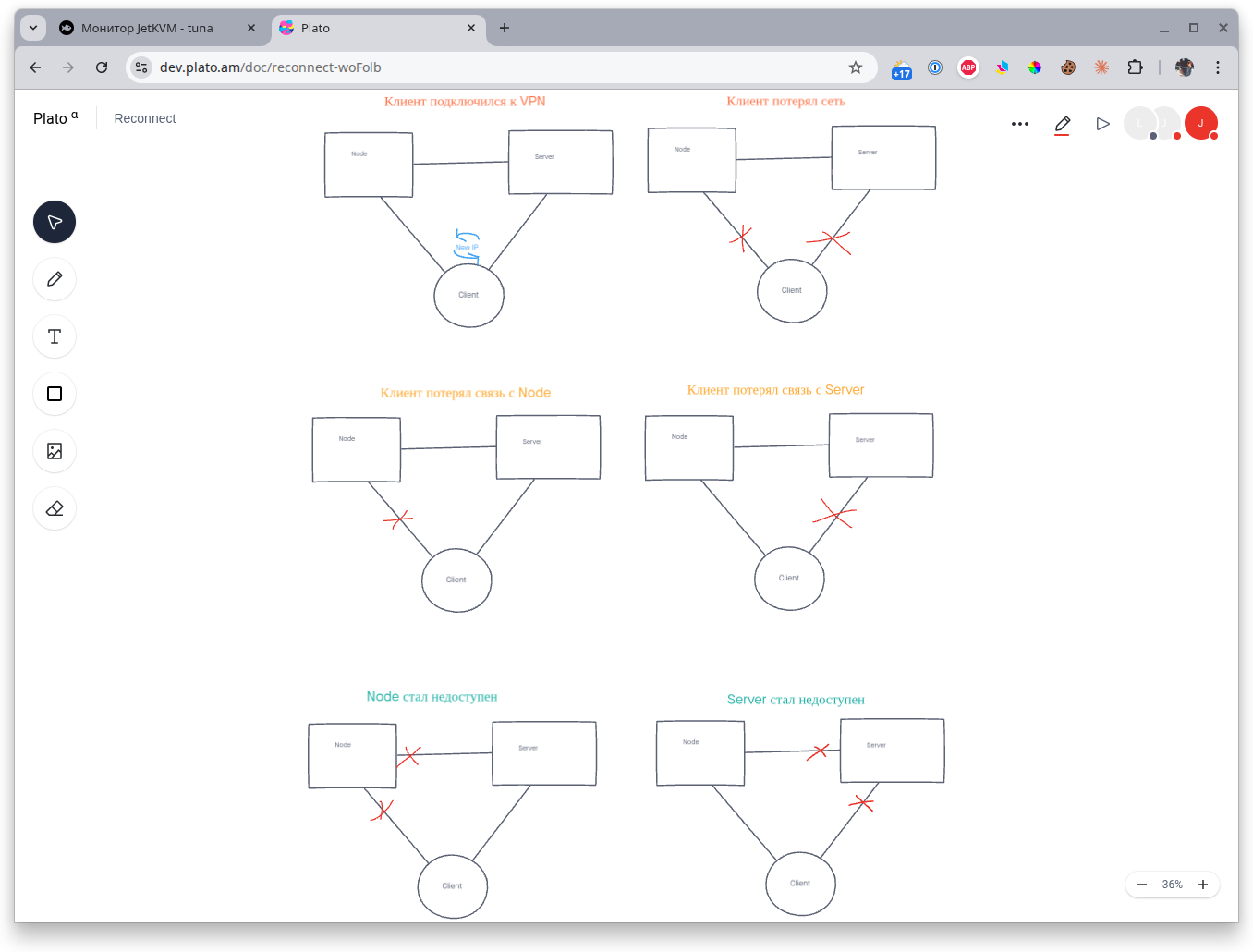
That's why we never used other alternatives like Miro and always tried to use our own internal product. If you've noticed, any diagrams and signature drawings are made exactly in this tool.
Today we're pleased to introduce Boards as part of our developer platform. Here you can sketch out an infrastructure diagram, plan new features, design new UX and UI, and also use the built-in voice chat, timer and other features.
Meets
Video calls have long been an integral part of any online meeting; every self-respecting developer hates these damned calls, but now you can do it on our platform!
Meet Tuna Meets.
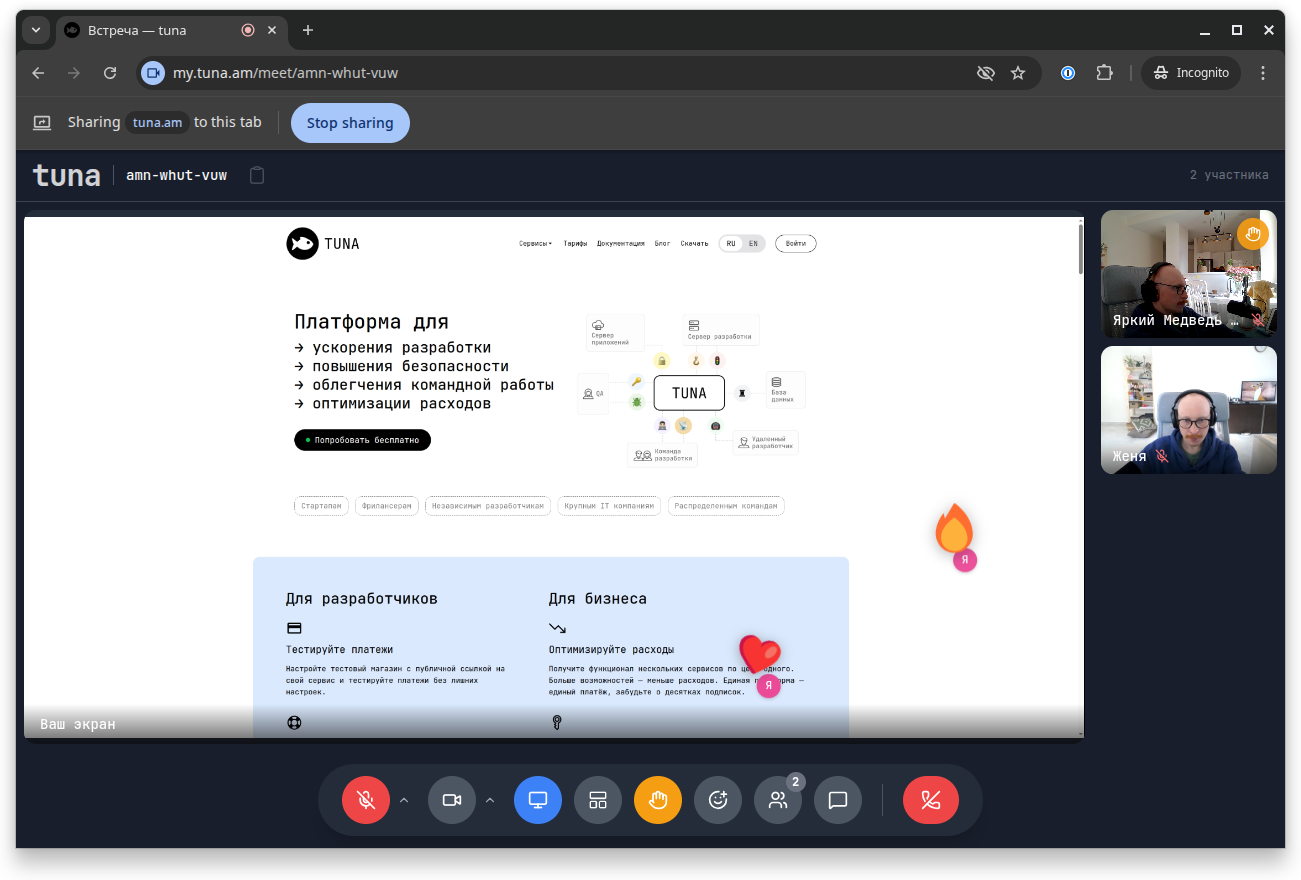
The functionality is fairly standard: there's a presenter mode, presentations, background blur and so on. The interface is fully adapted for mobile devices, so you can take calls both at your computer and on the go.
Integrations with task trackers
After we launched Reports and Monitors, it immediately became clear that it would be convenient, for an incident in monitors or for a new report, to be able to create a task in GitLab, Jira or Yandex.Tracker with one click. So we built integrations with the main popular task trackers so you can quickly create tasks in your favorite tracker.
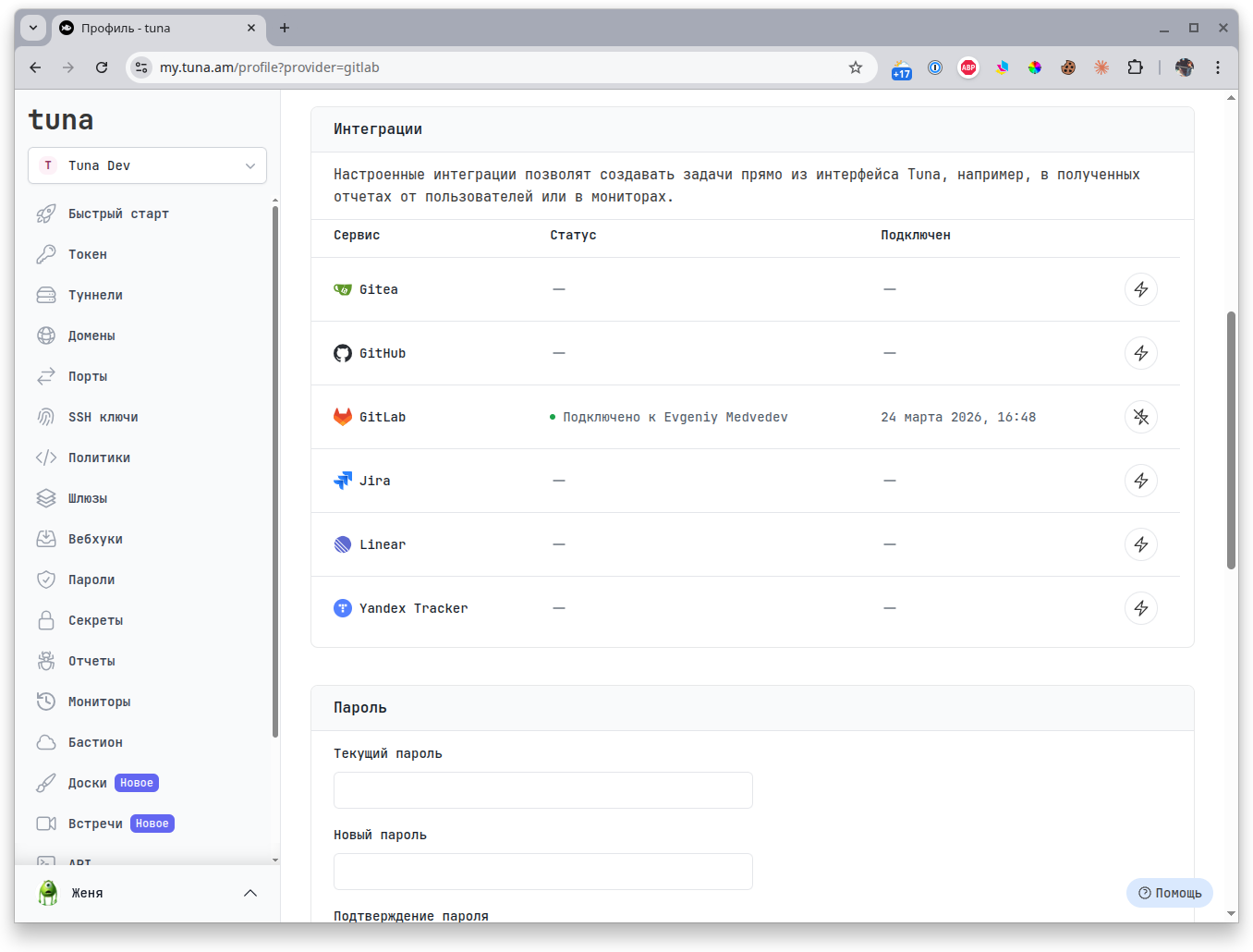
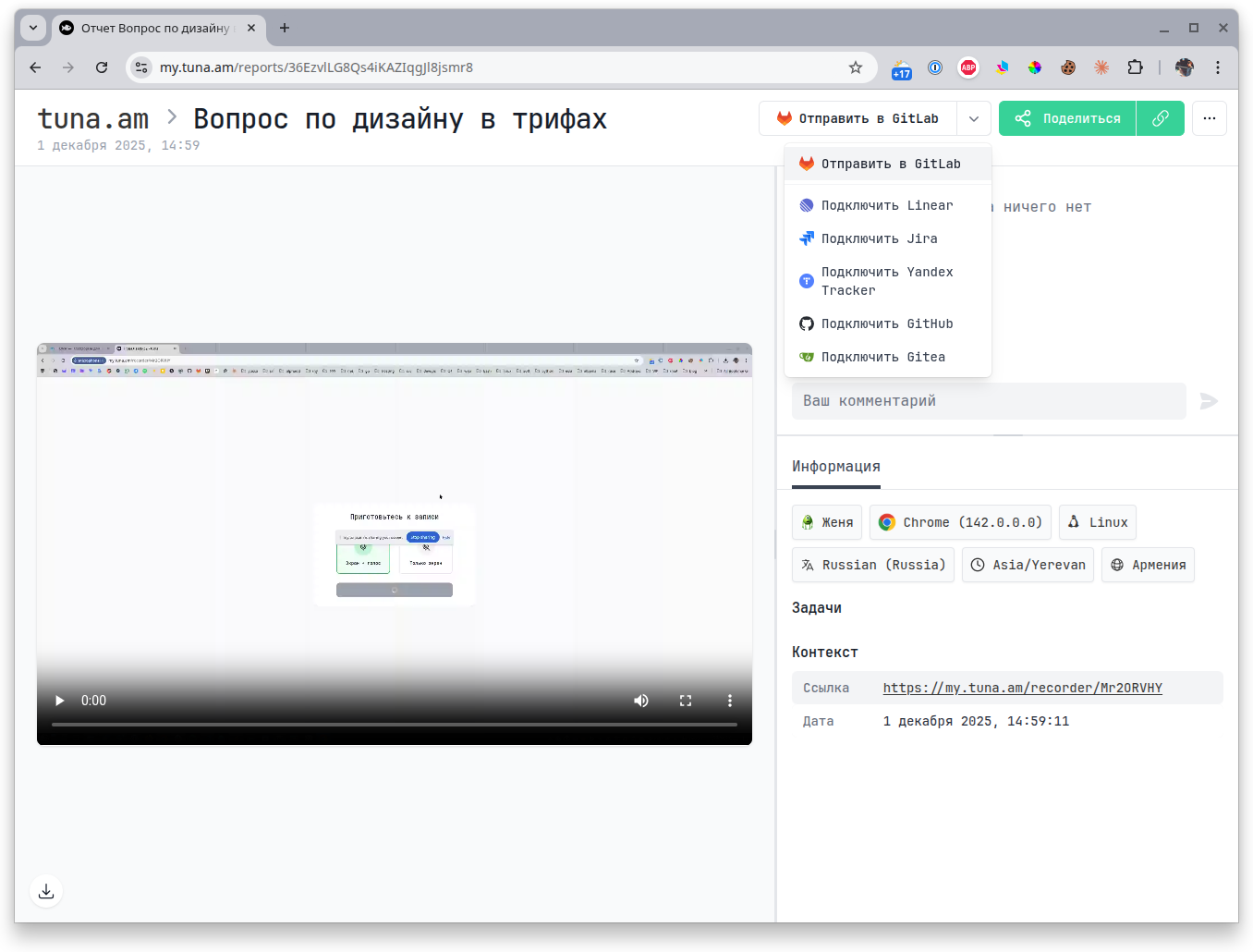
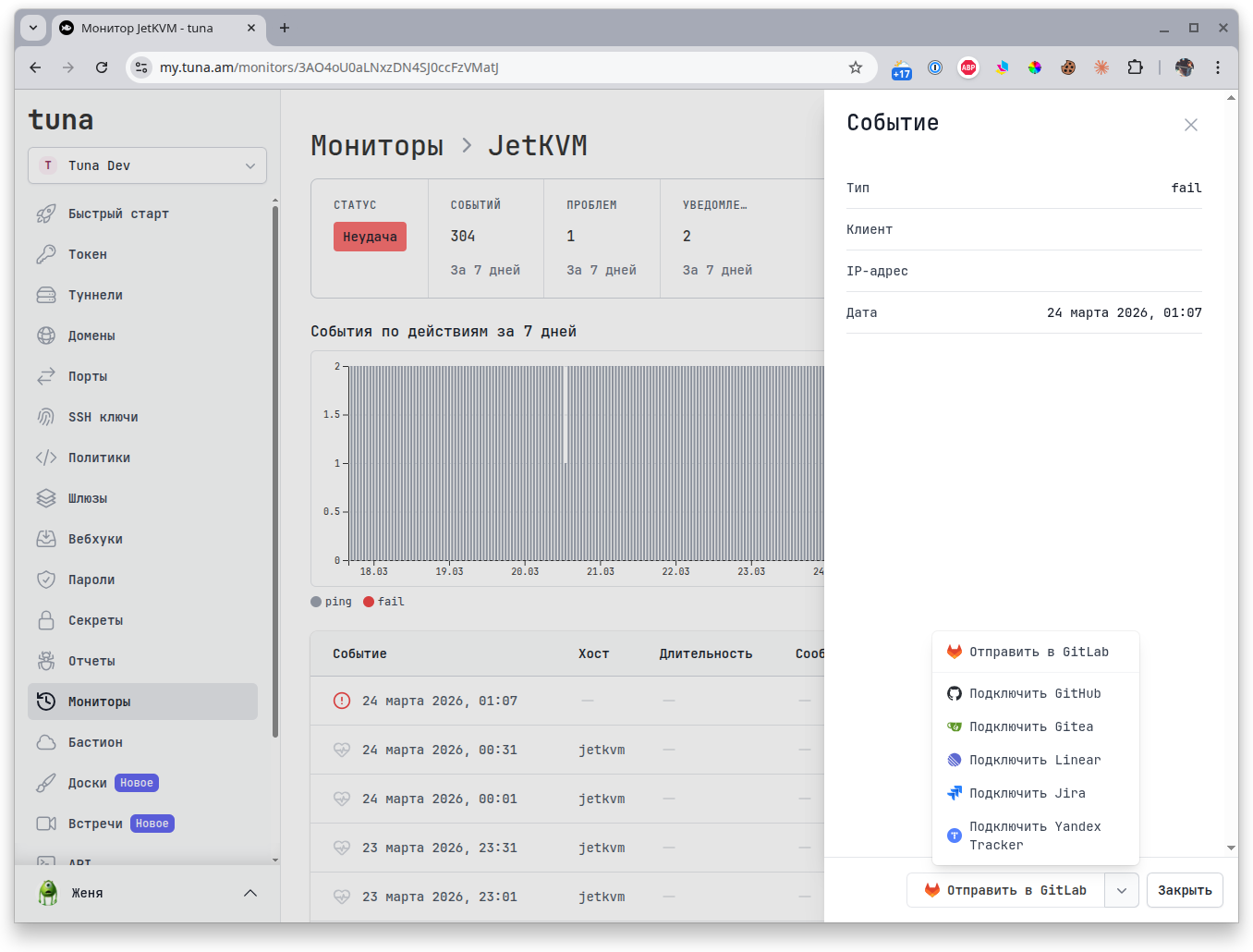
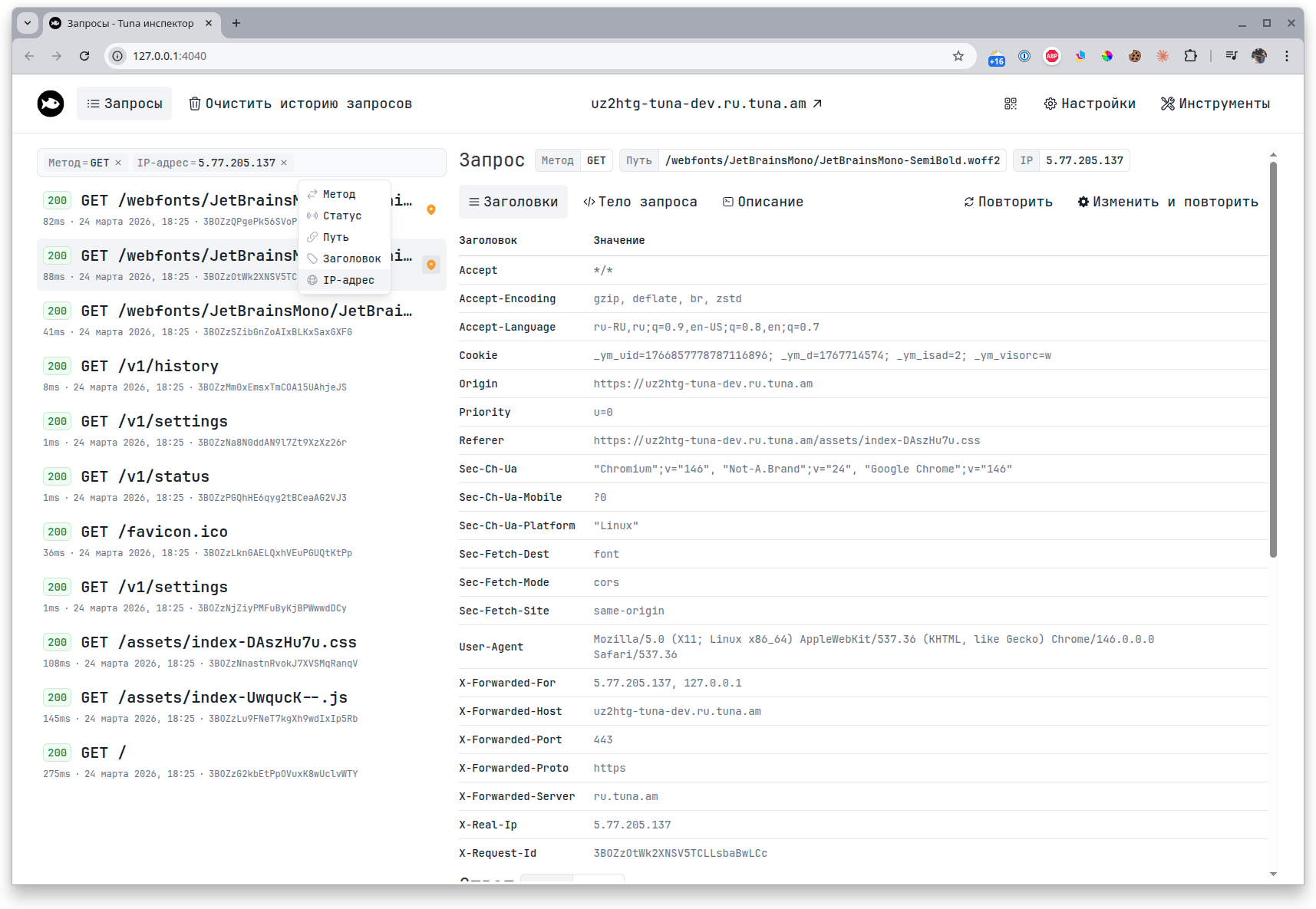
Filter in the request inspector
The request inspector now has a filter bar for requests by many parameters: request type, response status, headers, IP address and much more. To start using it, update to the latest version of tuna-cli.
Improvements in SSHd tunnels
We're not forgetting to develop tunnels either.
- Added support for Windows 11+, the user gets a PWSH terminal.
- Auto-detection of $HOME, $SHELL and the profile settings of the user under whom the SSHd tunnel is launched.
- Switched to the asciinema format in ssh-sessions. So sessions now record everything, including work in text editors, launching TUI utilities, etc. Recordings can be watched in the terminal, embedded on a website with a standard player, or converted to GIF using the
tuna ssh-session exportcommand.
- Asciinema player
- GIF

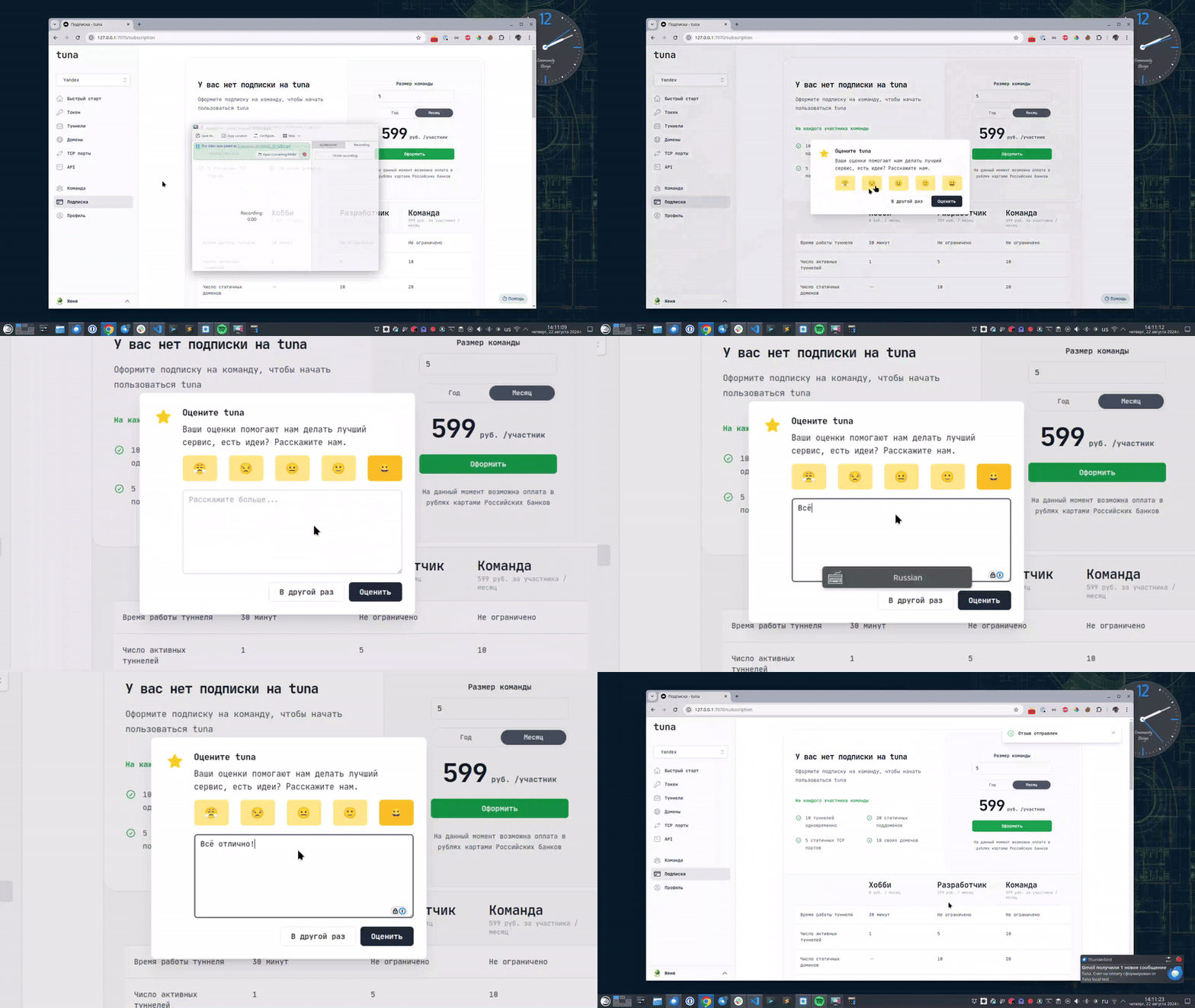
Leave feedback
If you enjoy using Tuna, or on the contrary you are not happy with something, please leave feedback.
Help
We value our users and carefully review every request. If you have any problems with tuna, please contact us in one of the following ways: