PROXY Protocol support in TCP tunnels
The console client tuna has added support for PROXY Protocol for TCP tunnels. Now you can pass the original client IP address and port directly to your application.
$ tuna tcp 54321 --proxy-protocol=2
INFO[22:08:58] Welcome to Tuna
INFO[22:09:00] Forwarding tcp://ru.tuna.am:22347 -> 127.0.0.1:54321
Why do you need PROXY Protocol?
When using tunnels, your application sees connections from the tunnel server rather than from the real client. PROXY Protocol solves this problem — it passes the original client IP and port in the connection header, which allows you to:
- Keep correct connection logs with real IP addresses
- Apply access control rules at the application level
- Collect accurate analytics on user geography
New flag
The tuna tcp command has a new --proxy-protocol flag that accepts the protocol version:
| Value | Format | Description |
|---|---|---|
1 | Text | Human-readable format, easy to debug |
2 | Binary | More efficient, recommended for production |
Usage examples
Basic example
tuna tcp 8443 --proxy-protocol=1
# or with an environment variable
TUNA_PROXY_PROTOCOL=1 tuna tcp 8443
Minecraft server
Some game server builds, for example Velocity, support PROXY Protocol. Enable it in the game config and in the tuna client:
tuna tcp 45678 --proxy-protocol=2
Compatibility
PROXY Protocol is widely supported by popular server software:
- Haproxy — supports both versions, detects automatically
- Nginx — supports both versions, detects automatically
- Envoy — supports both versions
- Many databases and applications via a proxy layer
If you're not sure which version to choose — use version 2. The binary format is more efficient and is the recommended option in most cases.
Updating
To update, follow the instructions.
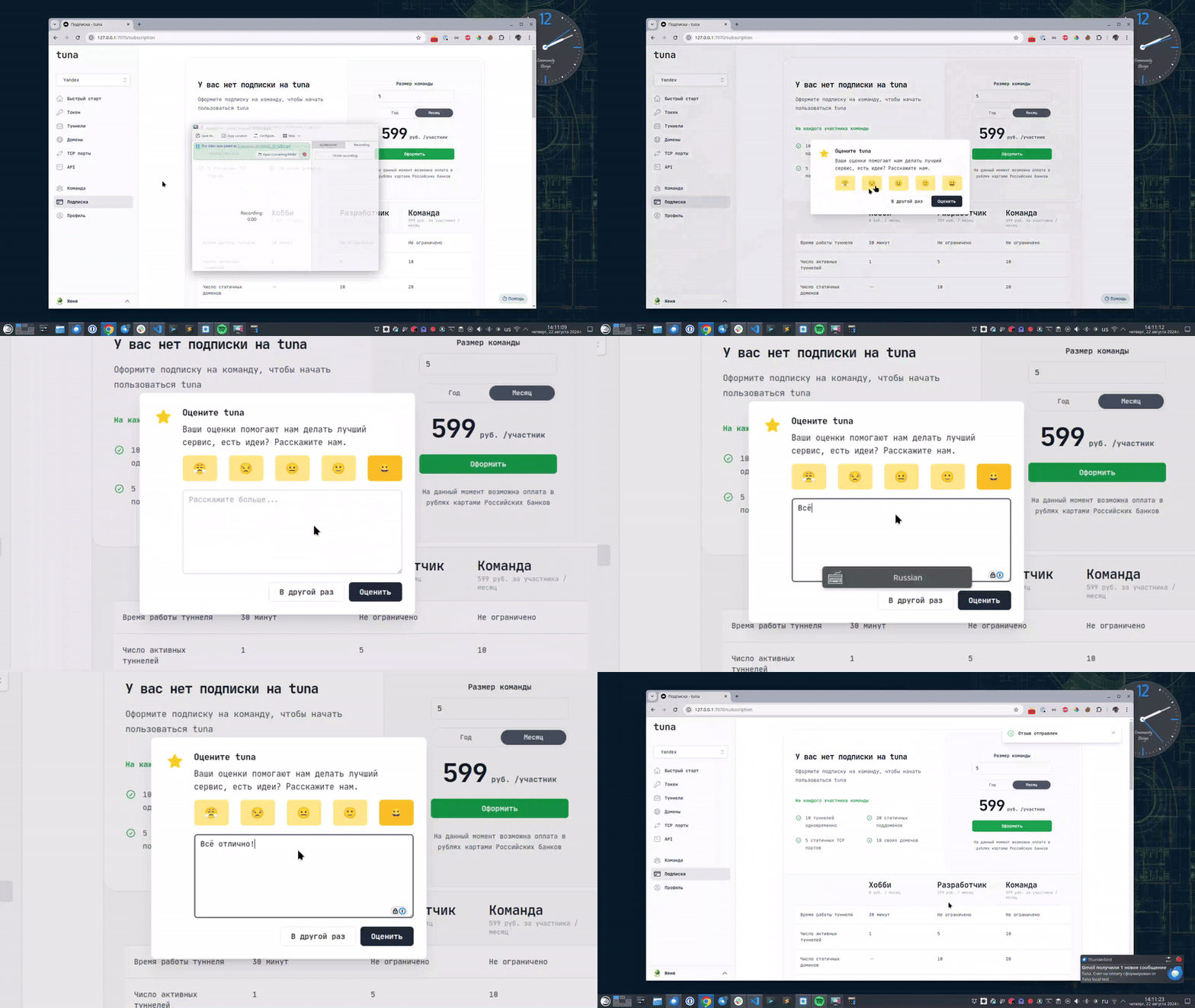
Leave feedback
If you enjoy using Tuna, or on the contrary you are not happy with something, please leave feedback.
Help
We value our users and carefully review every request. If you have any problems with tuna, please contact us in one of the following ways: