tuna ❤️ Immich
Immich - a self-hosted photo storage service, an alternative to Google Photos.
Tuna will help you provide access to your Immich server on your local network. We wrote an article about using Immich on Raspberry PI 4.
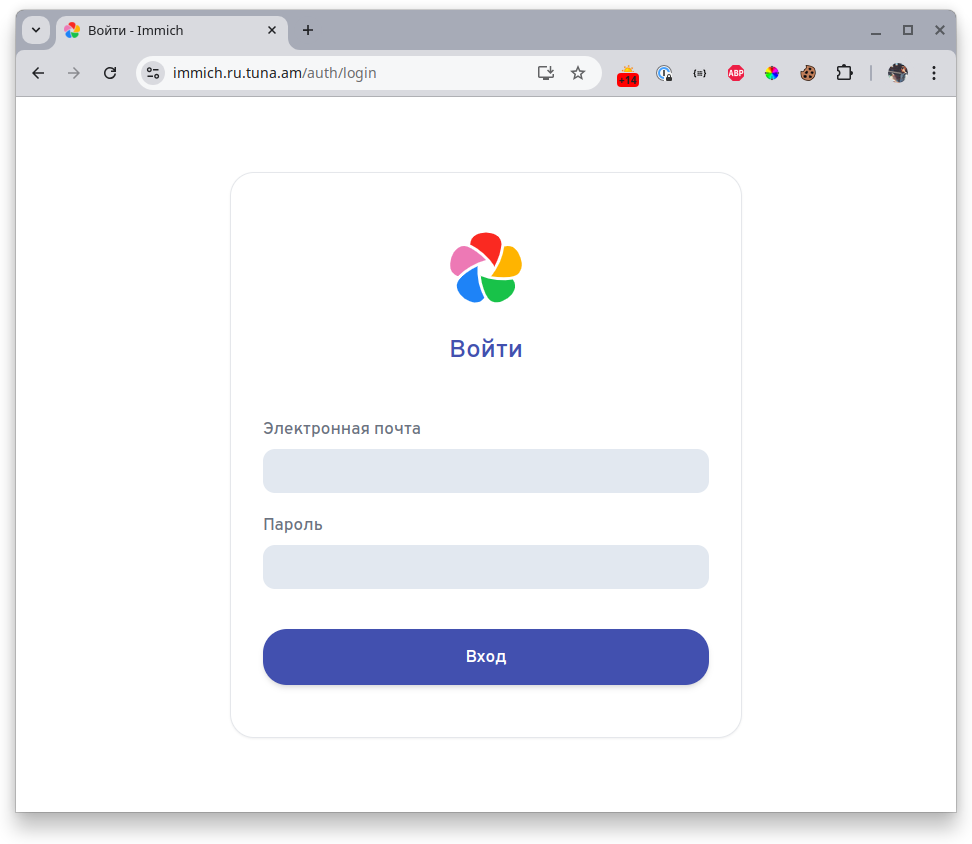
Step 1. Install Immich
Installation instructions can be found in the official documentation.
Step 2. Configure tuna launch
- Add the token to the
.envfile:
TUNA_TOKEN=tt_***
- Add a service with tuna to the
docker-compose.ymlfile and edit the arguments:
  tuna:
    container_name: immich_tuna
    image: yuccastream/tuna:latest
    command: http immich-server:2283  --location=ru --subdomain=<your_subdomain> --inspect=false
    env_file:
      - .env
    restart: always
    depends_on:
      - immich-server
note
In immich-server version v1.118.0, the default connection port has changed.
Previously it was 3001, starting from version v1.118 - 2283. If you are using a version before v1.118.0, specify immich-server:3001 instead of immich-server:2283.
Step 3. Run tuna
Execute:
docker compose pull && docker compose up -d
The service will be available in the browser and mobile application at the subdomain you specified.