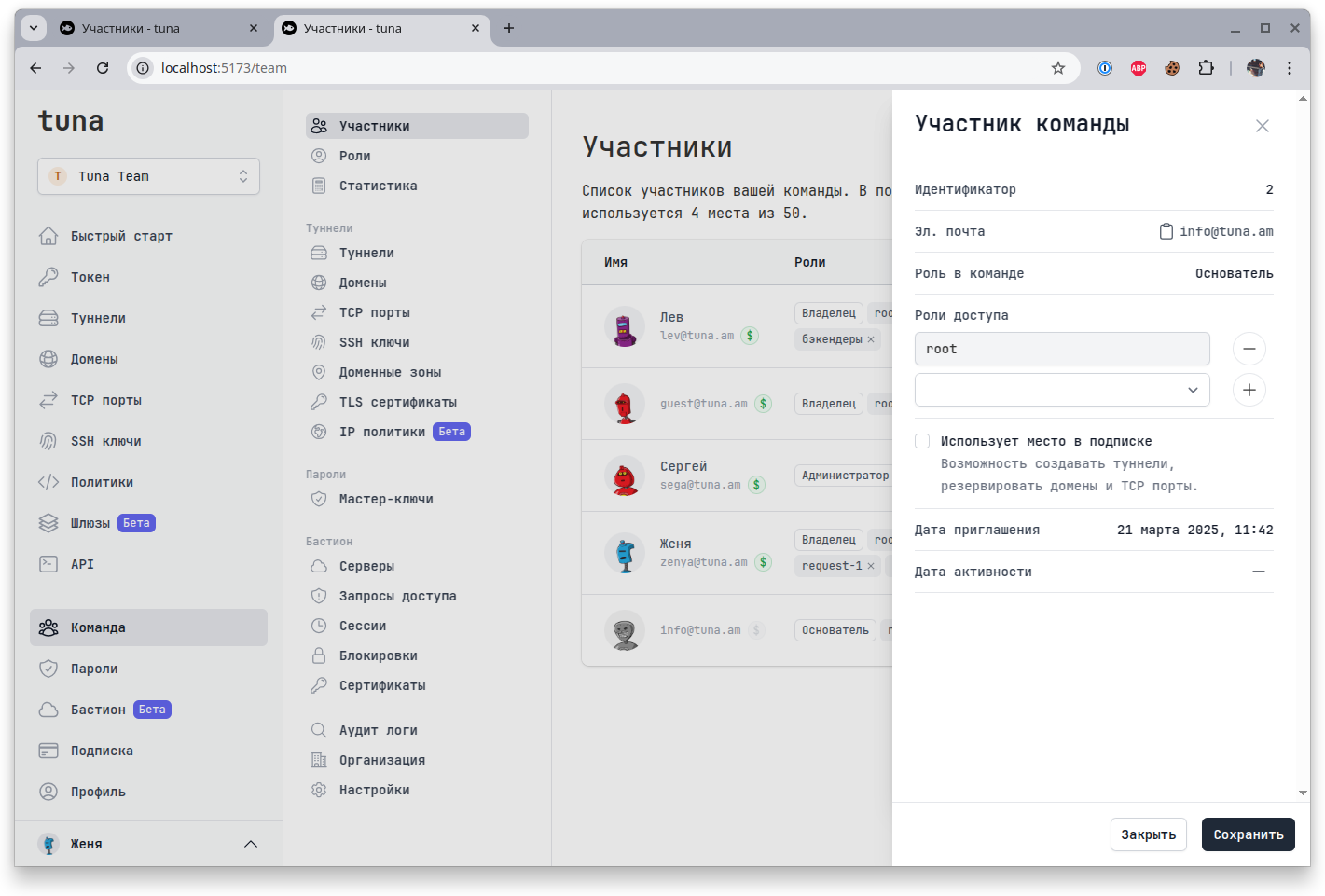
Members
This section contains functions for managing team members.
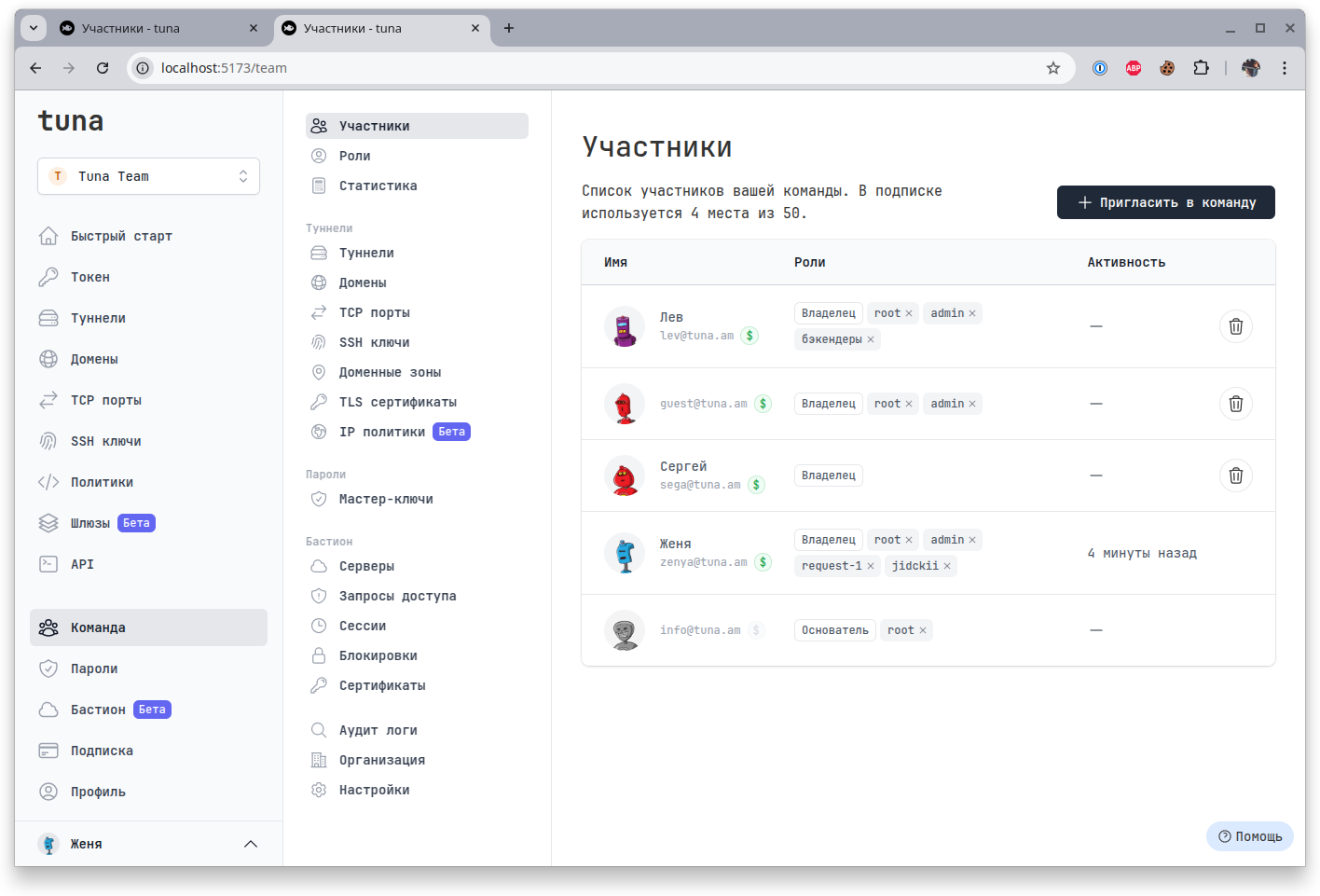
Этот раздел доступен Основателю, Владельцам и Администраторам.
Adding and removing
Click +Invite to team, specify Email and Role, the user will receive an email with an invitation link. If the user does not have an account in the personal cabinet my.tuna.am, they will need to register first and then follow the invitation link to join the team.
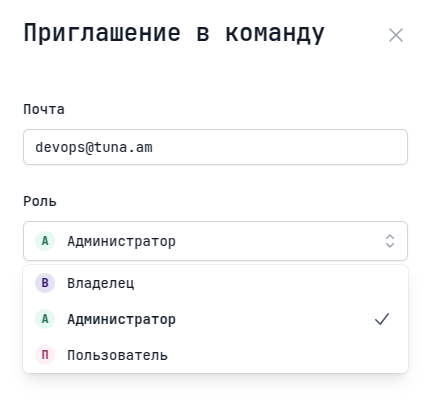
Team roles
- Founder - team creator, can delete it. Has all privileges, can invite/remove team members, assign roles, view statistics, manage subscription, change team settings, view audit logs, view and manage all resources of all team members. There can be only 1 founder, their role cannot be changed and they cannot be removed.
- Owner - all the same privileges as the founder, but cannot remove/change their role or delete the team. There can be multiple owners.
- Administrator - can invite/remove team members, assign roles, view statistics, view and manage all resources of all team members.
- User - can only use resources allocated to them in the team, create tunnels, reserve TCP ports and domains, access shared password folders.
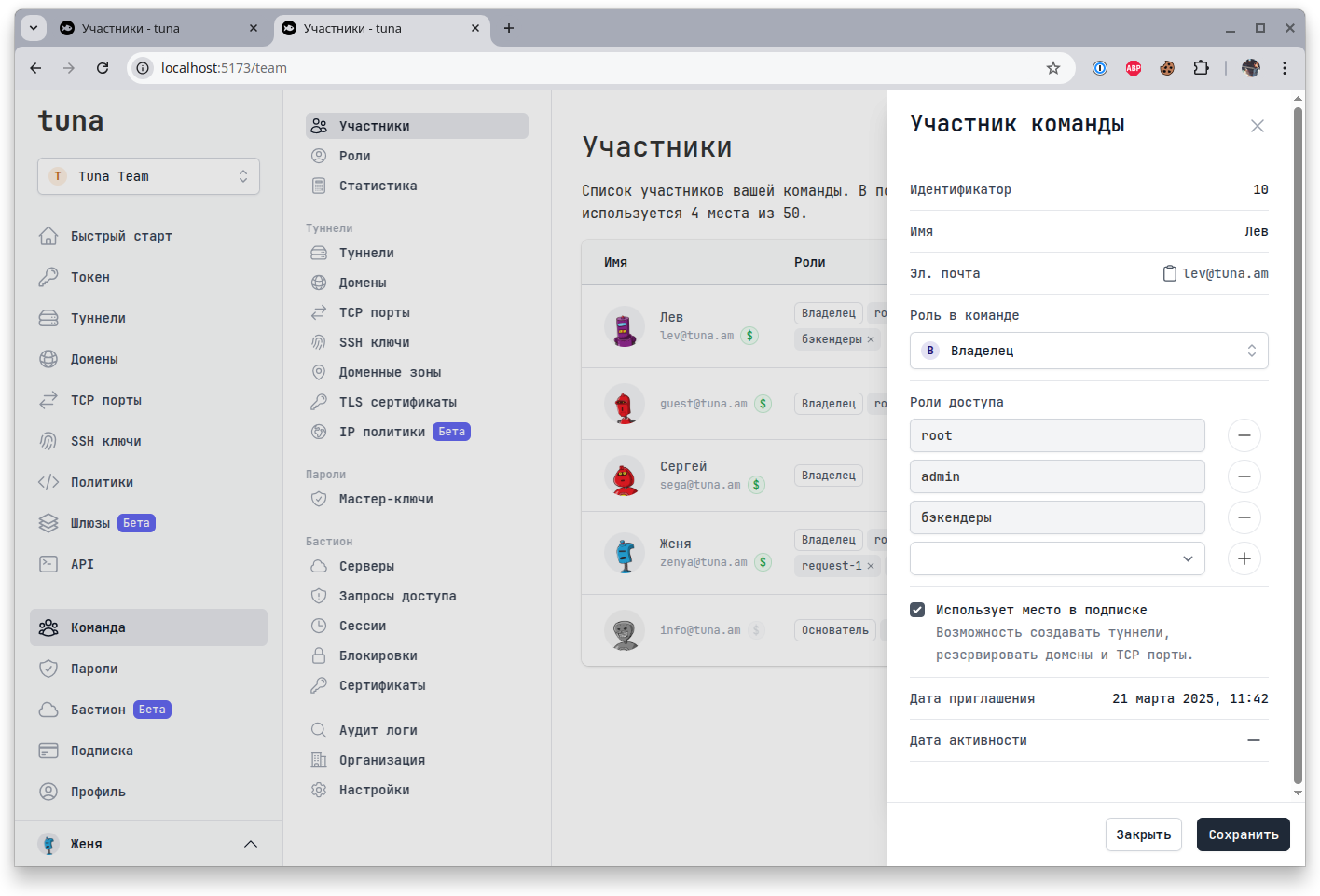
Administrators do not have access to all menu items:
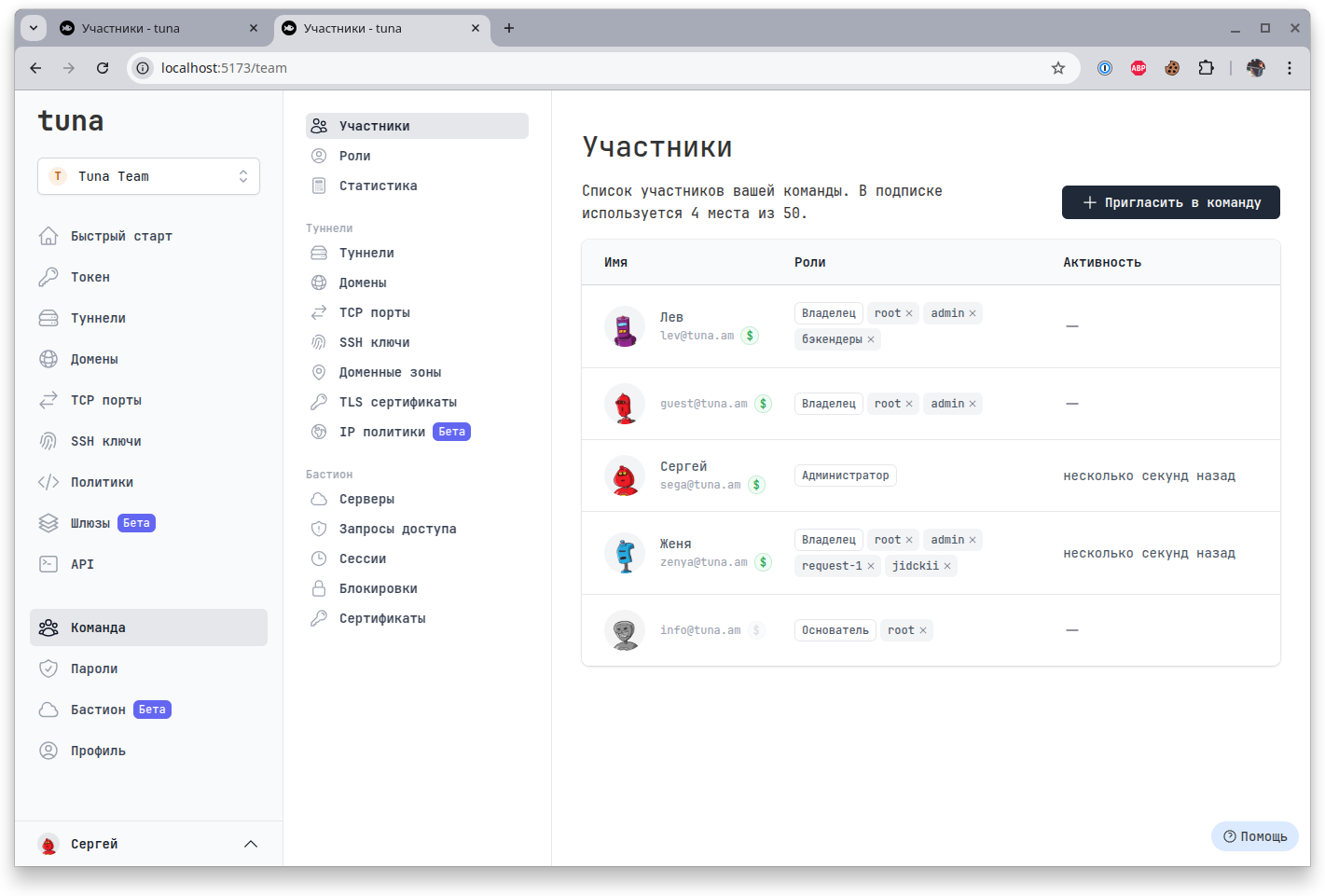
Subscription usage
You can specify whether a user will be counted in the subscription. You can add a user but disable them, i.e. not pay for them. For example, a manager creates a team and invites developers, buys a subscription for the number of developers, but does not pay for themselves, as they do not create tunnels, do not connect to bastion servers and do not use resources. At the same time, they have full control, access to audit, password manager, subscription management, etc.