ICMP (Ping)
The ICMP monitor checks network reachability of hosts using ICMP Echo Request (ping).
How it works
- The system sends an ICMP Echo Request to the specified host
- Waits for an ICMP Echo Reply
- If there is no reply — a notification is sent
Parameters
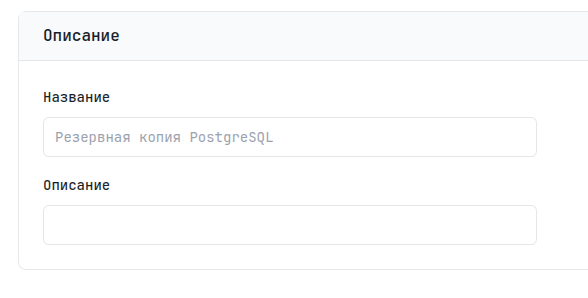
Description
| Parameter | Description | Required |
|---|---|---|
| Name | Unique monitor name | Yes |
| Description | A note about the task purpose | No |
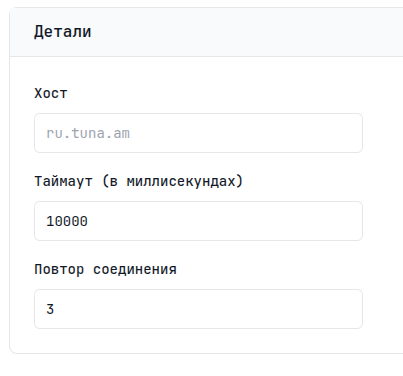
Details
| Parameter | Description | Default |
|---|---|---|
| Host | IP address or domain | - |
| Timeout | Maximum response wait time | 10 seconds |
| Retries | Number of retries on error | 3 |
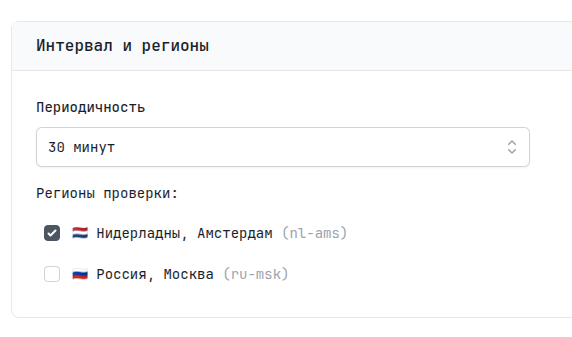
Regions
Choose one or more regions for the check. The monitor will send requests from each selected region at the specified interval.
| Parameter | Description | Default |
|---|---|---|
| Interval | Check frequency | 5 minutes |
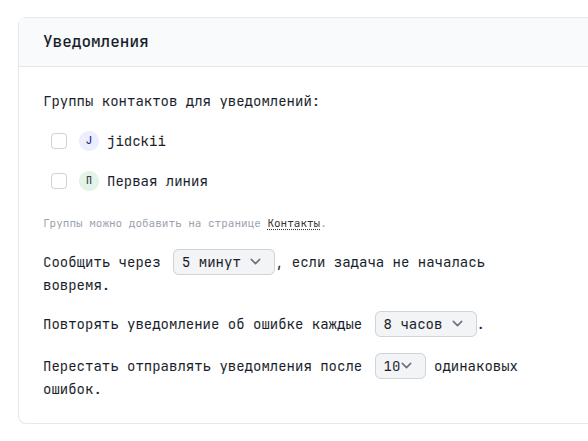
Notifications
Here you can specify contact groups for notifications. If left unspecified, the user's email is used.
You can also set a waiting period — Grace Period. It is added to the expected time of the next signal. For example, if the interval is 5 minutes and the Grace Period is 2 minutes, the alert will be sent 7 minutes after the last signal. Repeated notifications remind you of the problem; you can set the interval and number of these reminders.
Limitations
- Some hosts block ICMP traffic at the firewall level
- ICMP does not check service health, only network reachability
- To check specific services use TCP or HTTP monitors