TCP
The TCP monitor checks the availability of services over a TCP connection: databases, mail servers, game servers and other TCP applications.
How it works
- The system establishes a TCP connection to the specified host and port
- If the connection succeeds — the service is considered available
- On a connection error — a notification is sent
Parameters
Description
| Parameter | Description | Required |
|---|---|---|
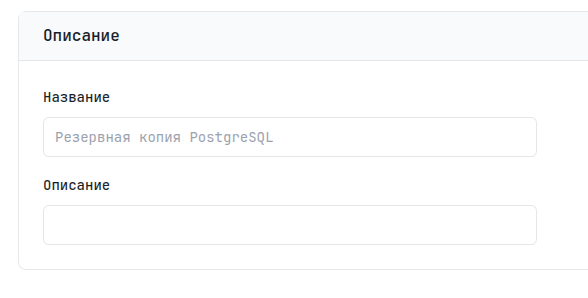
| Name | Unique monitor name | Yes |
| Description | A note about the task purpose | No |
Details
| Parameter | Description | Default |
|---|---|---|
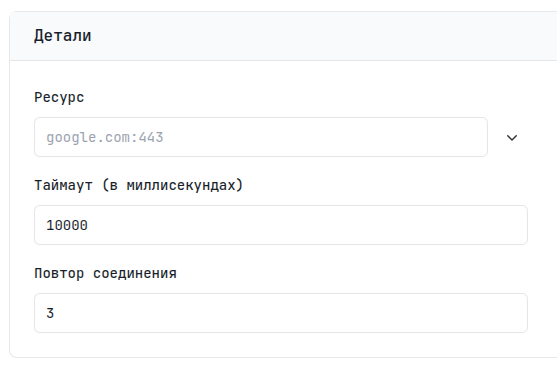
| Resource | host:port | - |
| Timeout | Maximum connection wait time | 10 seconds |
| Retries | Number of retries on error | 3 |
Regions
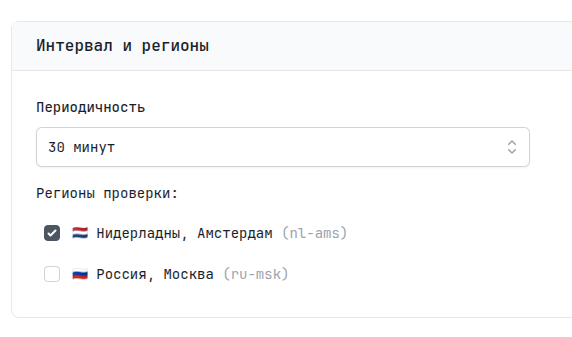
Choose one or more regions for the check. The monitor will send requests from each selected region at the specified interval.
| Parameter | Description | Default |
|---|---|---|
| Interval | Check frequency | 5 minutes |
Notifications
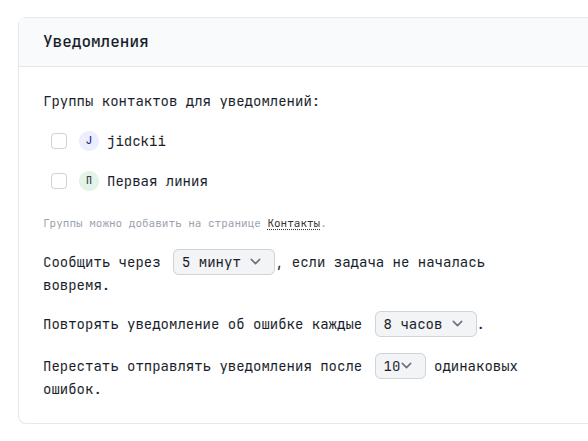
Here you can specify contact groups for notifications. If left unspecified, the user's email is used.
You can also set a waiting period — Grace Period. It is added to the expected time of the next signal. For example, if the interval is 5 minutes and the Grace Period is 2 minutes, the alert will be sent 7 minutes after the last signal. Repeated notifications remind you of the problem; you can set the interval and number of these reminders.